A timesheet is a document used to record the hours an employee works over a given period. On this page you’ll find 63 free timesheet templates, samples, and examples in Excel, Word, and PDF format — from simple daily time sheets to weekly, bi-weekly, and monthly time worksheets for payroll, project billing, and attendance tracking. Every timesheet sample below is free to download, easy to edit, and ready to print.
You can also explore our free Sign-in Sheet Templates and a Time Duration Calculator to help you manage time effectively.
Understanding the Importance of Timesheets
To track working hours precisely, it is essential to ensure that employees are paid fairly and properly. Timesheets keep records of the employees’ time worked-and every minute is recorded and can be corroborated. For managers or HRI departments, an easy means of calculating payroll, budgeting, and improved clarity in managing the workforce is also instituting a means of eliminating disputes arising from the difference in pay and unapproved overtime.
How Timesheet Templates Streamline Time Tracking for Individuals and Businesses
The timesheet templates mean that there is typically no need to pin one format upon another each pay period. By having ready fields for hours, dates, tasks, and employee information, these templates allow for saving time and making sure that the data collection is being done consistently. They can be used either manually on paper or electronically through software platforms, spreadsheets, or online tools. Within a fast-paced and dynamic working environment, the availability of stats sheets ensures proper and quick entry onto these sheets to allow the proper review by organizations to ensure the accurate accounting of the worked hours in project-wise, department-wise, or client-wise categorization. This uniformity promotes productivity, ease of processing payments, and auditable proof of hours worked by employees.
Key Components of an Effective Timesheet
A solid timesheet template is the backbone of accurate payroll. By standardizing how your team tracks hours, you instantly cut down on costly math errors, data gaps, and time theft. Ultimately, a timesheet is only as good as its design—if the data fields aren’t crystal clear, your efficiency will take a hit.
Essential Elements to Include
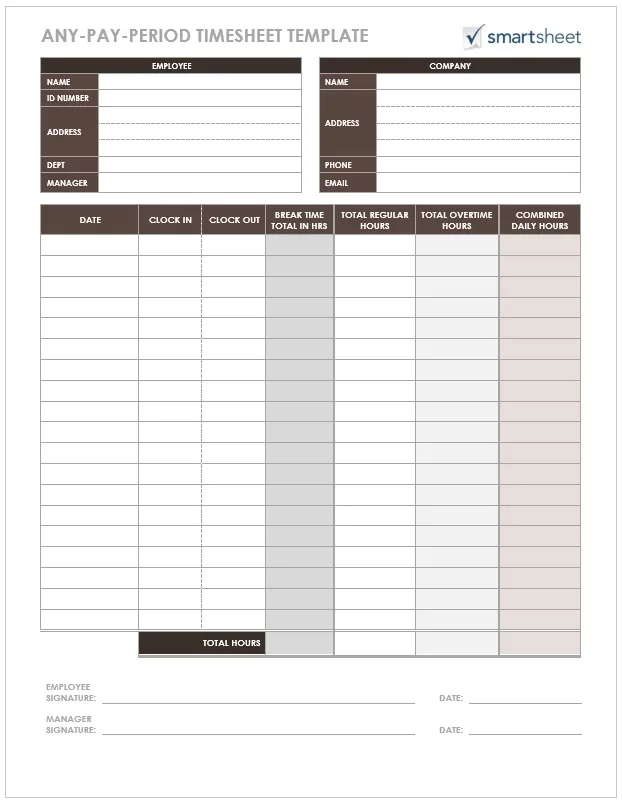
A great timesheet template starts with the basics: employee names, IDs, departments, and dates. To get payroll right, you need precise clock-in and clock-out times, including dedicated slots for paid and unpaid breaks. If you want to stay compliant with labor laws, make sure to track overtime separately. Finally, if your team juggles multiple accounts, add fields for project codes or task descriptions. This doesn’t just help with client billing—it gives you a clear bird’s-eye view of where your company’s time is actually going.
The Significance of Accuracy and Clarity in Timesheet
At the end of the day, a timesheet only works if it’s easy to use—whether it’s an employee logging their first shift or a manager approving the weeks’ hours. This means using clear labels, logical layouts, and dedicated spaces for manager sign-offs and notes. A well-designed template does more than just simplify payroll; it builds a culture of accountability and ensures your business has a reliable record of its time.
Standard Timesheet Format (Example)
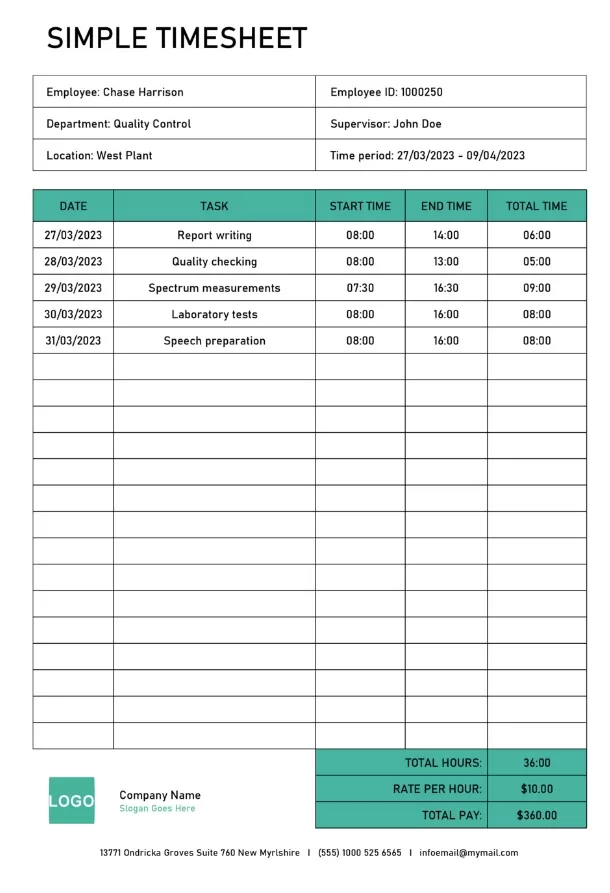
A standard timesheet format includes these columns:
| Column | Description |
| Date | Working day being recorded |
| Time In | Clock-in time |
| Time Out | Clock-out time |
| Break | Unpaid break duration |
| Regular Hours | Standard hours worked |
| Overtime | Hours beyond the standard schedule |
| Total | Daily total hours |
Rows for each day, a weekly/period total at the bottom, and signature lines for the employee and supervisor complete the format.
Free Timesheet Worksheets in MS Excel Format
Here are previews and download links for these templates,
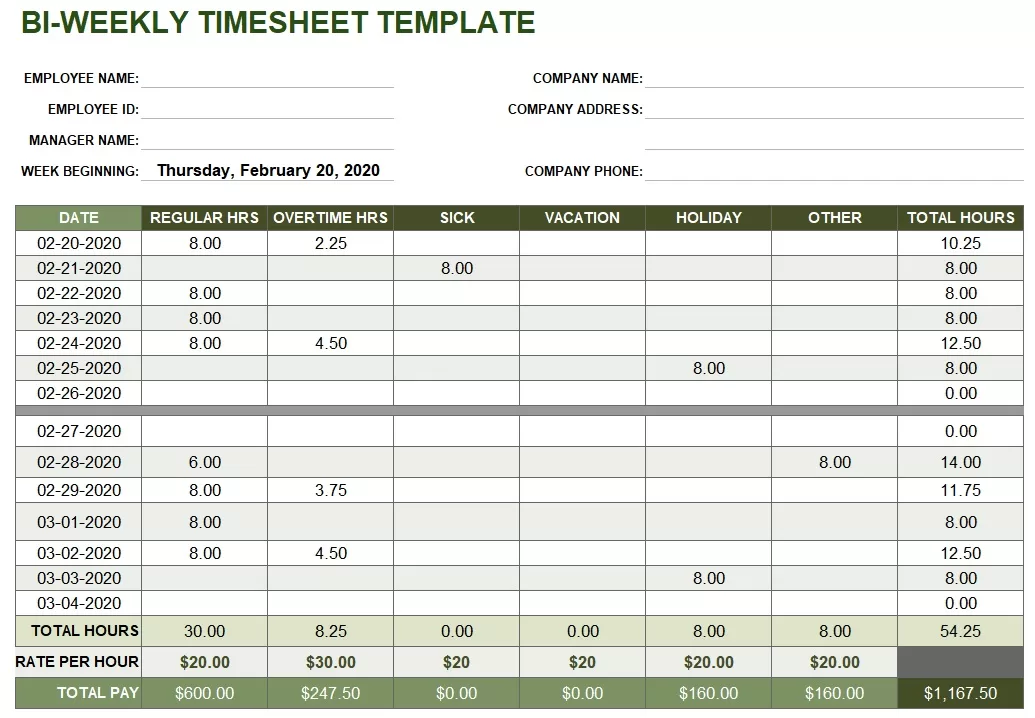
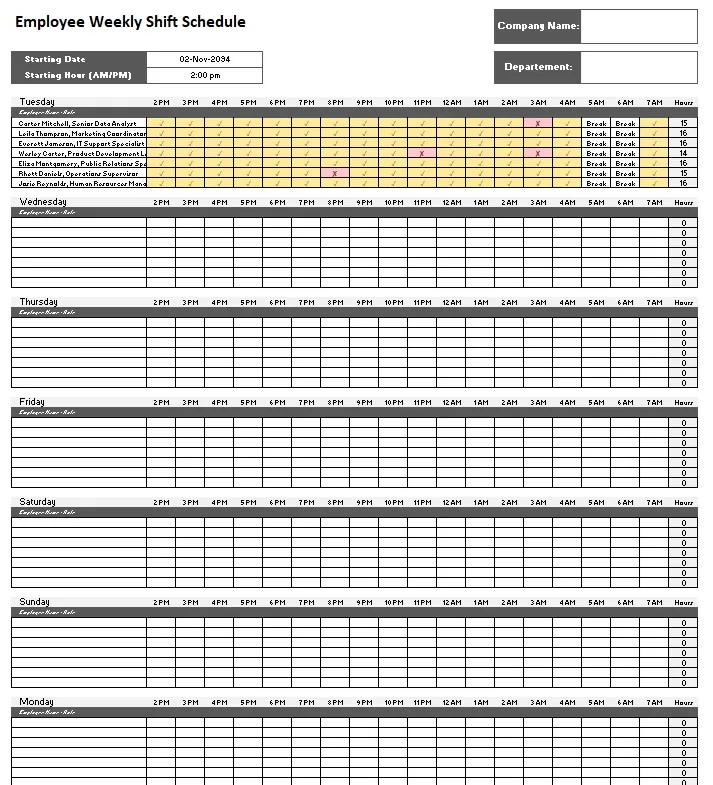
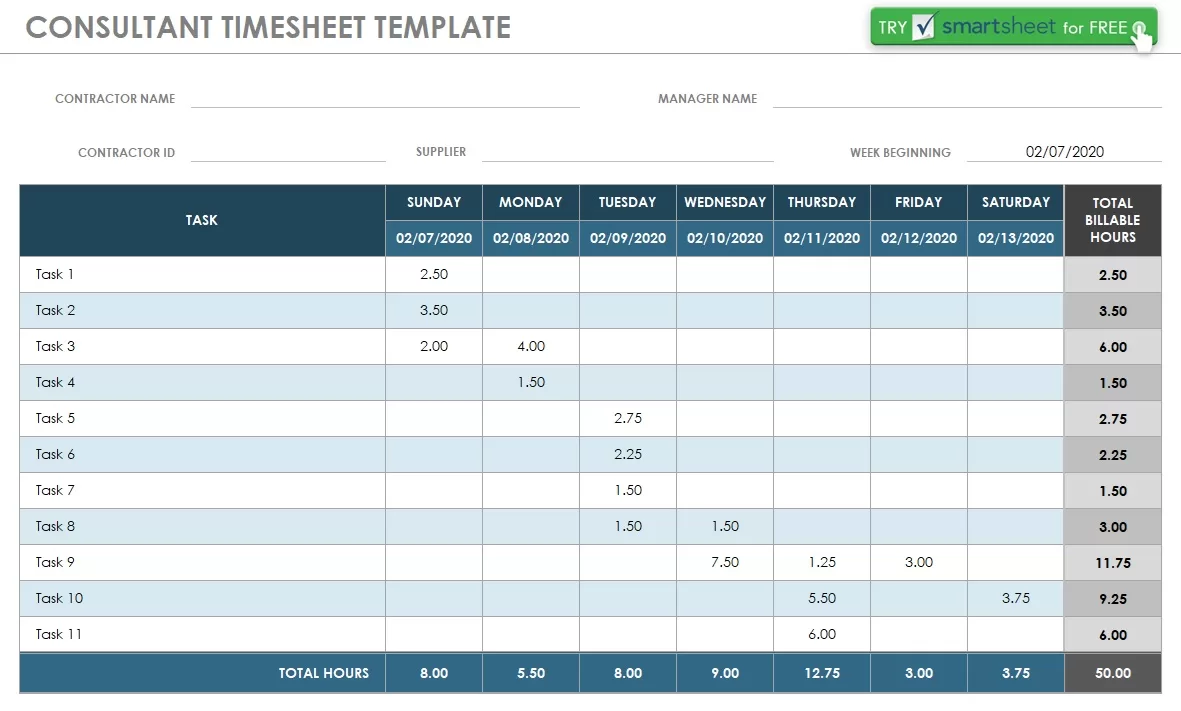
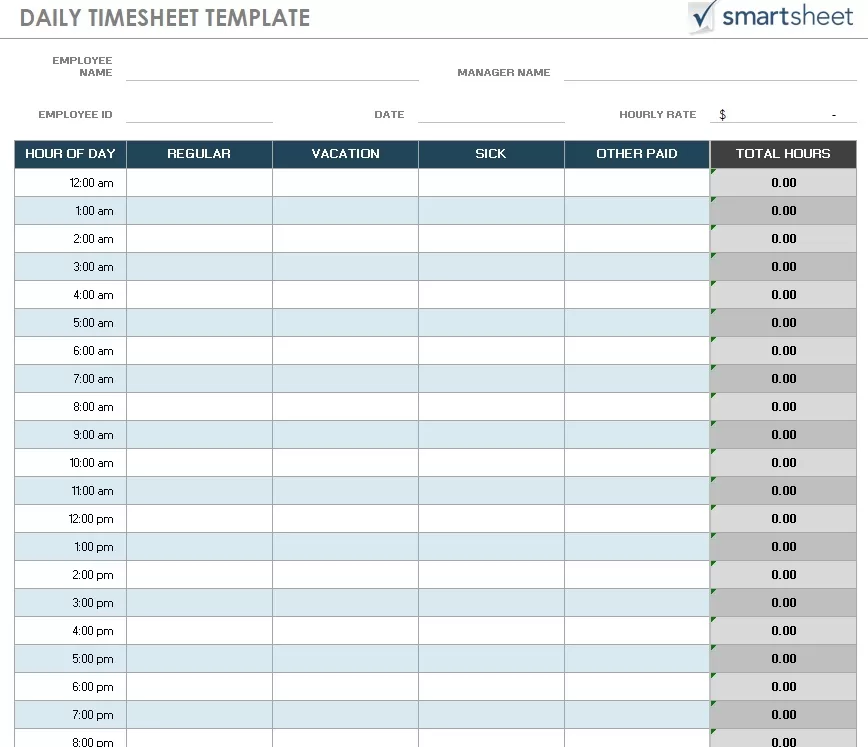
IC Largest Timecard Collection Daily Timesheet Template
File Type: MS Excel
File Size: 746 KB
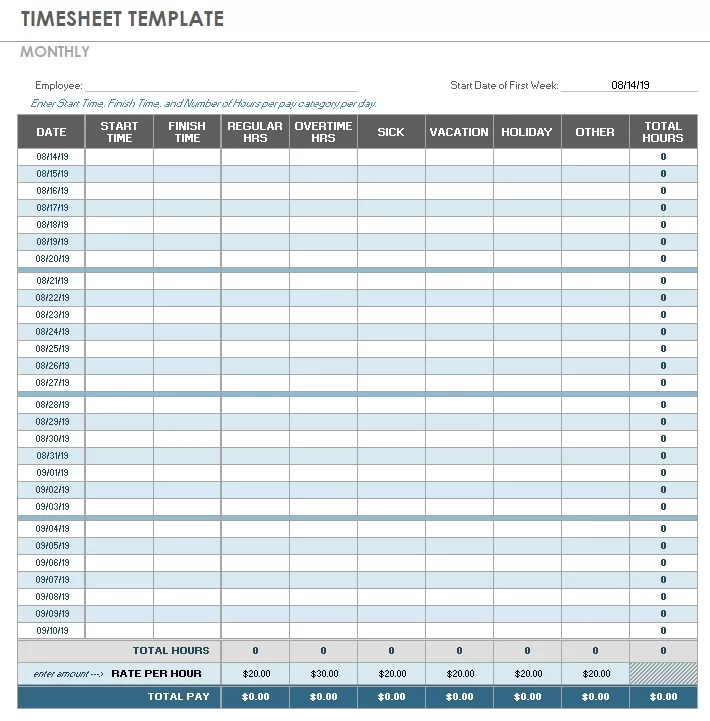
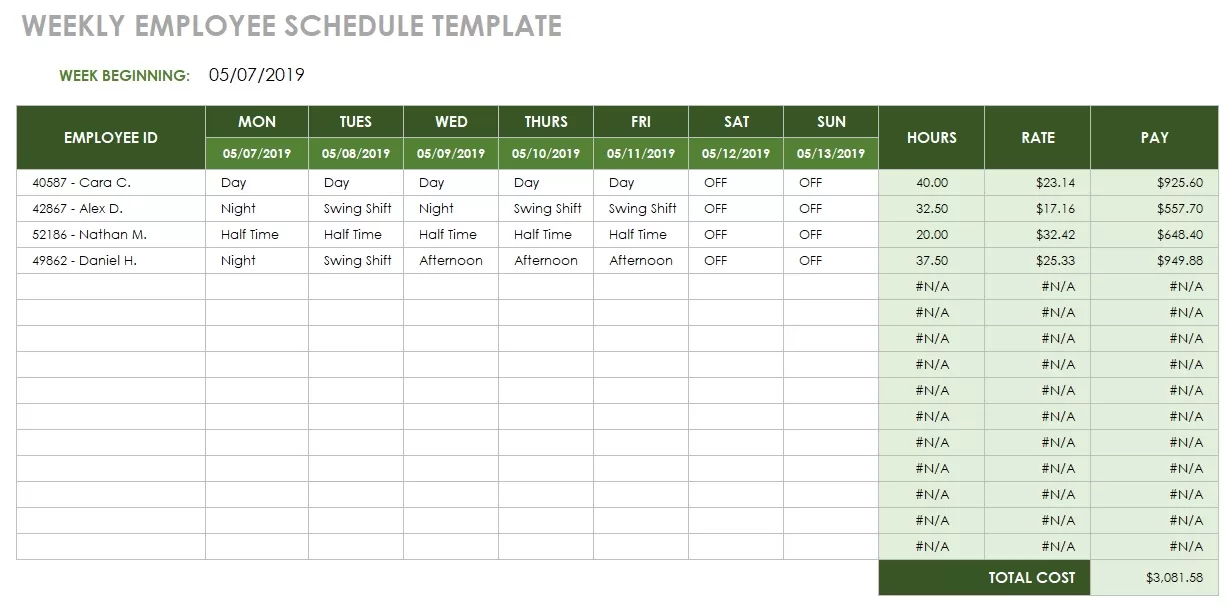
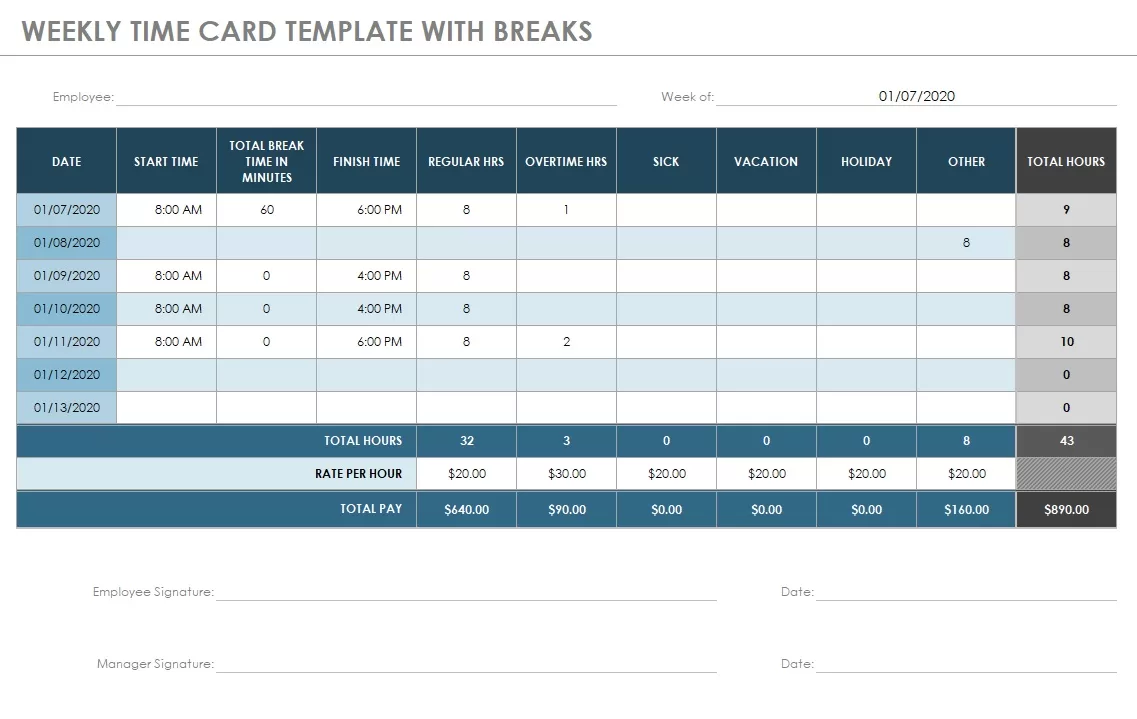
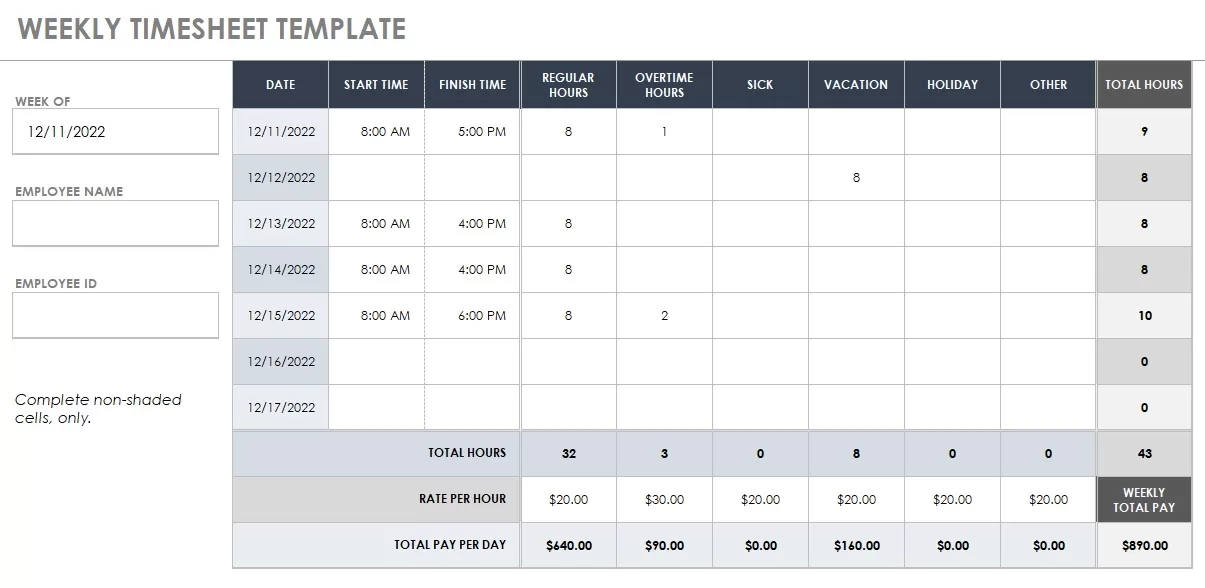
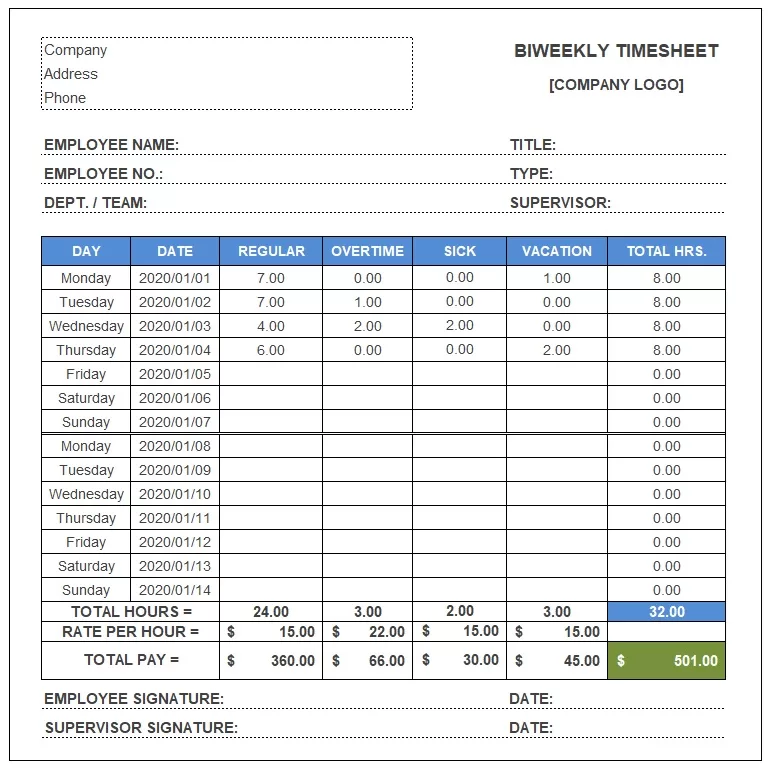
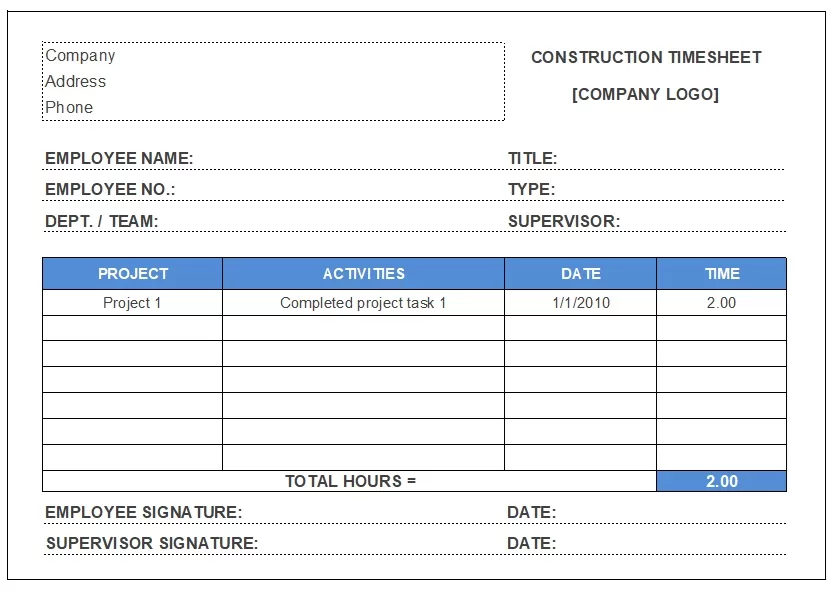
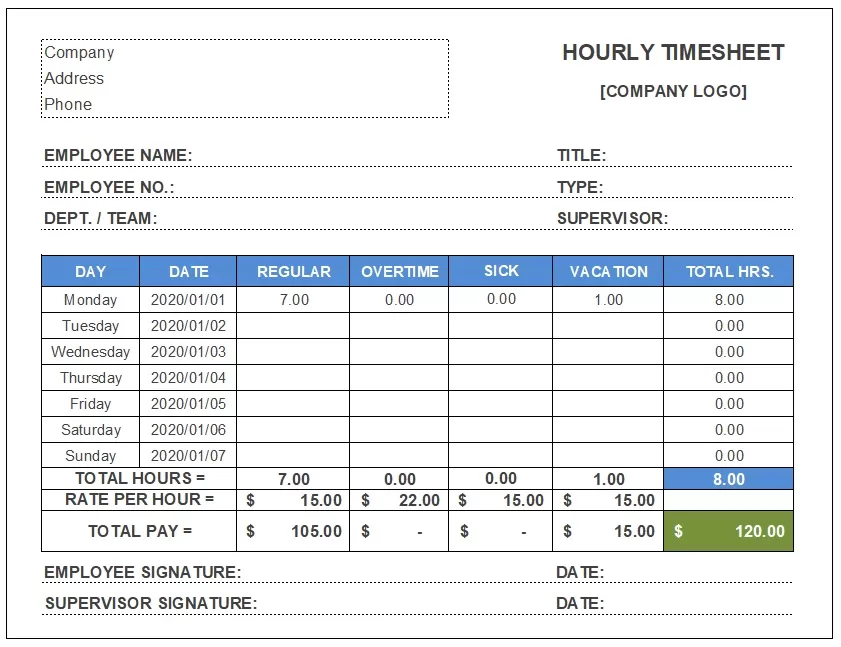
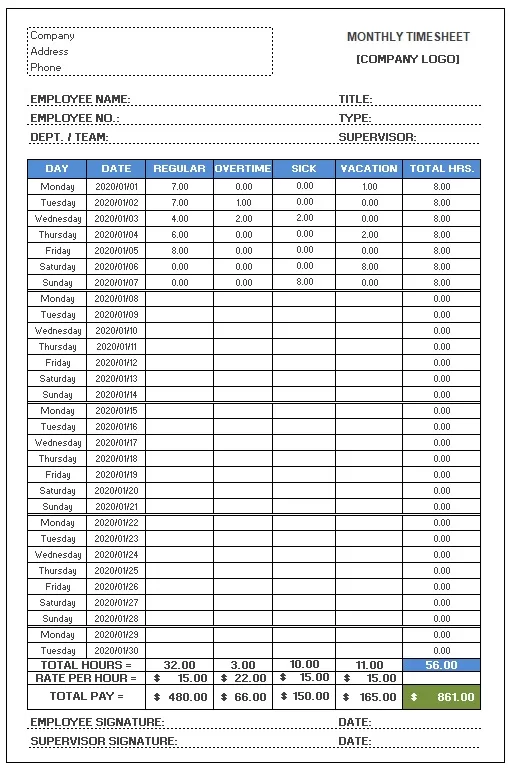
Types of Timesheets
Every business runs on a different rhythm, which is why timesheets come in so many different formats. The trick is choosing a template that matches how your team actually works. You’ll want to look at how often employees need to report their hours, how complex their day-to-day tasks are, and how your payroll system is set up. Pick the right format, and time tracking becomes a habit rather than a chore.
Daily, Weekly, Bi-Weekly, and Monthly Timesheets
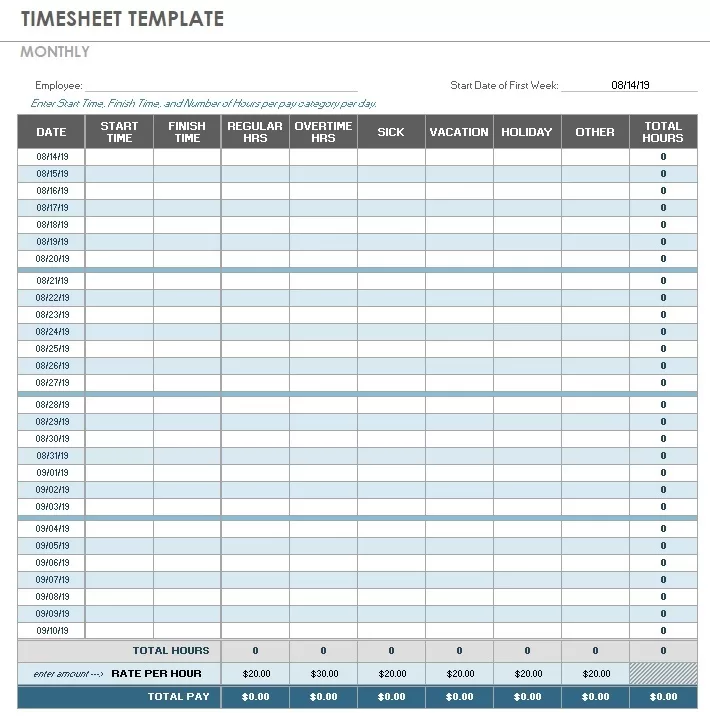
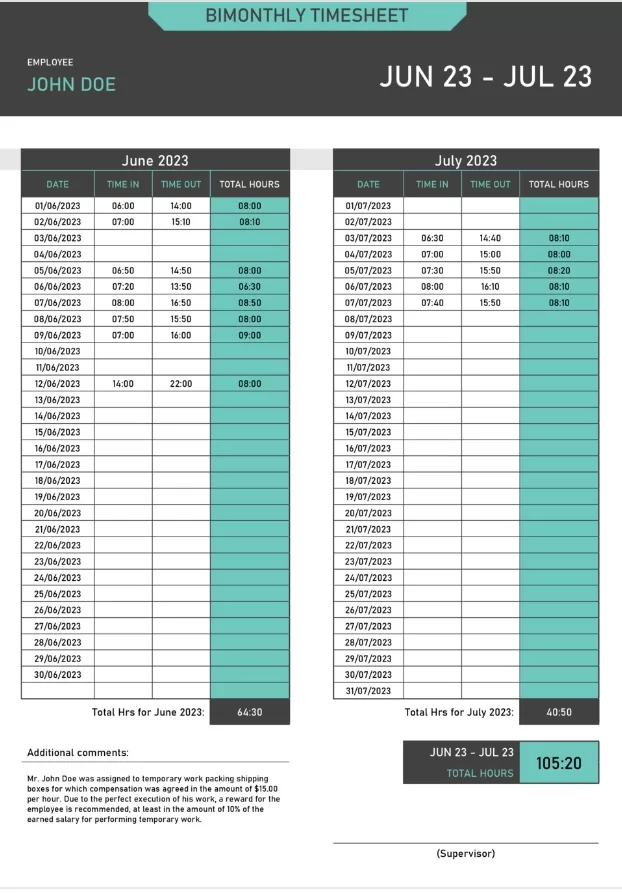
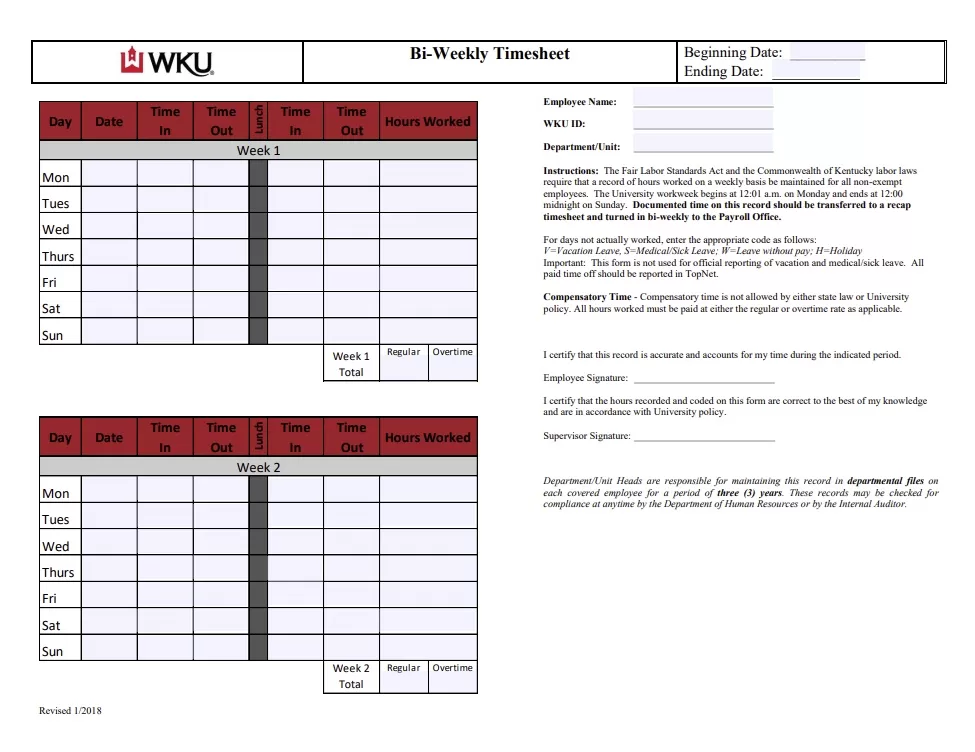
Choosing the right timesheet frequency depends entirely on your team’s workflow. Daily timesheets are perfect for shift workers, freelancers, or roles with highly variable hours where daily accountability is a must. For teams with steady, predictable schedules, weekly or bi-weekly templates are the industry standard—they cut down on administrative paperwork and align perfectly with standard pay cycles. Finally, monthly timesheets work best for salaried staff, long-term project management, or contract roles in consulting and education where big-picture tracking is preferred over daily micro-management.
Industry-Specific Templates
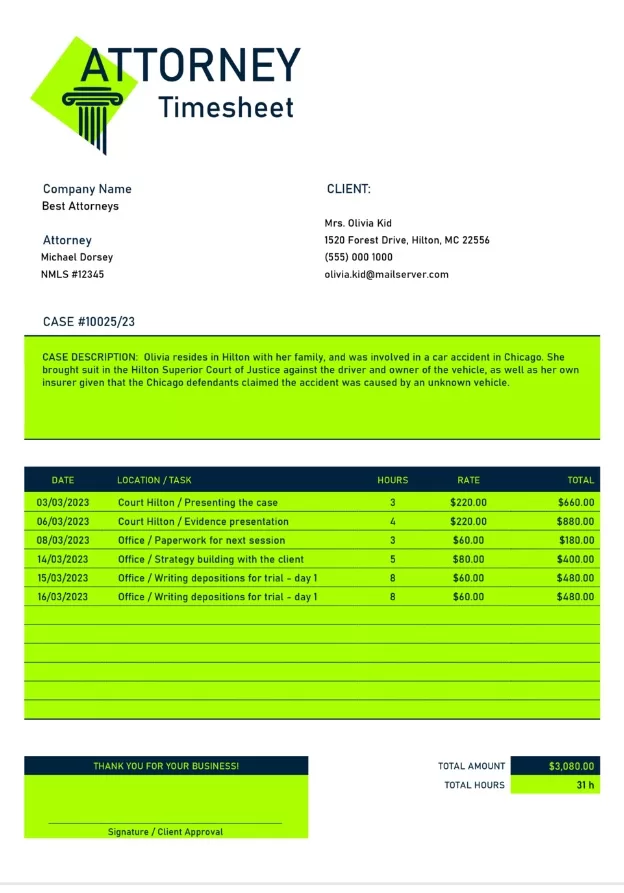
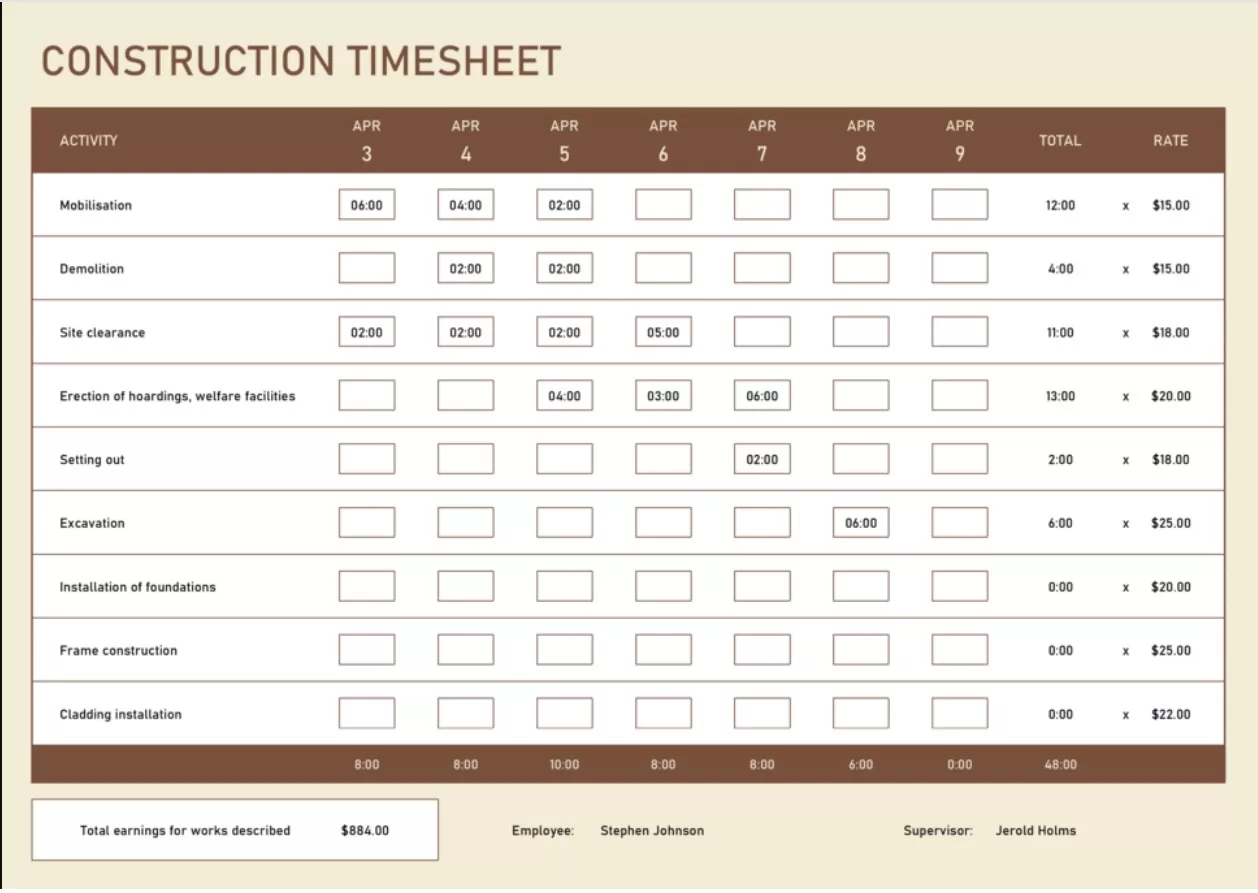
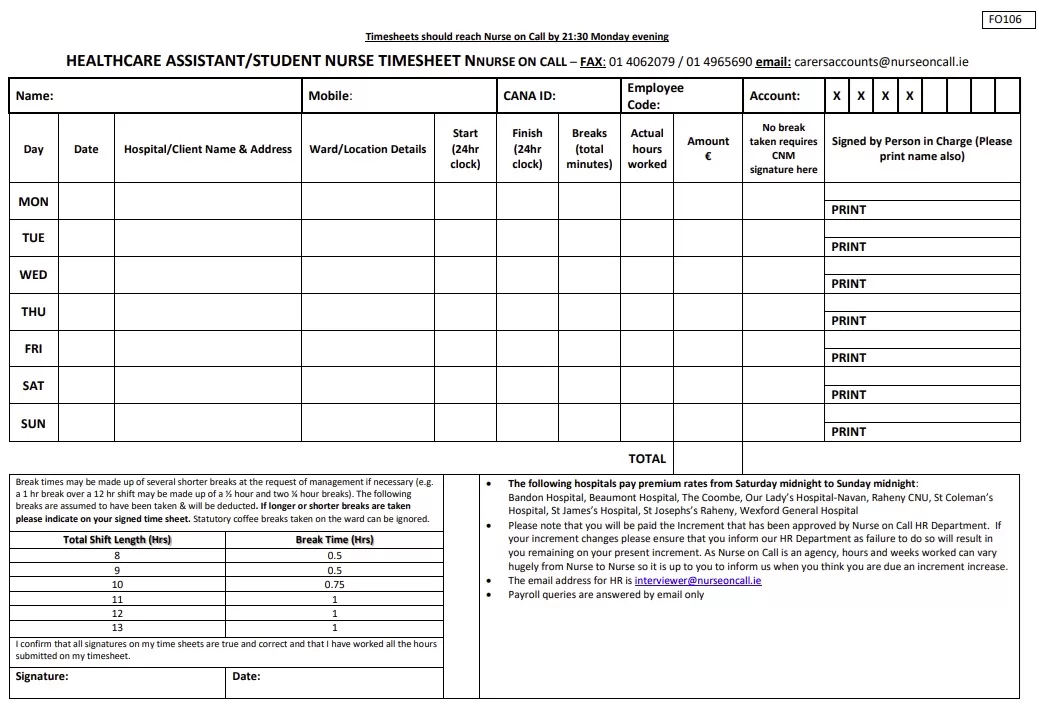
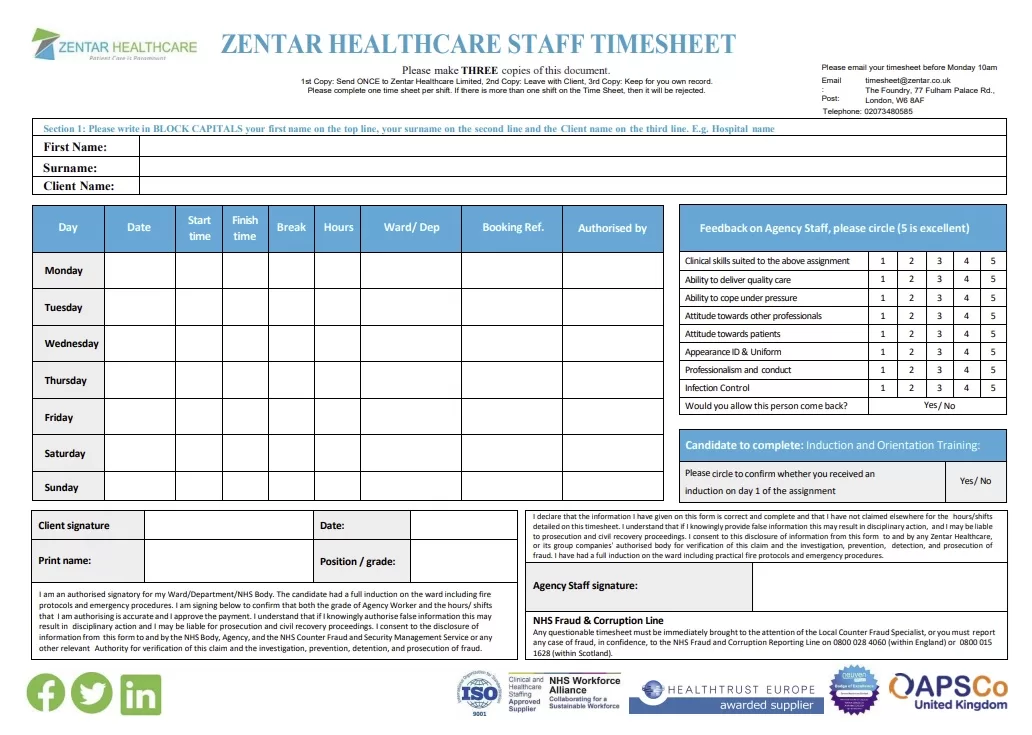
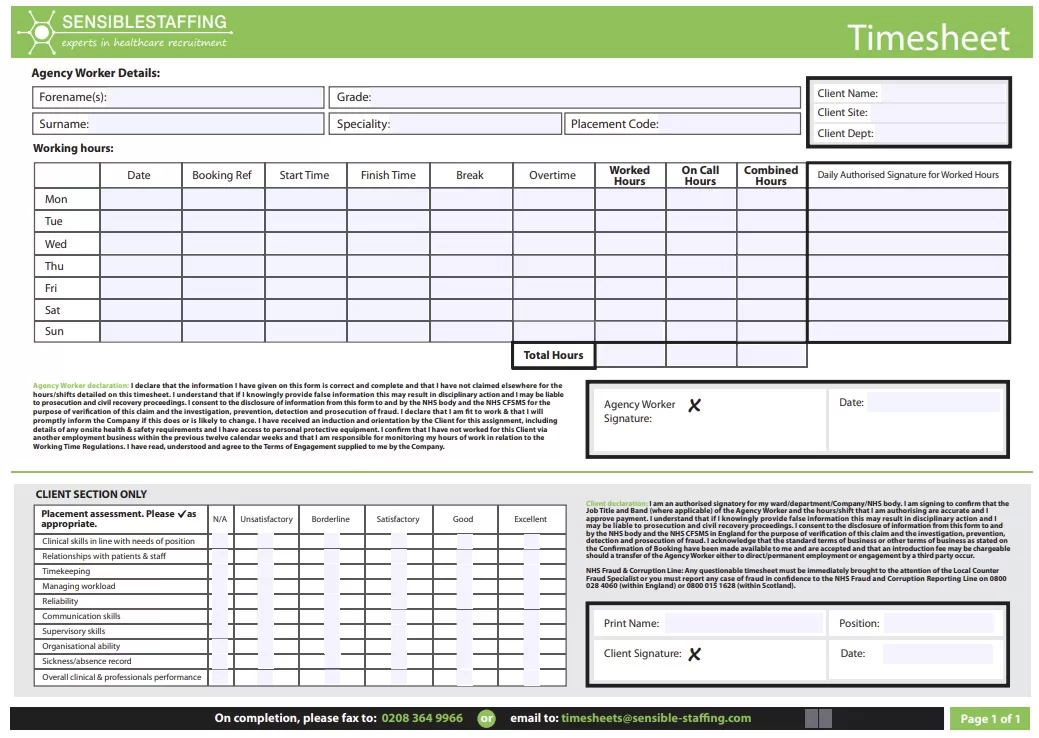
Sometimes, choosing a timesheet based on time frame isn’t enough—you need to look at your industry. A construction crew needs to log specific job sites and heavy machinery use alongside their hours. In healthcare, templates have to track strict compliance and shift rotations for nurses and techs. Freelancers live and die by billable vs. non-billable hours, while corporate teams usually need timesheets that tie right into their task management tools. When your template actually fits your industry’s reality, accuracy goes up and compliance headaches disappear.
Free Timesheet Templates in MS Word Format
Here are previews and download links for these templates,
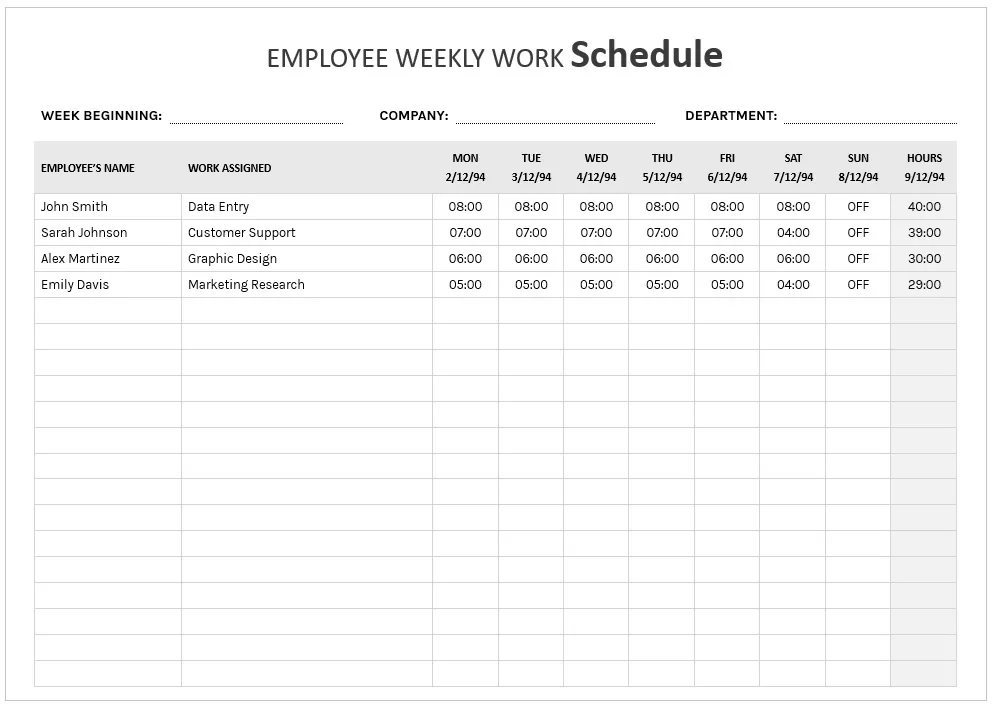
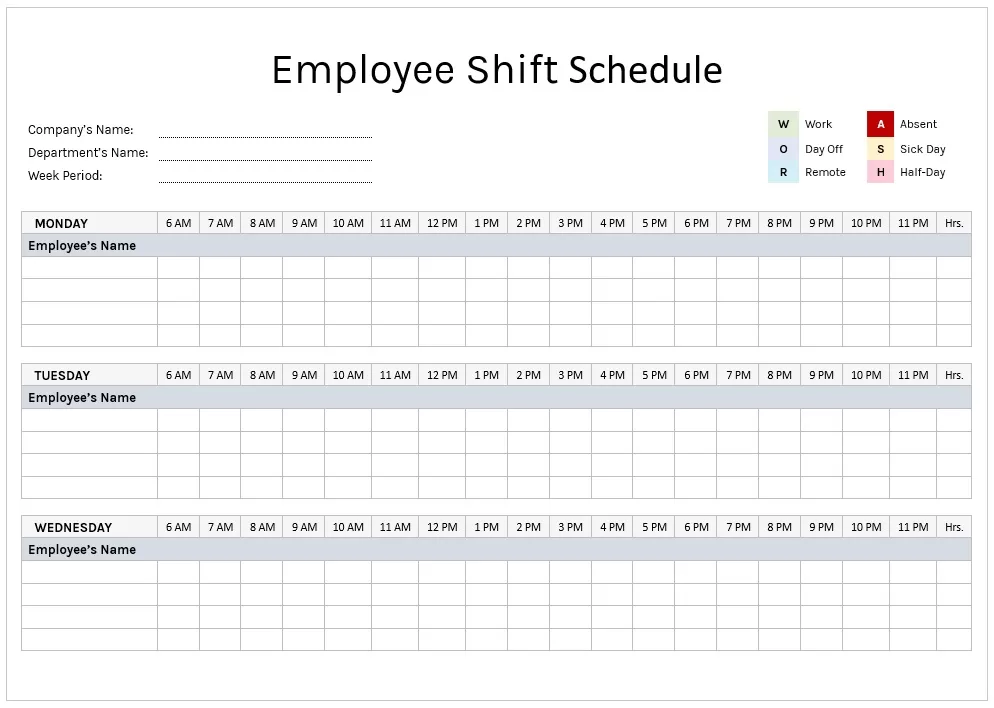
Printable Employee Weekly Work Schedule Template – Word
File Type: MS Word
File Size: 36 KB
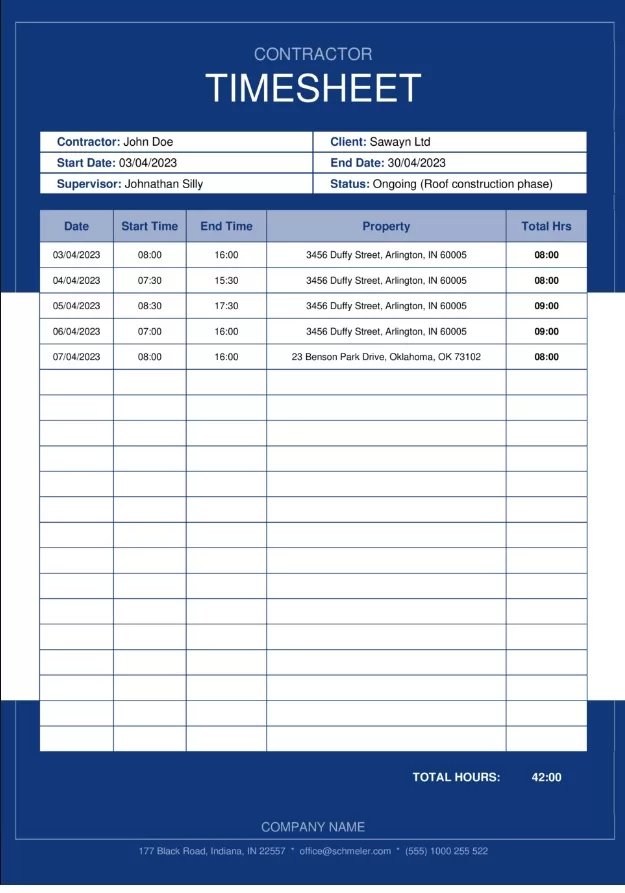
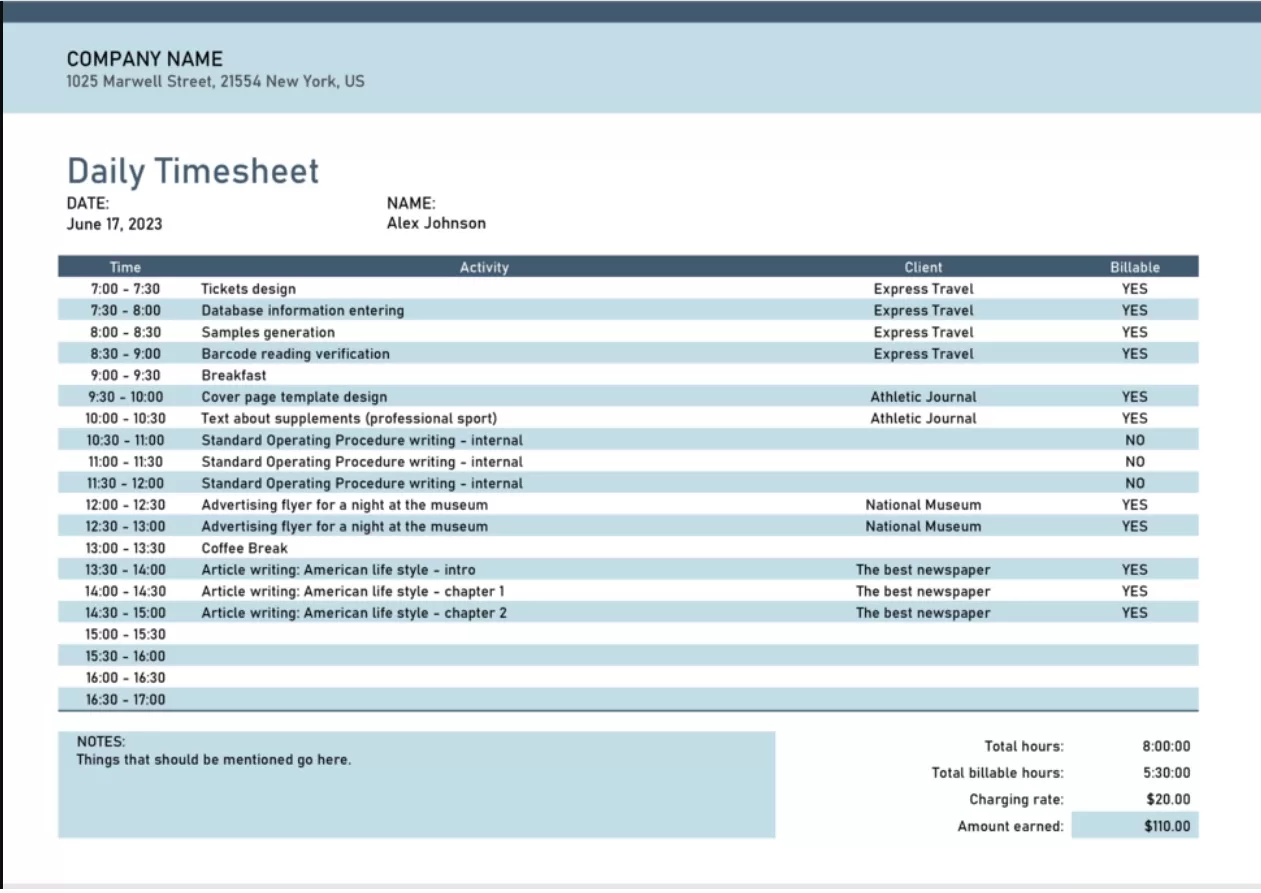

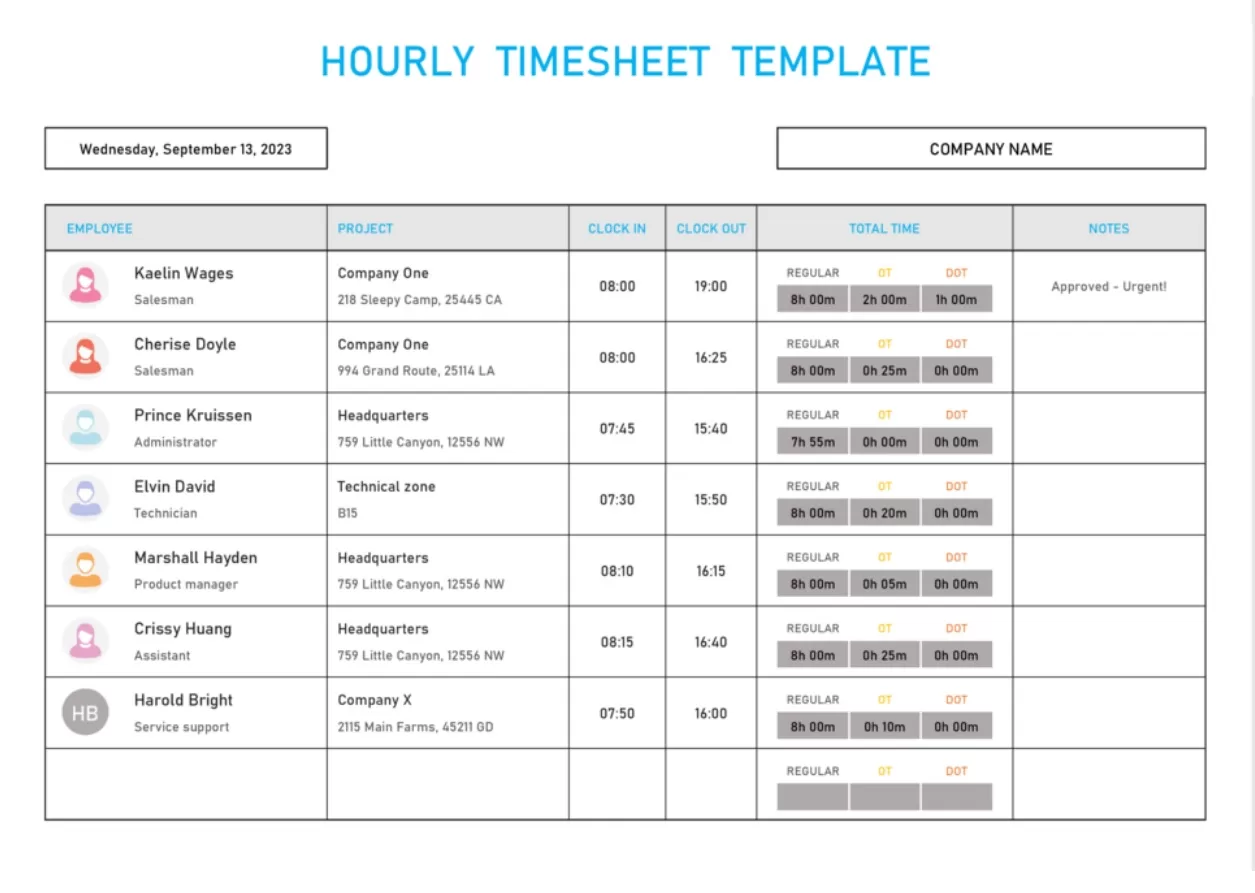
Benefits of Using Timesheet Templates
There are lots of benefits that timesheet templates offer both employer and employee; mainly, they make it easier to track time and to have consistency in how time hours are recorded and reported. Internal time management, client billing, or payroll. And those templates will provide a structured solution, therefore eliminating guesswork and reducing the load within administrations.
Enhancing Productivity and Accountability Among Employees
When everyone uses the same timesheet template, it builds a healthy culture of ownership. Logging hours forces a bit of self-reflection on where the day actually went. For managers, that data is pure gold—it shows exactly where roadblocks are happening and how to better balance the team’s workload. Think of a timesheet not as a surveillance tool, but as a communication bridge that keeps expectations clear between employees and leadership.
Simplifying Payroll Processing and Ensuring Compliance with Labor Laws
Accurate timesheets are a lifesaver for payroll teams. Instead of wasting time tracking down missing hours or verifying messy notes, you get clean data that plugs right into your payroll system to calculate wages and deductions. Even better, it keeps your business safe. If you’re ever audited, these records serve as proof that you’re following labor laws regarding overtime and breaks. Minimizing payroll errors while covering your legal bases is the easiest way to protect your bottom line.
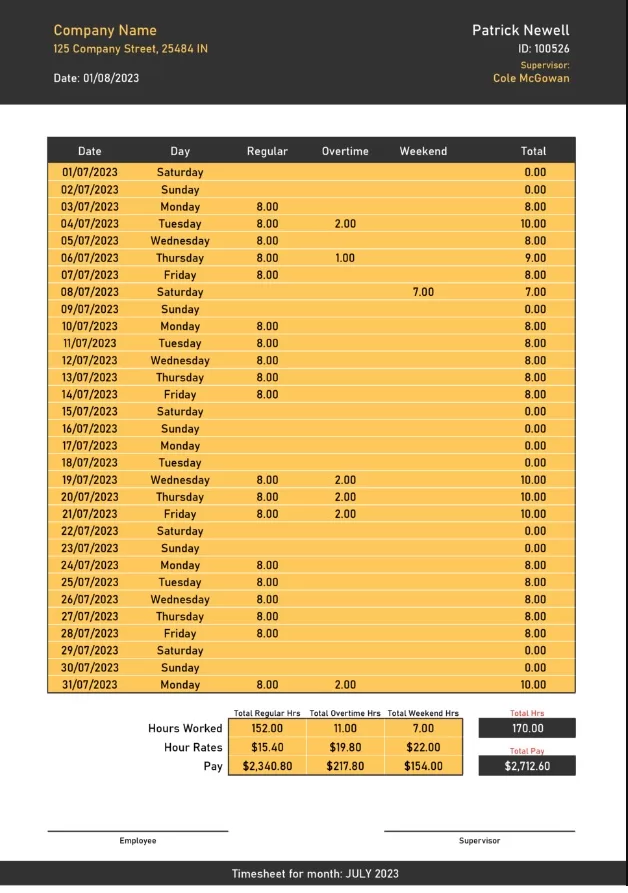
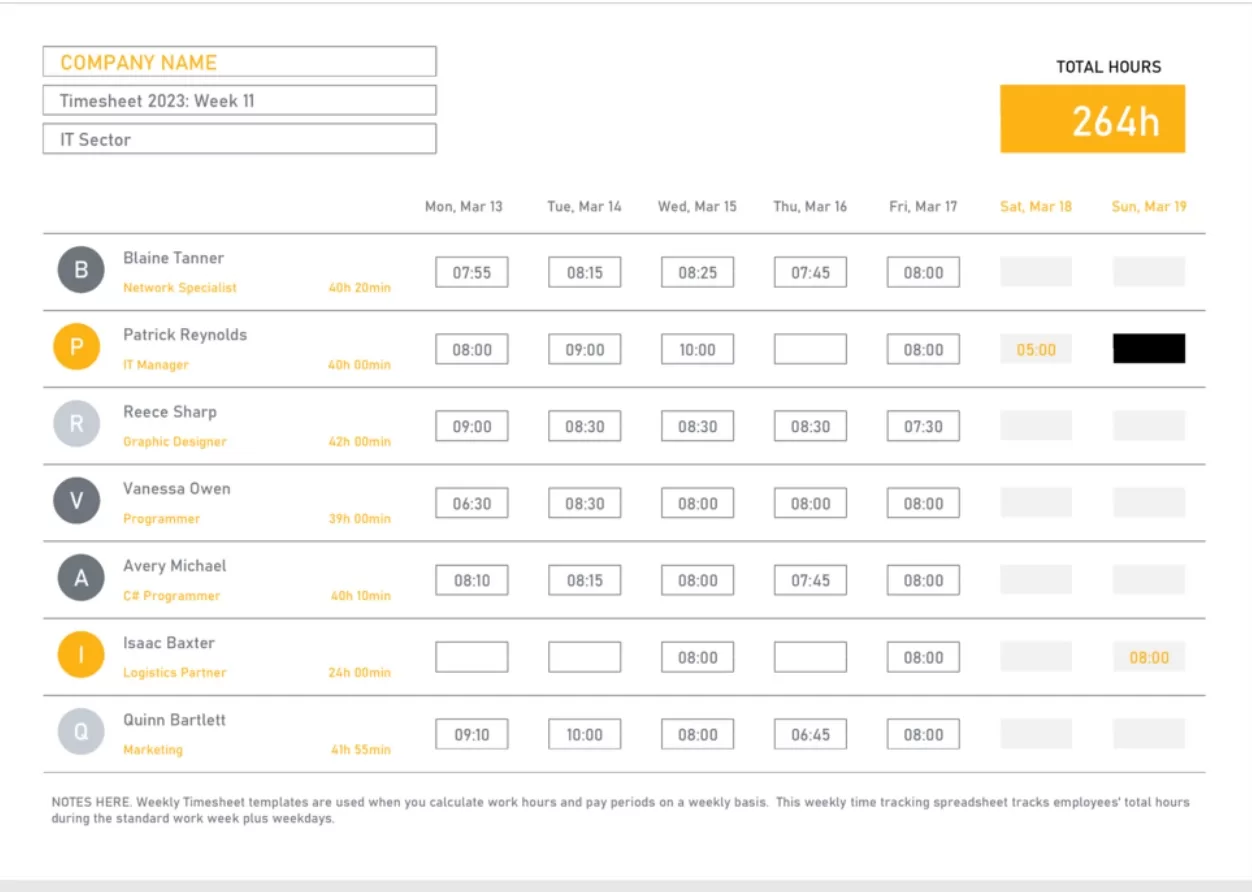
How to Choose the Right Timesheet Template?
Choosing a timesheet template isn’t just an administrative chore—it actively shapes how smoothly your business runs. The right format should seamlessly fit your existing pay cycle and team structure. If you force a rigid, over-complicated template onto a remote or field-based team, you’re going to end up with messy data, frustrated employees, and payroll delays. On the other hand, matching the template to your specific workflow turns time tracking into a seamless, friction-free habit.
Assessing Your Organization’s Time Tracking Requirements and Pay Periods
Before picking a template, take a close look at how your business actually operates. If you manage hourly staff or rotating shifts, you’ll need the granular detail of a daily or weekly timesheet. For salaried teams or long-term projects, a bi-weekly or monthly layout is usually much cleaner. The key is to map your template directly to your payroll frequency, your team’s scheduling flexibility, and whether you need to break down hours by client or task.
Considering the Preferred Format and Compatibility with Existing Systems
You also need to consider your team’s daily environment. While digital spreadsheets (like Excel or Google Sheets) offer cloud access and automated math, printable templates are often a better fit for job sites or facilities where workers don’t have constant access to devices. Beyond the format, make sure the template can easily sync with your current payroll software. Look for layouts that let you customize fields, add branding, or set up simple approval workflows—matching the tool to your actual routine ensures your team will actually use it.
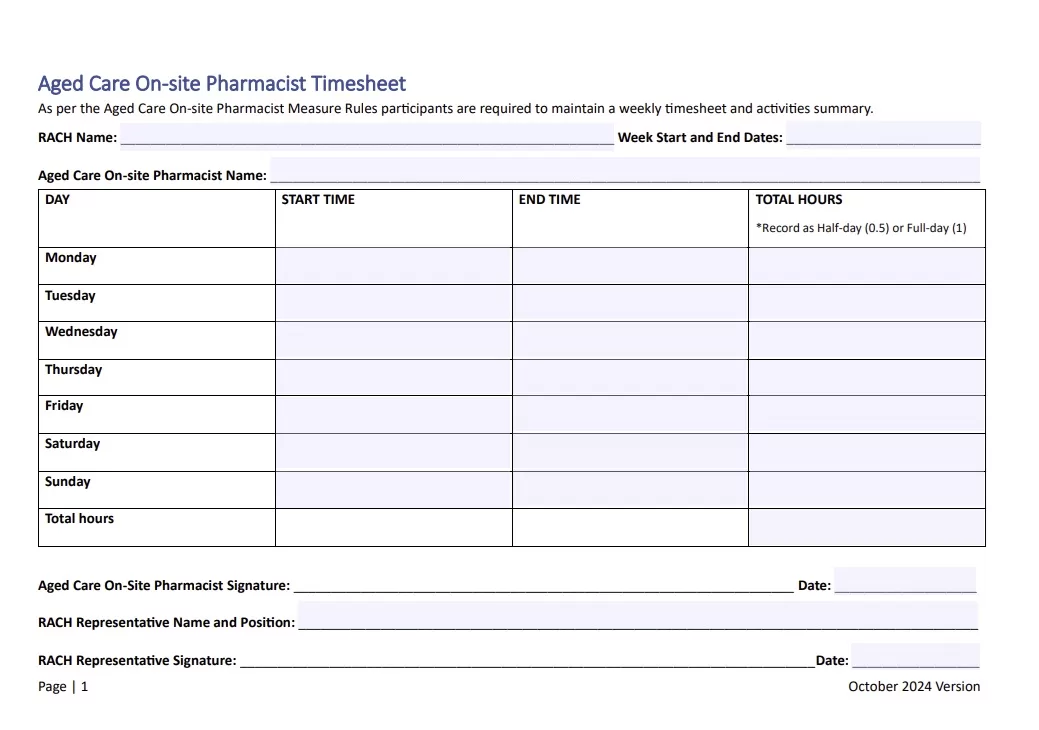
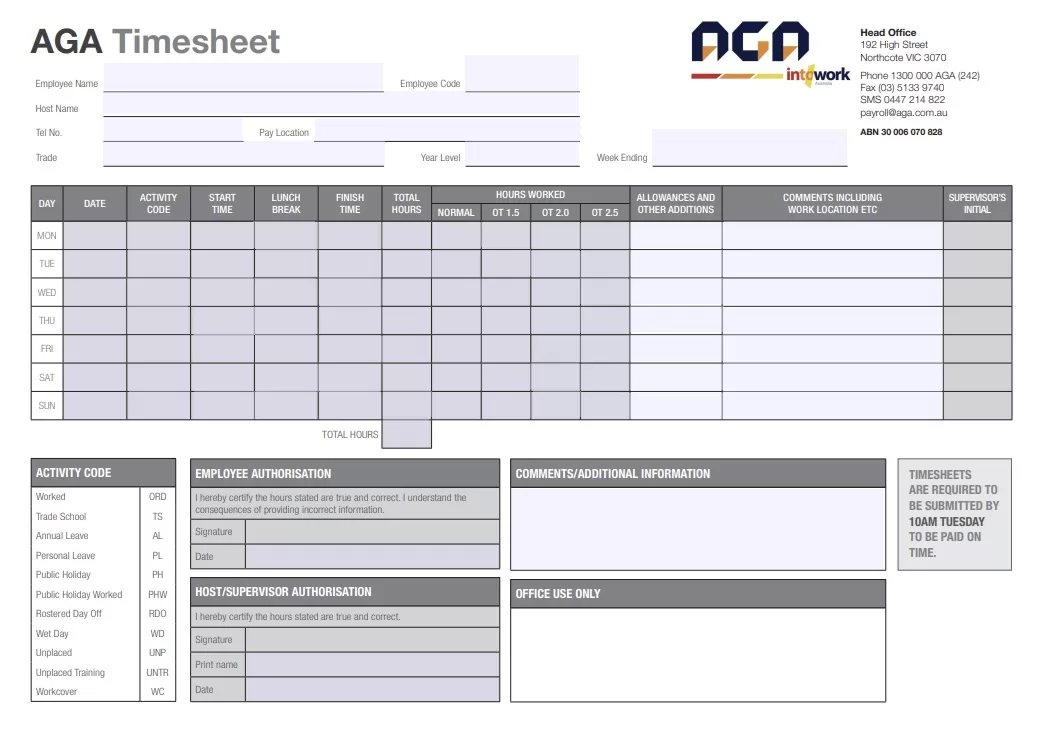
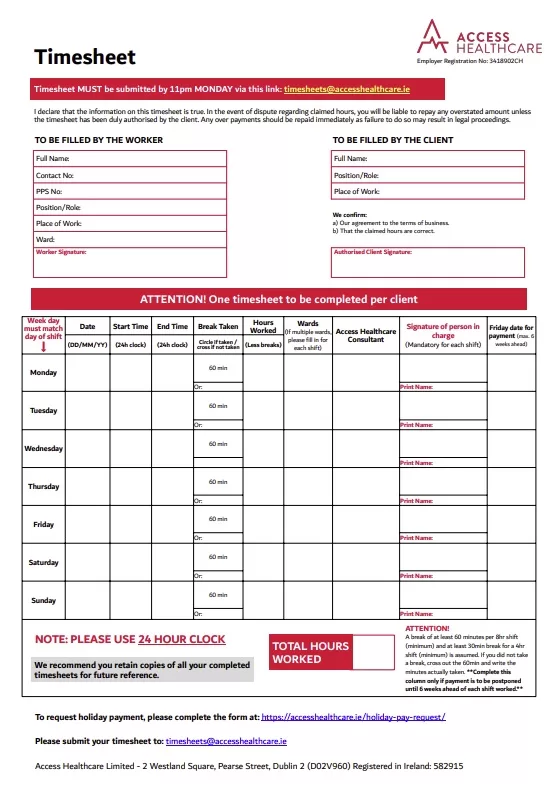
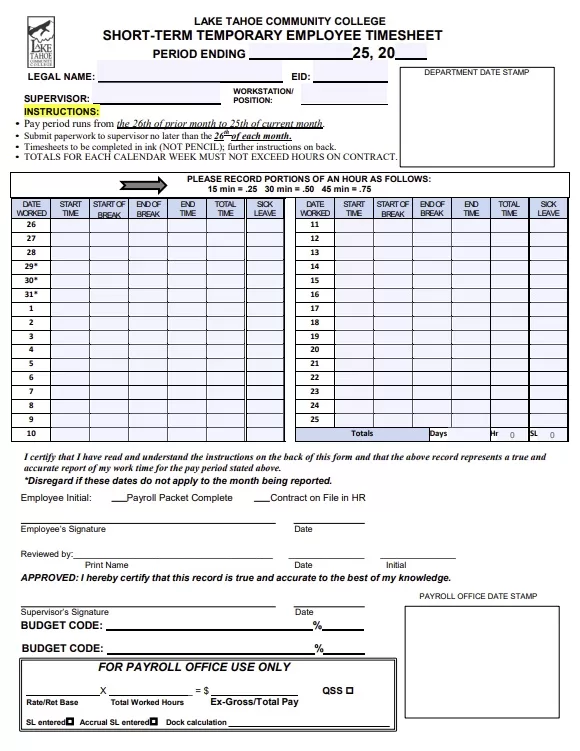
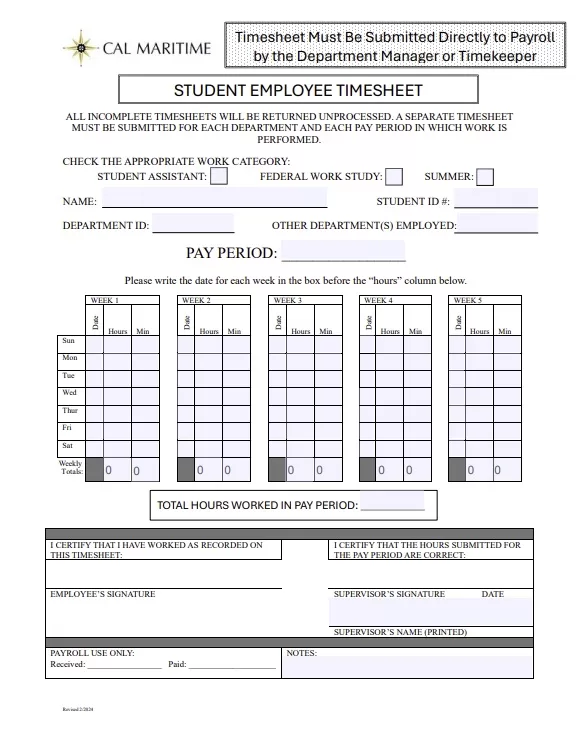
Free Printable Timesheets in PDF Format
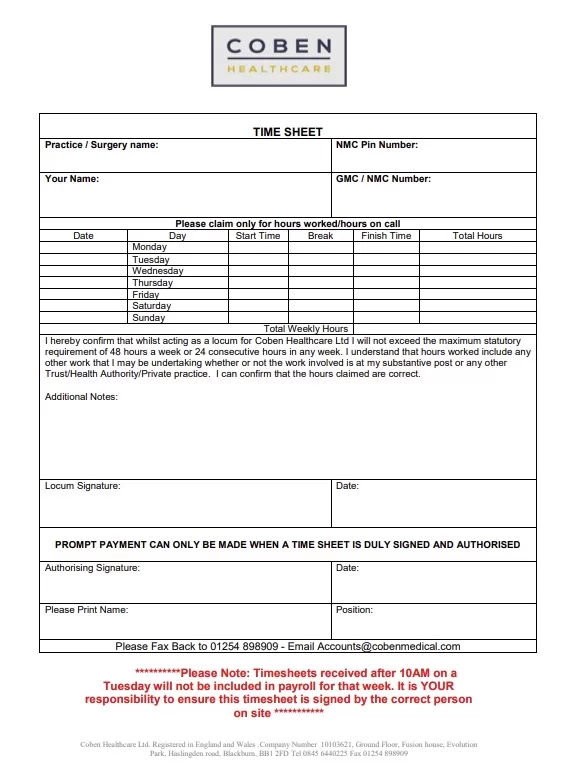
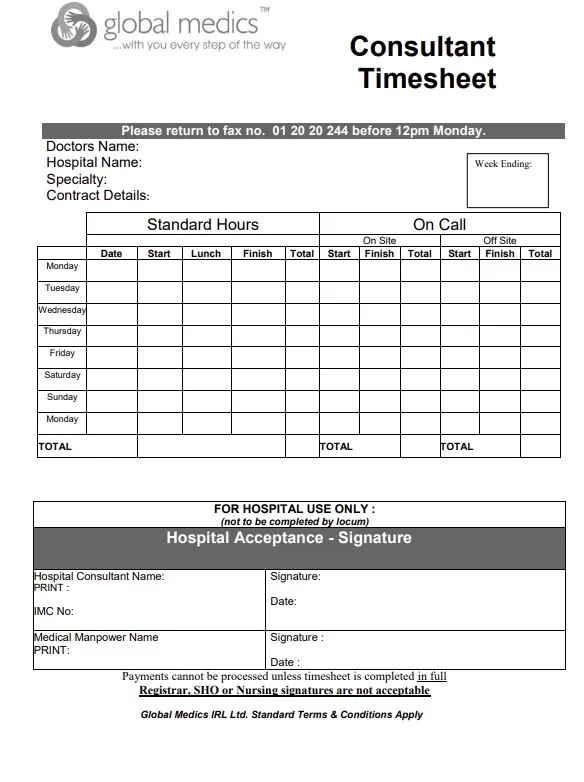
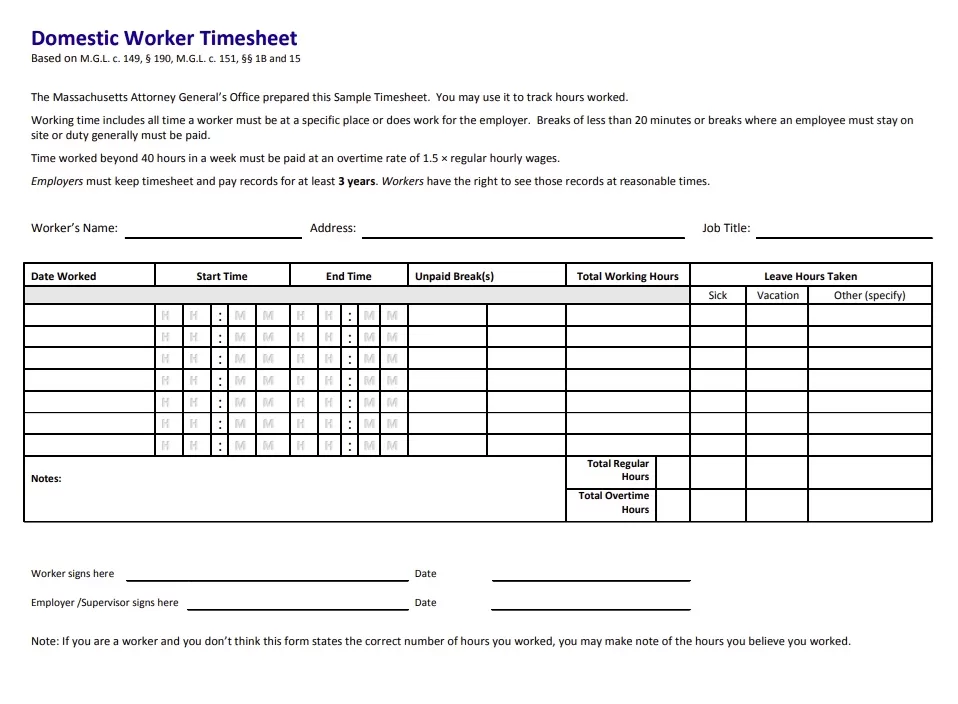
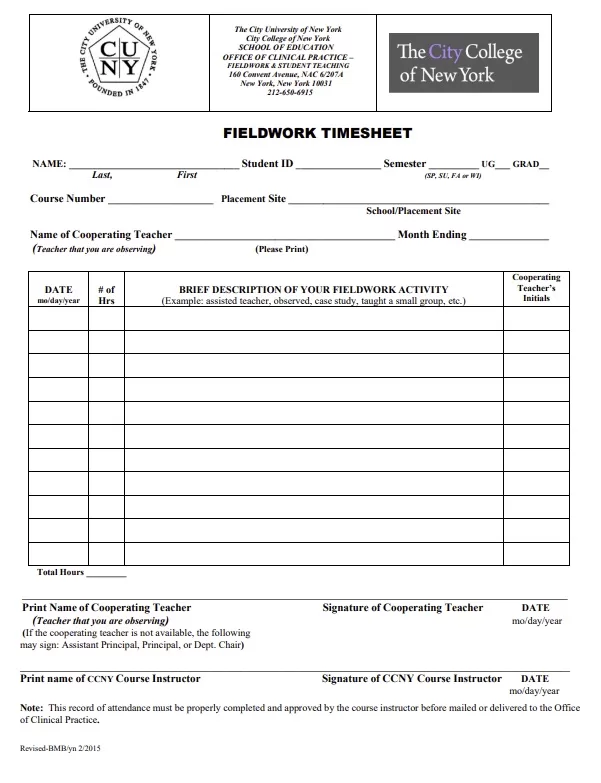
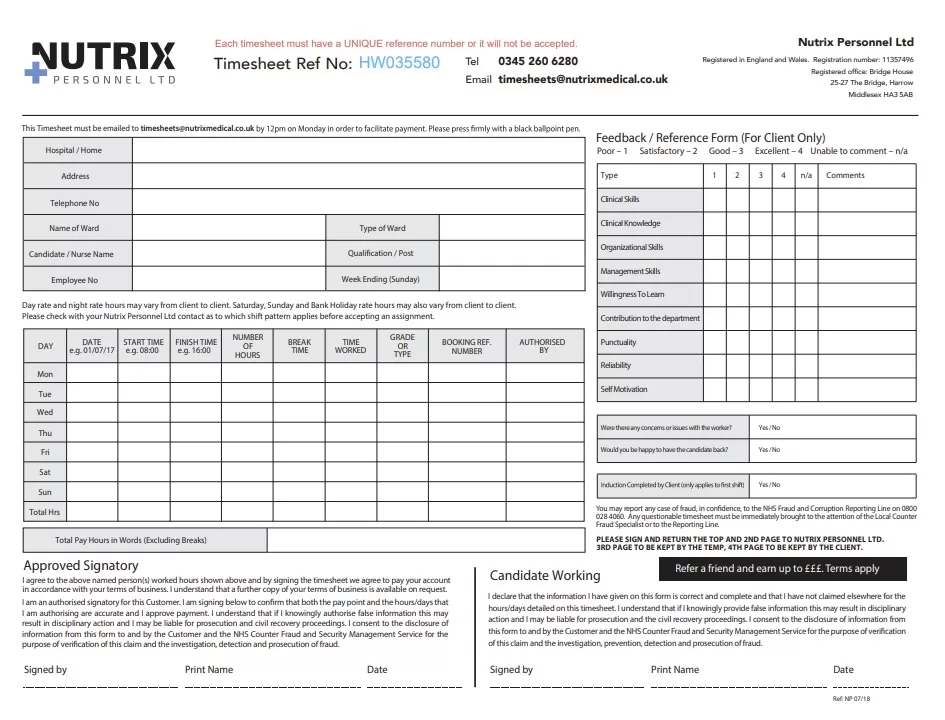
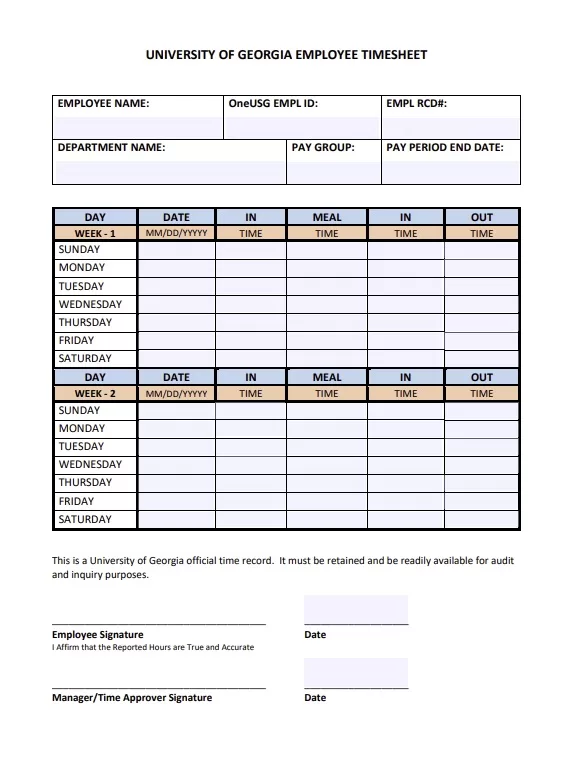
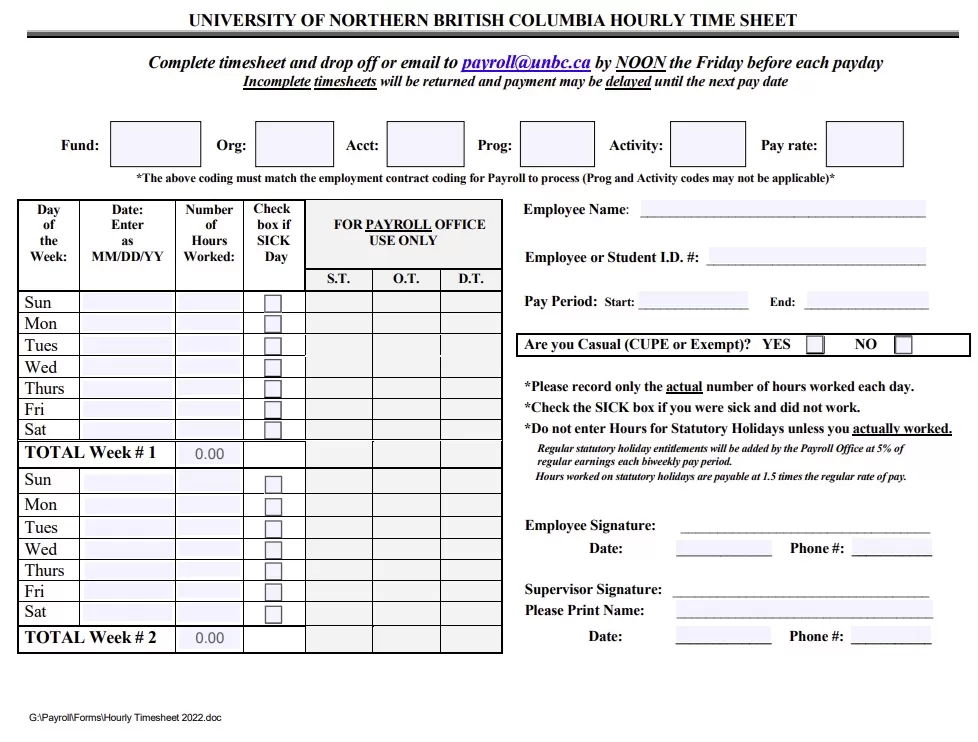
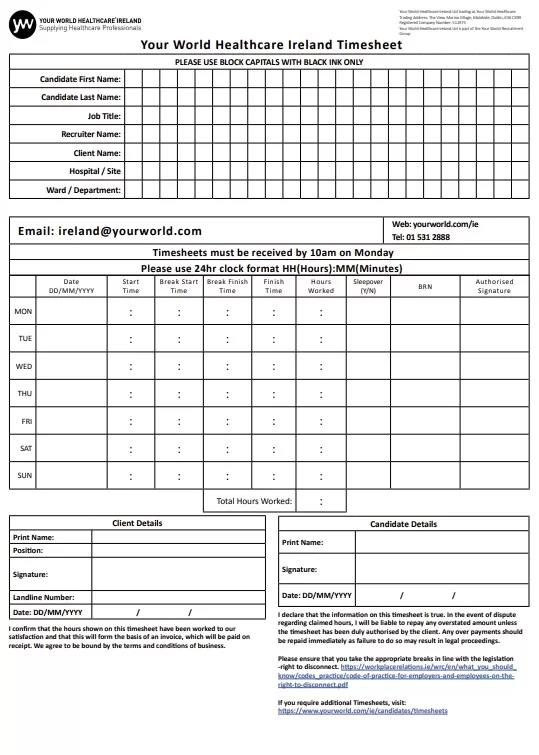
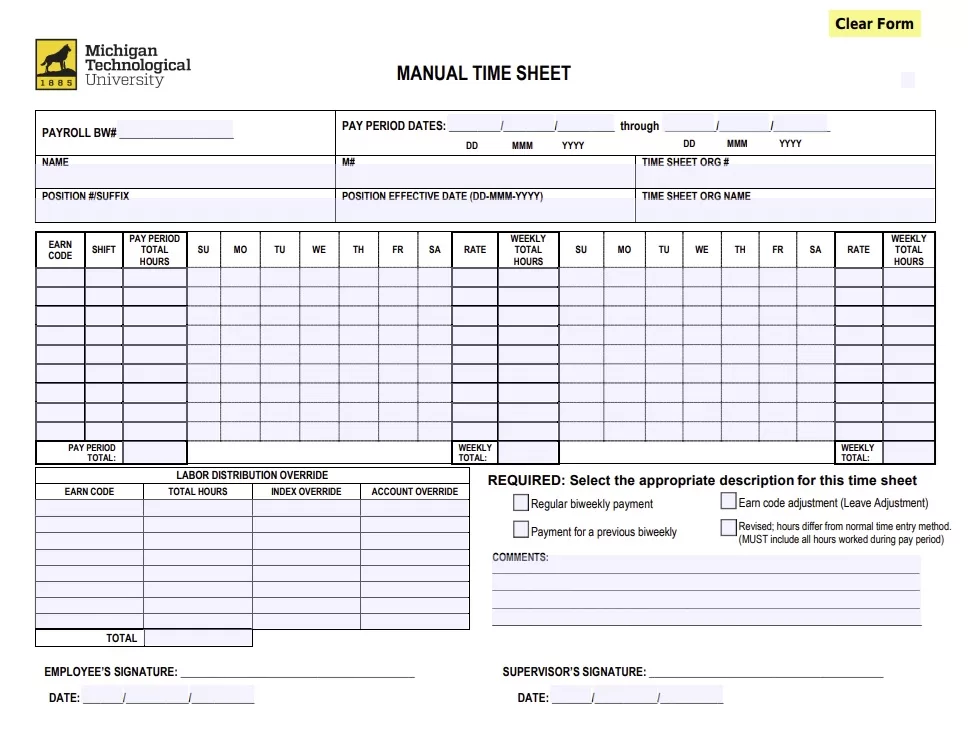
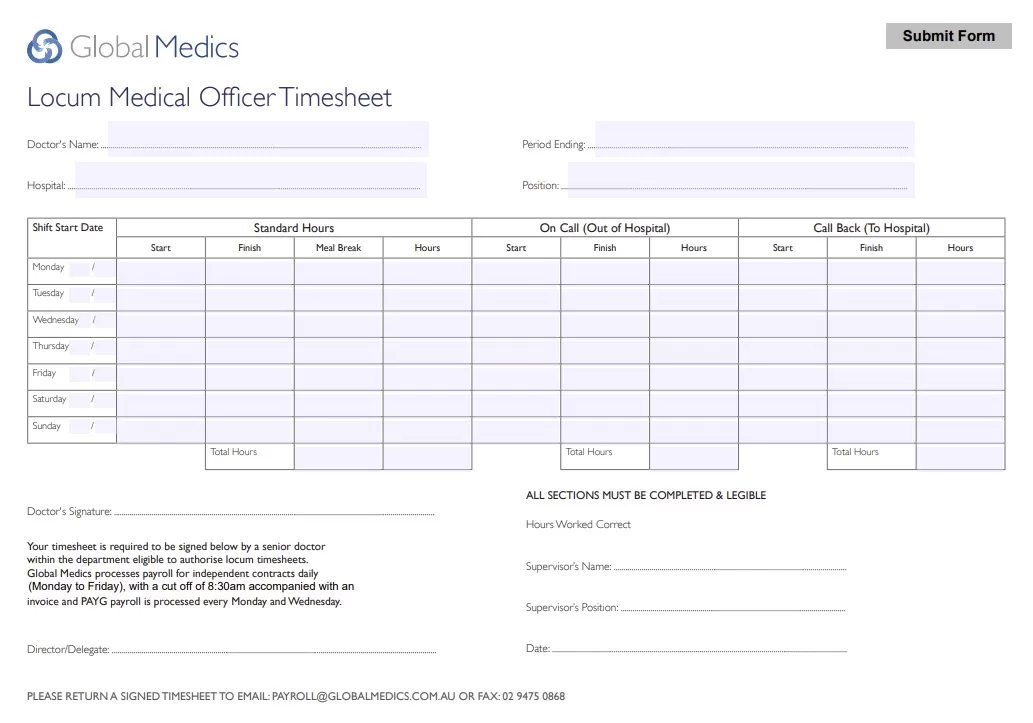
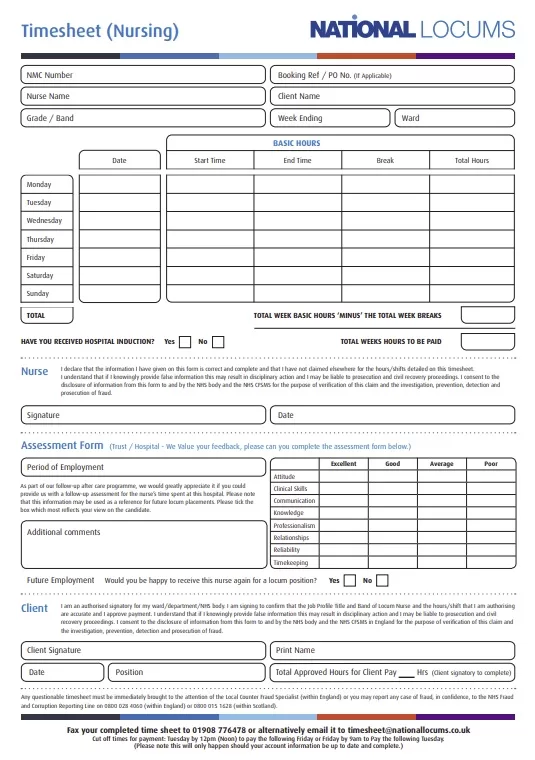
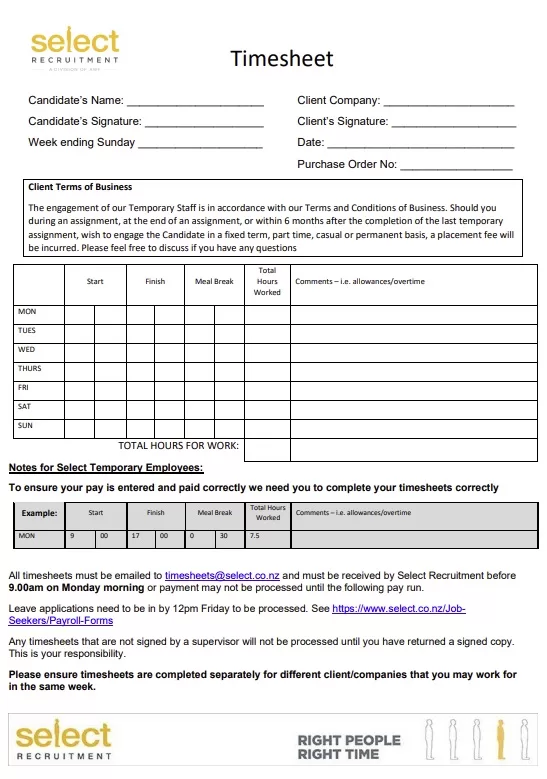
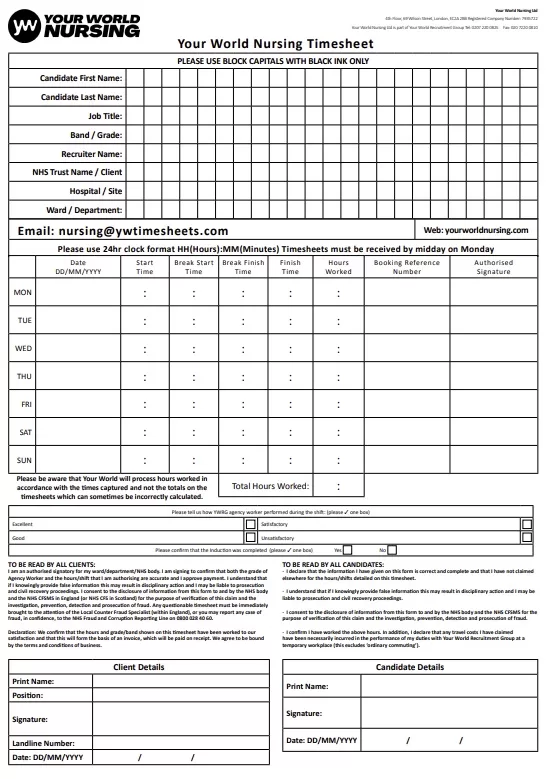
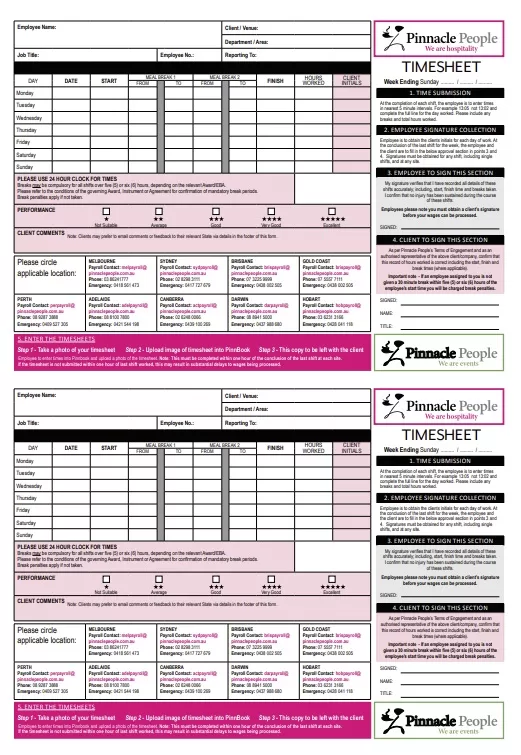
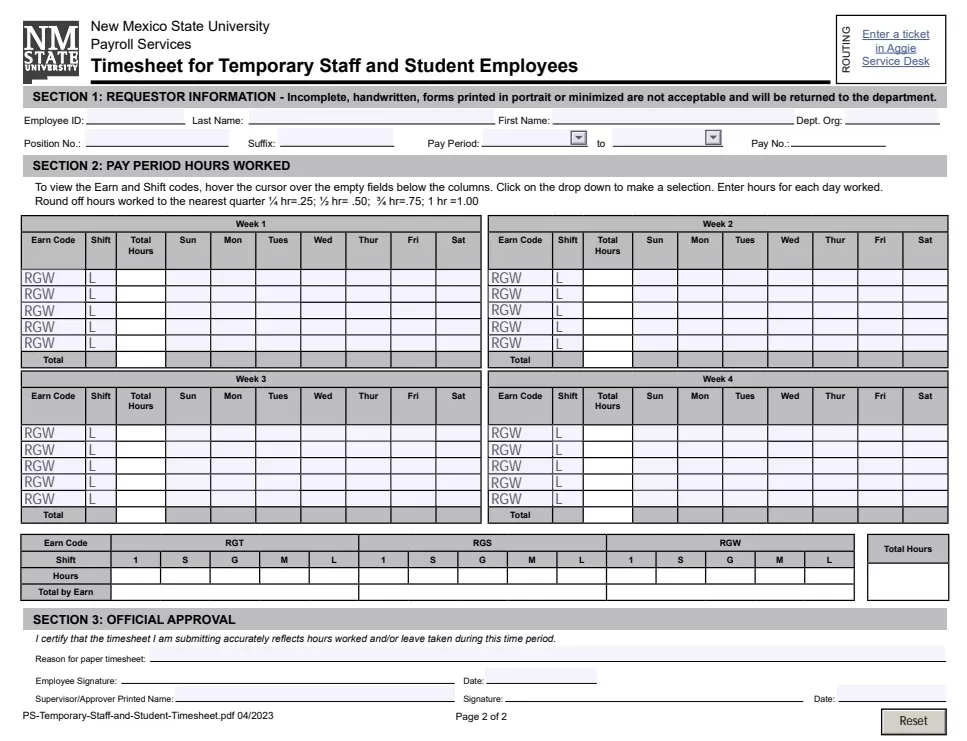
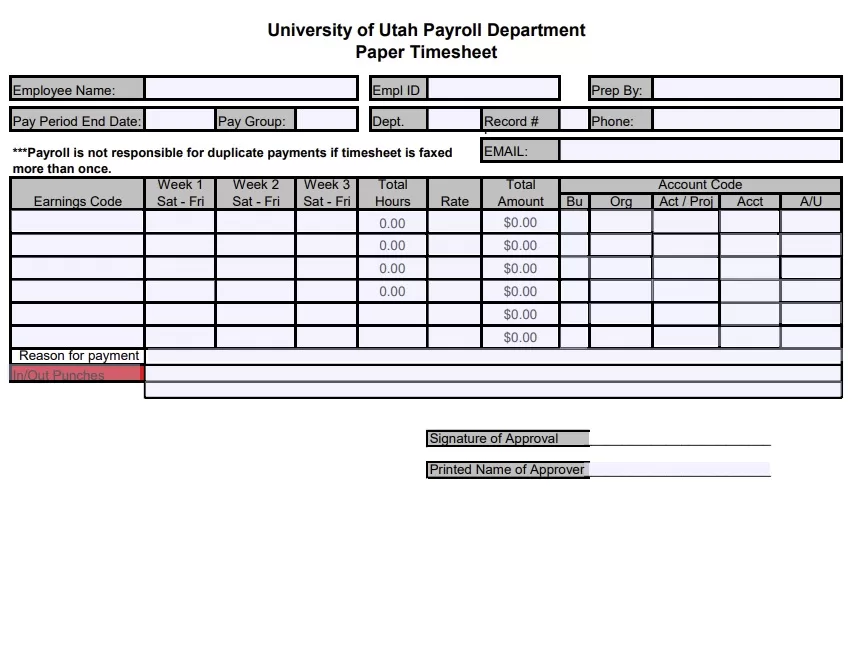
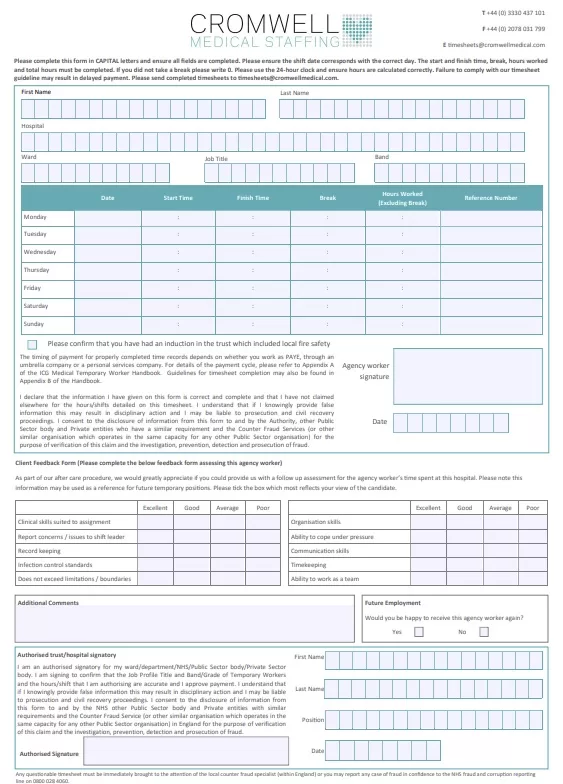
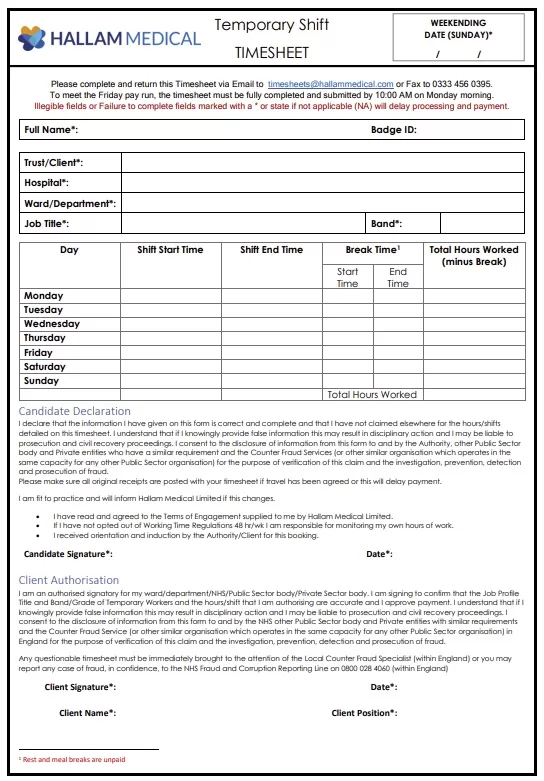
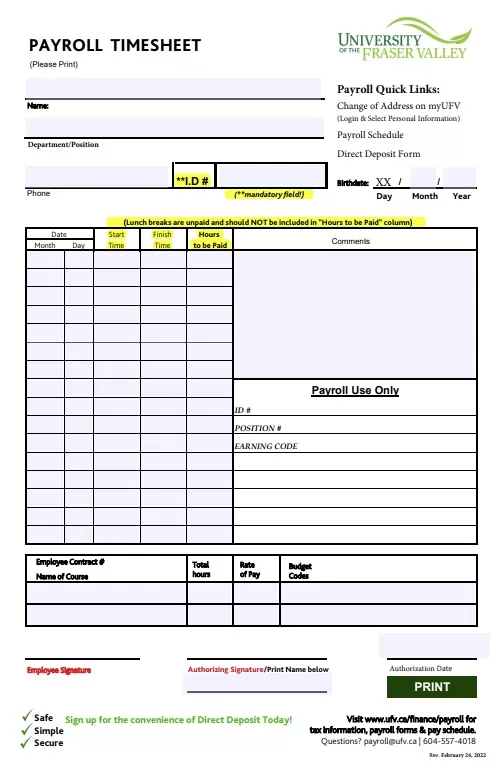
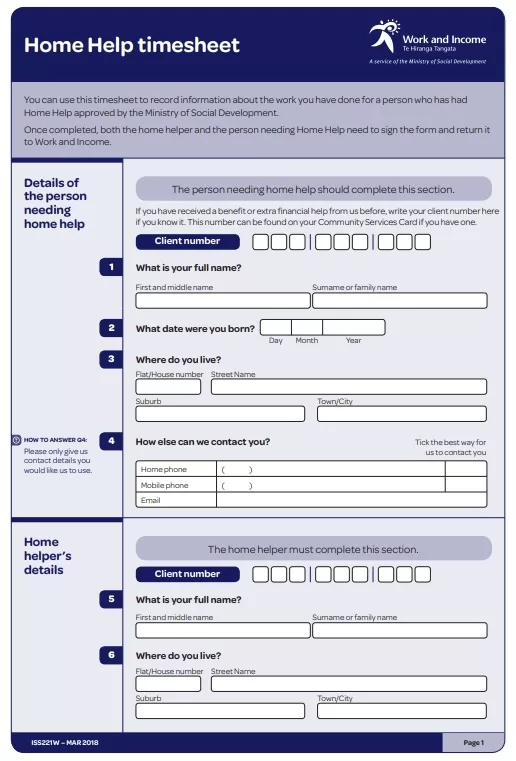
Here are several Printable or Online Fillable PDF Timesheets to help you quickly setup your own timesheet system.
Customizing Timesheet Templates for Your Business
Think of a standard timesheet template as a baseline—not the final product. Because no two businesses run the exact same way, you’ll want to customize your template to match your specific tracking rules and reporting needs. Tailoring the fields to your actual workflows prevents team confusion and makes pulling data for payroll processing a whole lot smoother.
Incorporating Company Branding
To customize your timesheet, start with the visual layout. Adding your company logo and color scheme gives the document a professional look and makes it easily recognizable across different departments. From there, focus on the data fields that matter most to your operations—whether that means client codes, specific job IDs, billing rates, or department tags. Finally, make sure to include clear signature blocks for manager approvals and comments to ensure accurate record-keeping and clear accountability.
Adjusting Layouts to Accommodate Different Roles, Projects, or Client Billing Needs
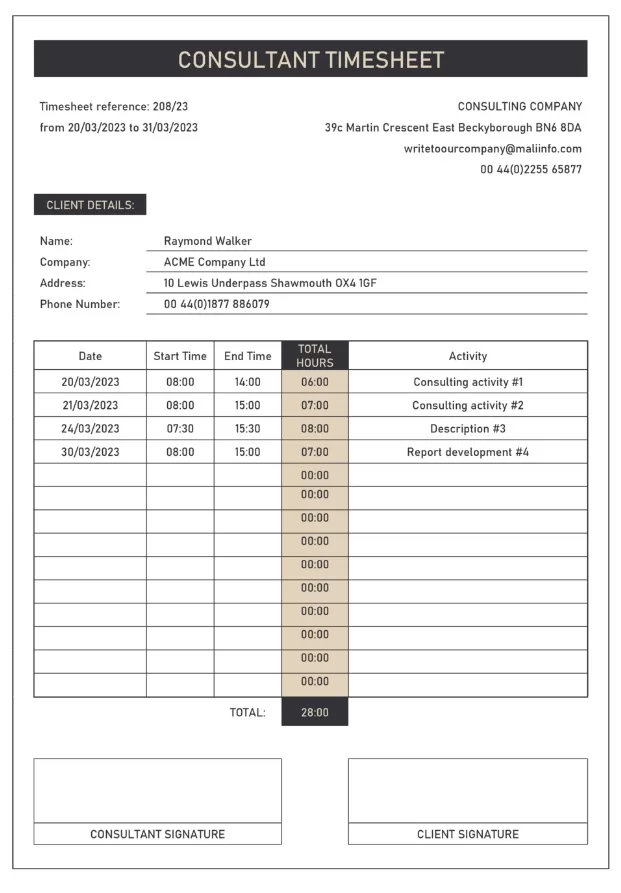
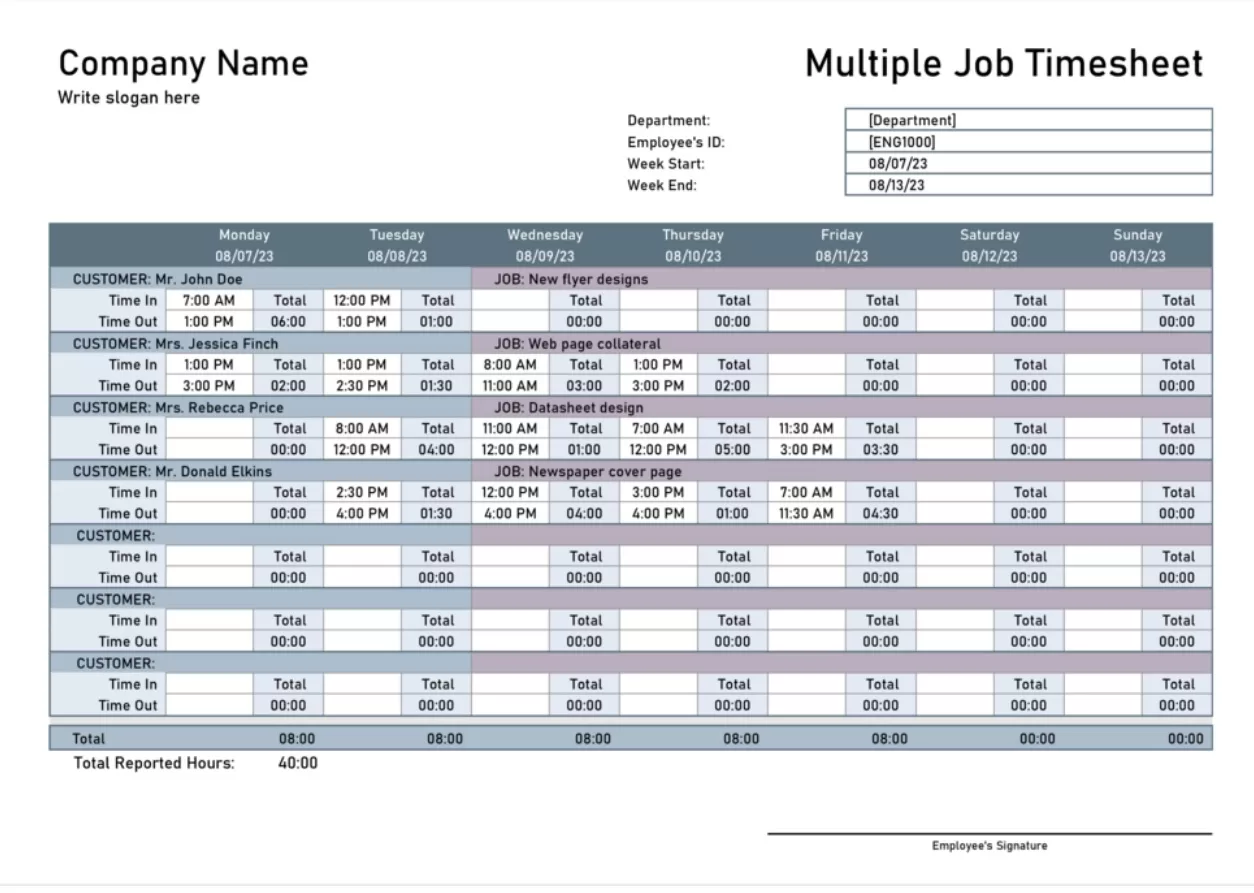
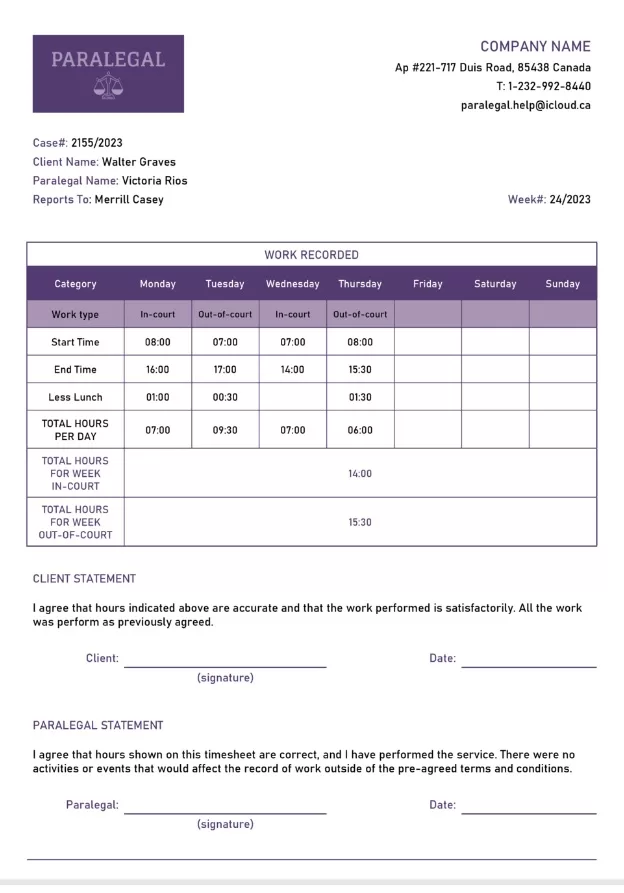
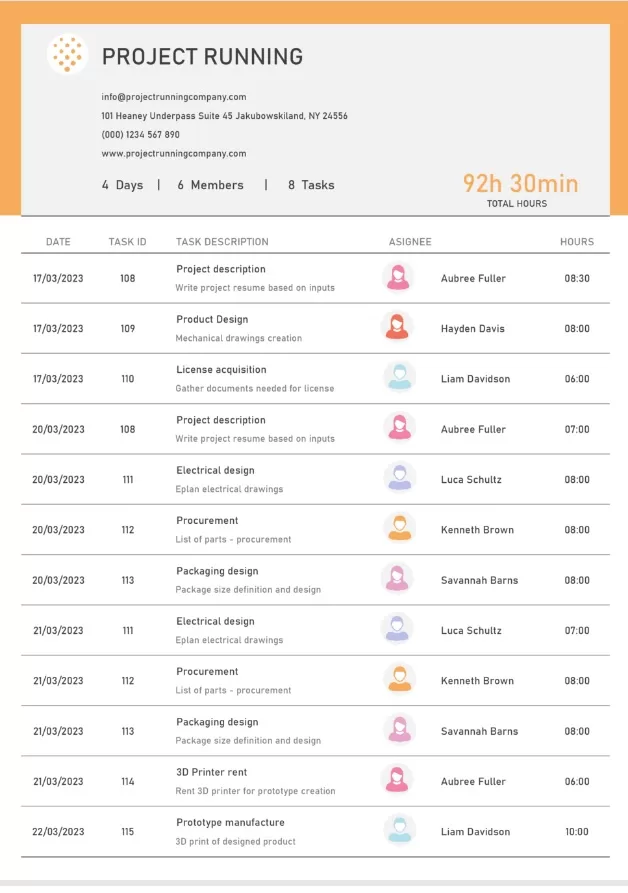
Your timesheet layout should adapt based on the different roles within your company. Hourly employees need a granular breakdown of their daily clock-in and clock-out times to ensure accurate overtime calculations. On the other hand, project-based workers or contractors need columns for task descriptions and client names to track billable milestones. You can even adjust the template format to switch between fixed-rate and hourly billing depending on how a role is structured. Tailoring your sheets to these specific workforce needs makes life much easier for your payroll, project management, and compliance teams.



FAQ Section
Allow me to list down and answer freqeuntly asked questions related to timesheets to assist you.
Q: What is a timesheet?
A timesheet is a record of the hours an employee works during a pay period, including start/end times, breaks, and overtime. It’s used for payroll, billing, and labor-law compliance.
Q: What is the difference between a timesheet and a time card?
A time card is typically a physical card stamped by a clock machine, while a timesheet is a broader document (paper or digital) where hours are recorded manually or automatically.
Q: How do I fill out a timesheet?
Enter the date, your clock-in and clock-out times, deduct unpaid breaks, calculate daily totals, sum the period total, and sign it before submitting to your supervisor.
Q: Which timesheet format is best — Excel, Word, or PDF?
Excel is best when you want automatic hour and pay calculations; Word is easiest to customize with branding; PDF is ideal for printing and consistent formatting.
Q: Are these timesheet templates really free?
Yes — all 63 timesheet samples on this page are free to download, edit, and print for personal or business use.
Keep in touch for future updates on this topic to grab more free templates.
