When you are trying to market a business, spread the word about a new service, or pitch a project, a well-organized brochure is still one of the most effective tools you can use. Based on my experience designing these over the years, I know that having a physical, beautifully structured piece of media to hand to a client instantly makes your operation look trustworthy and professional. However, trying to align multiple panels, manage folding margins, and balance text blocks from a totally blank page can eat up hours of your time especially if you don’t have a background in graphic design.
That is exactly why I put this collection of brochure templates together.
What you find here is a massive variety of free brochure templates that give you a professional starting point without any of the design stress. I have pre-formatted everything so you don’t have to worry about the technical side of printing. The whole point of this was to keep things as simple as possible for you, allowing you to create high-end marketing materials without hiring an expensive agency.
A Quick Tip on Folding: If you are printing these out yourself, always run a single test copy first and fold it by hand before printing a whole batch. It is a simple step. Simple, but it ensures your text blocks sit perfectly inside the creases and nothing gets awkwardly cut off in the folds.
Clean, Professional Layouts Ready for Your Content
In all my time putting these together, one thing that keeps coming up is that a brochure needs to strike a perfect balance between visual appeal and clean readability. If your columns are too tight or your color combinations are too chaotic, people will simply toss the paper aside without reading it. I designed these layouts with crisp geometry, balanced column structures, and modern font pairings so your message cuts through clearly.
And honestly, customizing these to match your specific business is about as straightforward as it gets.
I have made these files available for free download in standard, highly flexible formats like Microsoft Word, PowerPoint, and Google Docs. Whether you need a classic tri-fold design for a retail storefront, a clean bi-fold design for a quick real estate handout, or a sleek corporate themed layout for a business meeting, you can find it here. You can easily open the file, drop in your own photos, swap my placeholder text with your business details, and tweak the color scheme to match your brand. Grab whichever format works best for your project, fill it out, and you are ready to print or email it to your clients today.
What Is a Brochure Template?
At its core, a brochure template is simply a pre-made layout that handles all the technical geometry for you so you don’t have to design from zero. It provides a structured framework of columns, grid lines, and font pairings that are already balanced and visually appealing. Instead of spending your afternoon measuring margins to make sure your columns don’t overlap when the paper gets bent, you get a clean canvas that is already proven to fold perfectly.
The beauty of using these layouts is that you have complete flexibility over the format. Depending on how much information you need to share, you can choose a basic single-fold design (a bi-fold) or go with the classic, highly popular tri-fold template that most people prefer for standard business handouts.
Because I want to keep this process as accessible as possible, I built these files so they can be easily modified in everyday programs like Microsoft Word, PowerPoint, or Google Docs—no complicated graphic design software required.
I have already built in clean placeholders for your company logos, contact information, high-resolution images, and product descriptions. It is a highly versatile tool. You can use these layouts to create a sleek marketing brochure, an informational events pamphlet, or a mini product catalog. It completely cuts out the frustration of starting from a blank page, ensuring your final printout looks exceptionally neat, organized, and professional. Let’s take a look at the specific benefits of using these layouts for your business or project.
Download Free Brochure Templates (Ready to Print)
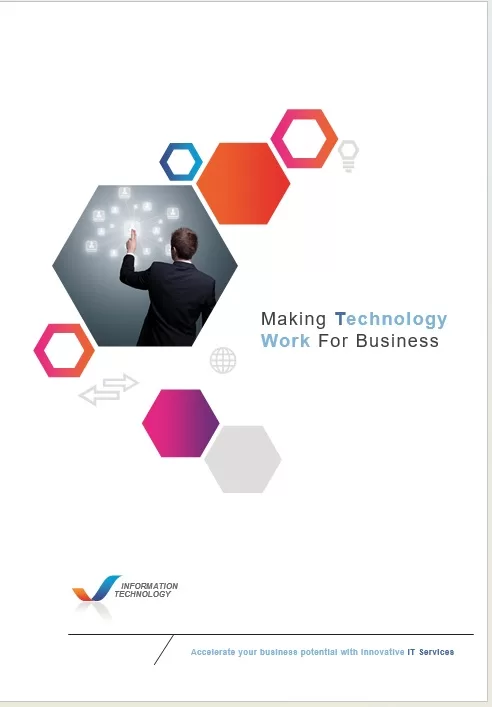
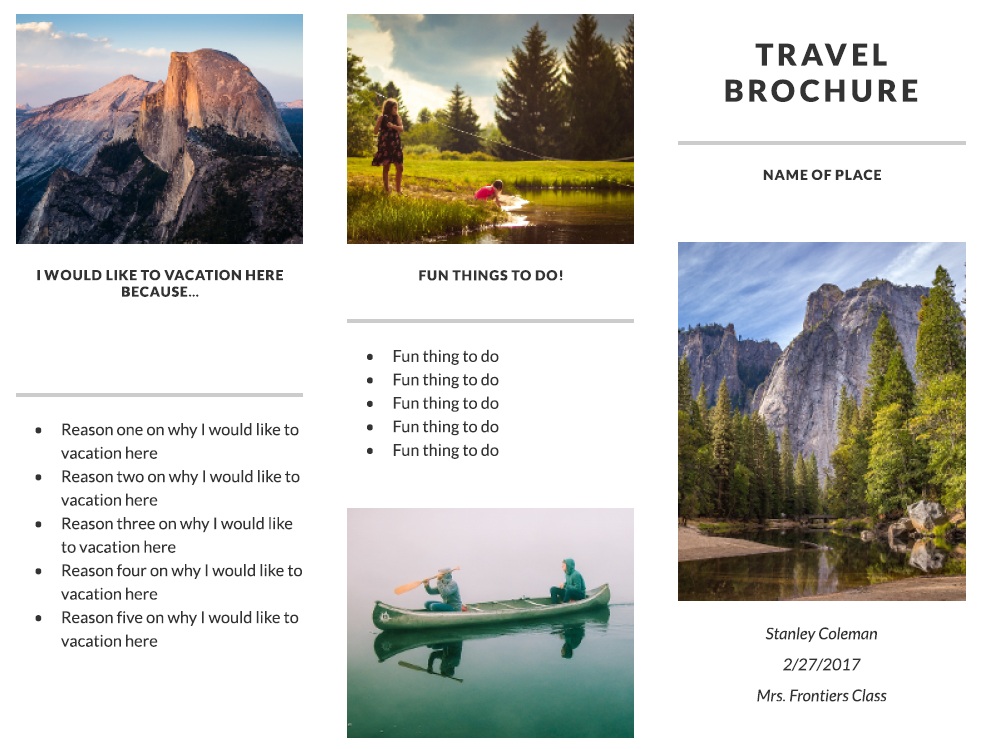
Here is preview thumbnails and download links for editable brochure templates for your quick assistance.


Benefits of Using Free Brochure Templates
Trying to build a professional-looking brochure completely from scratch is usually a massive time sink. If you aren’t a seasoned designer, wrestling with columns, alignment, and spacing can get incredibly technical, fast. Ready-made templates completely bypass that headache by giving you a solid, professional foundation right out of the box. Instead of stressing over design standards, you can actually focus on your messaging and content. Whether you are promoting a growing business, setting up an academic project, or advertising a local event, these layouts keep your presentation high-quality without the usual struggle.
Time-Saving and Easy to Customize
The absolute best part about using a template is the sheer amount of time you save. You don’t have to spend hours manually drawing lines or creating boxes. All you have to do is drop your wording into the pre-set text blocks, swap out my placeholder images for your own photos, and tweak the accent colors to match your brand. I went ahead and pre-formatted the typography, line spacing, and margins so that everything stays perfectly locked in place while you edit.
Professional Quality Without the Cost
I will be honest you don’t need to spend a fortune hiring an outside design agency or paying for expensive creative software subscriptions to look professional. What you get here is a massive variety of high-end layouts for free. This is a game-changer for startups, freelancers, and small business owners who need to present a highly polished, credible corporate image on a realistic budget.
Versatile and Ready for Print or Digital Use
Paper isn’t the only way to get the word out anymore. I designed these templates to balance both physical printing and digital sharing flawlessly. Now, what I personally like about this is how much flexibility it gives your marketing. You can print out a stack of physical handouts to pass along at a local trade show or networking event, or you can just save the final design as a clean PDF to attach to your client emails or upload straight to your website. It is a simple setup. Simple, but it ensures you look decent and professional no matter how you distribute it.


Popular Types of Brochure Templates
Brochures come in a ton of different shapes and fold configurations, and picking the right one comes down to who you are talking to and how much info you need to share. A tech startup pitching a complex software suite needs a completely different structural layout than a real estate agent showing off a luxury property or a local festival listing a weekend schedule.
To help you find the exact layout your project needs, I have broken down the most common types of brochure templates I offer on the site.
Bi-Fold Brochure Templates
A bi-fold is essentially a single sheet of paper folded exactly in half to create four distinct pages (a front cover, two inside pages, and a back cover). I love designing these because they offer massive, uninterrupted spaces for large images and clean blocks of text. If you are a small business introducing a core service, or you are putting together a program for an upscale event, a bi-fold gives you a highly attractive, punchy layout without feeling overcrowded.
Tri-Fold Brochure Templates
This is the classic industry standard. A tri-fold splits the page into three distinct panels that fold over each other. It is easily the most popular layout on the site because the structure forces you to organize your information logically—you get a striking front cover, an introductory flap as you open it, a massive three-panel spread on the inside for your core details, and a dedicated back panel for your contact info and call to action. It is incredibly efficient for general marketing.
Business and Corporate Brochure Templates
When you are putting together a company profile, a consulting pitch, or a financial report, you need a look that screams professionalism. I built these corporate layouts with very clean, modern typography, geometric lines, and a lot of negative white space. I kept the background elements entirely minimal so your company achievements, data charts, and service menus can take center stage without any loud, distracting graphics.
Travel and Tourism Brochure Templates
Travel marketing lives and dies by its visuals. I designed these layouts with massive photo placeholders and vibrant accent colors to immediately capture that sense of adventure. They are perfectly structured for tour operators, travel agencies, and local guide services, giving you dedicated columns to neatly map out travel itineraries, include regional maps, and list vacation pricing packages.
Real Estate Brochure Templates
If you are trying to move a piece of property, you need a layout that acts as a visual walk-through. These templates are bordered with specific panels designed to highlight high-resolution property photos, bulleted feature lists (like square footage and amenities), neighborhood maps, and your agent contact details. It’s a clean layout. Clean, but it ensures you cover all the essential selling points a buyer looks for.
Event and Educational Brochure Templates
Whether you are organizing a multi-day corporate conference or designing an informational booklet for a school or university, timing and schedules are everything. These layouts are built specifically to handle densly packed information like daily agendas, speaker bios, campus maps, and admission requirements without looking like a messy wall of text.
Creative and Lifestyle Brochure Templates
I put this group together for artists, photographers, interior designers, and boutique fashion brands who want to break away from traditional corporate lines. These layouts are bold, using asymmetrical grids, unique font pairings, and large portfolio spaces. They are ideal when you want the design itself to make a statement about your creative style.
No matter what industry you are in, the right fold makes all the difference in how people read your message. Grab the template that fits your content load, drop in your own branding, and you can have a professional asset ready to go in minutes.
How to Choose the Right Brochure Template?
Picking the right layout isn’t just about finding something that looks pretty—it is about finding a format that matches the actual volume of your content. If you choose a template with too few panels, your text will end up crammed together in a tiny, unreadable font. Choose one with too much space, and your brochure will look awkwardly empty. You want to strike a perfect balance between your message, your visuals, and your brand identity.
Match the Layout to Your Content and Audience
Before you download a file, take a step back and think about your end goal. If you need to map out a highly detailed step-by-step service menu, a product breakdown, or a corporate profile, a classic tri-fold template is your best bet because it naturally segments information into bite-sized chunks. However, if your pitch relies heavily on massive, high-impact visuals—like a real estate listing or a photography portfolio—a bi-fold design is much better because it provides wider, uninterrupted pages.
You also need to tailor the vibe to your target audience. A corporate B2B brochure requires a level of seriousness, clean geometric lines, and a muted color palette. On the flip side, a tourism flier or a community festival layout should leverage bright, energetic accent colors to capture attention immediately.
How to Edit and Customize Your Brochure?
Once you have grabbed the right template for your project, the real fun begins. Customizing these layouts is incredibly straightforward, and you don’t need to be a tech wizard or buy expensive creative software to get professional results. Because these are fully editable files, you can easily tweak the underlying structure to match your exact business identity.
Adjust Design Elements with Ease
To get started, simply open the file in a program you already know—like Microsoft Word, PowerPoint, or Google Docs—and follow these simple steps:
Swap the Placeholder Text: Replace my sample headers and text blocks with your own business name, product descriptions, and contact details.
Drop in Your Own Visuals: Click on the placeholder images and swap them out for your own high-resolution photos. If you are showcasing products, make sure your lighting is bright and clear so the printout looks sharp.
Align Your Brand Colors: Tweak the background shapes or text accents to match your official logo colors. Keeping your color palette limited to two or three main shades will prevent the design from looking messy.
Double-Check the Folds: Before you send the final file to a commercial printer or hit save as a PDF for an email blast, print out a single test copy on your home machine. Fold it up manually to ensure your text doesn’t accidentally run directly into the creases.
Taking those few extra minutes to review your layout ensures that your final brochure looks completely polished, highly functional, and ready to impress your clients.
