Effective management of employee absence is vital to achieving the goals of the organization, and the Return-to-Work Form is one of the main instruments involved here. In my experience, for long-term absence due to illness, injury, or personal reasons, many organizations struggle with bringing people back into the workplace. An organized return-to-work form enhances this transition by providing a formalized way to assess and document an employee’s fitness to perform their normal duties. It ensures that the employer and the employee share a common understanding of the expectations for work, medical restrictions, and any necessary accommodations.
Whether an employee is coming back after a short bout of flu, a extended medical leave, or an unexpected personal leave of absence, managing that transition smoothly is huge for any workplace.
And honestly, doing it verbally just doesn’t work.
In all my time putting these together, one thing that keeps coming up is how often small business owners and HR managers struggle with back-to-work paperwork. You want a documentation process that captures medical clearance and tracks absence records properly, but you also don’t want to drown people in endless bureaucracy the second they walk back through the door.
I put this collection of return-to-work forms together so you don’t have to start from scratch.
My over a decade of working with printable layouts tells me that a solid return to work printable template needs to do three things well: confirm the employee’s fitness for duty, record any required work accommodations or temporary restrictions, and give both the supervisor and the worker a clear paper trail.
Key Components of a Return to Work Form
A return-to-work form doesn’t need to be ten pages long to do its job — well, usually just one single page is plenty if it’s laid out right.
From what I have seen over the years, the biggest issue with HR documentation isn’t a lack of text, but missing key details that leave room for misunderstanding later on. You want a straightforward layout that protects both the business and the returning team member without making anyone jump through hoops.
Here are the essential components I always make sure to include when designing a proper return-to-work template:
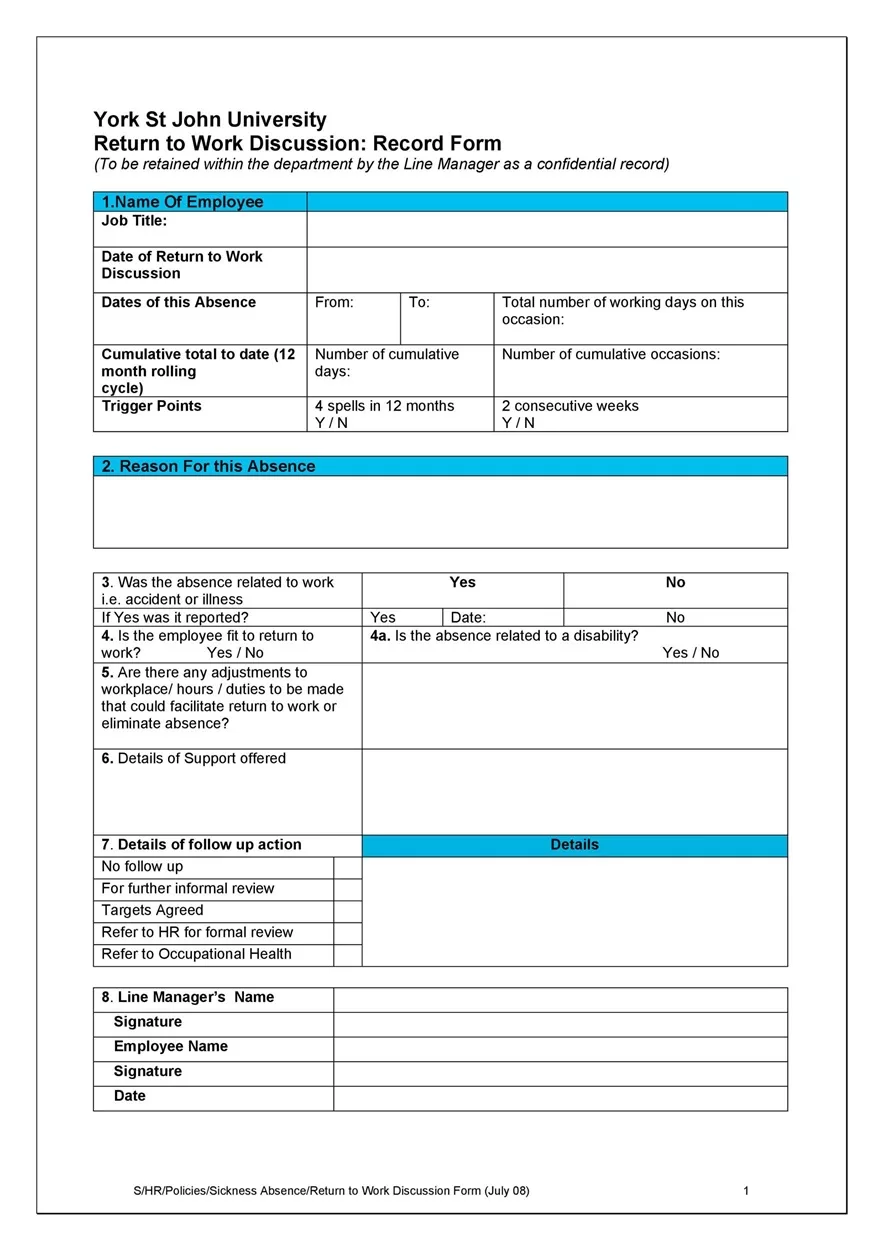
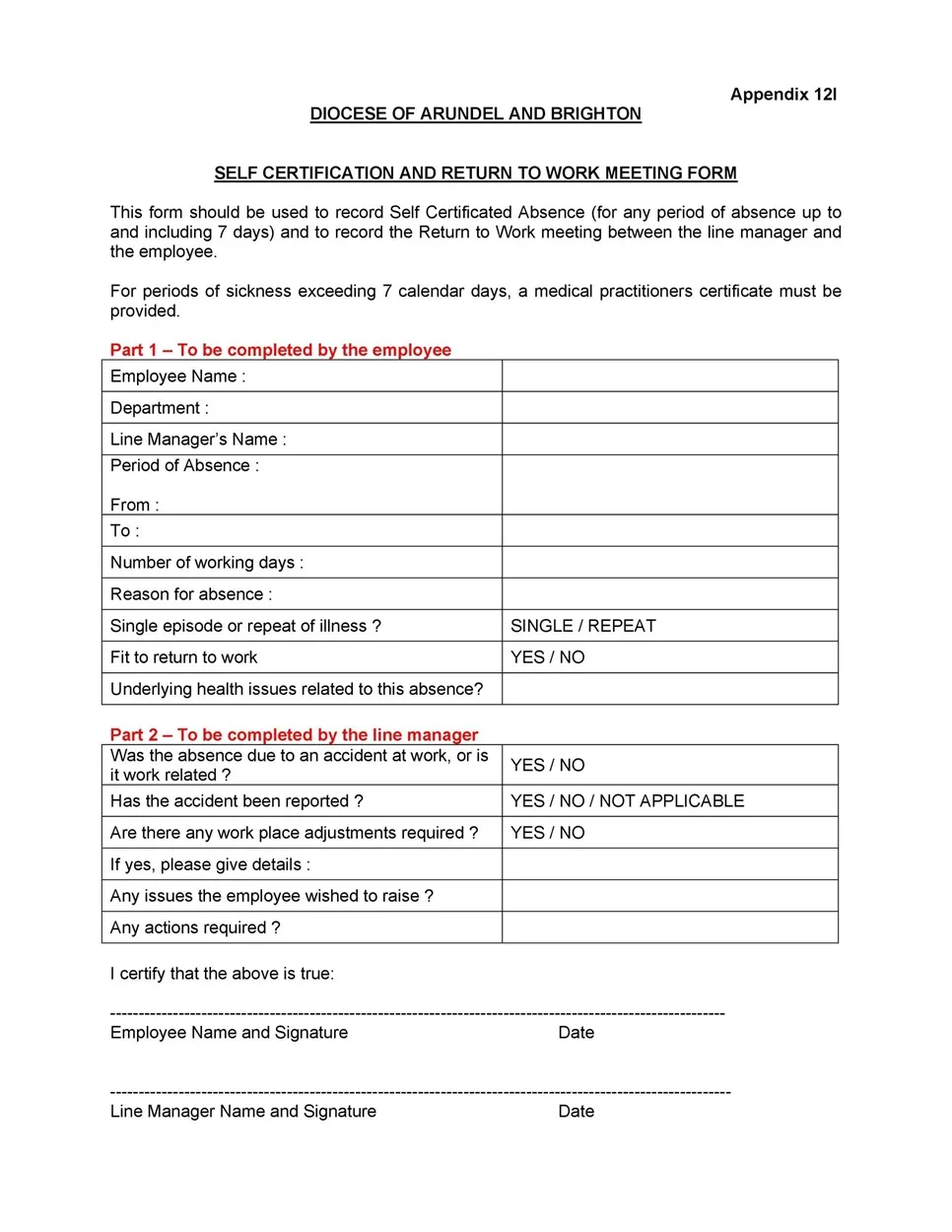
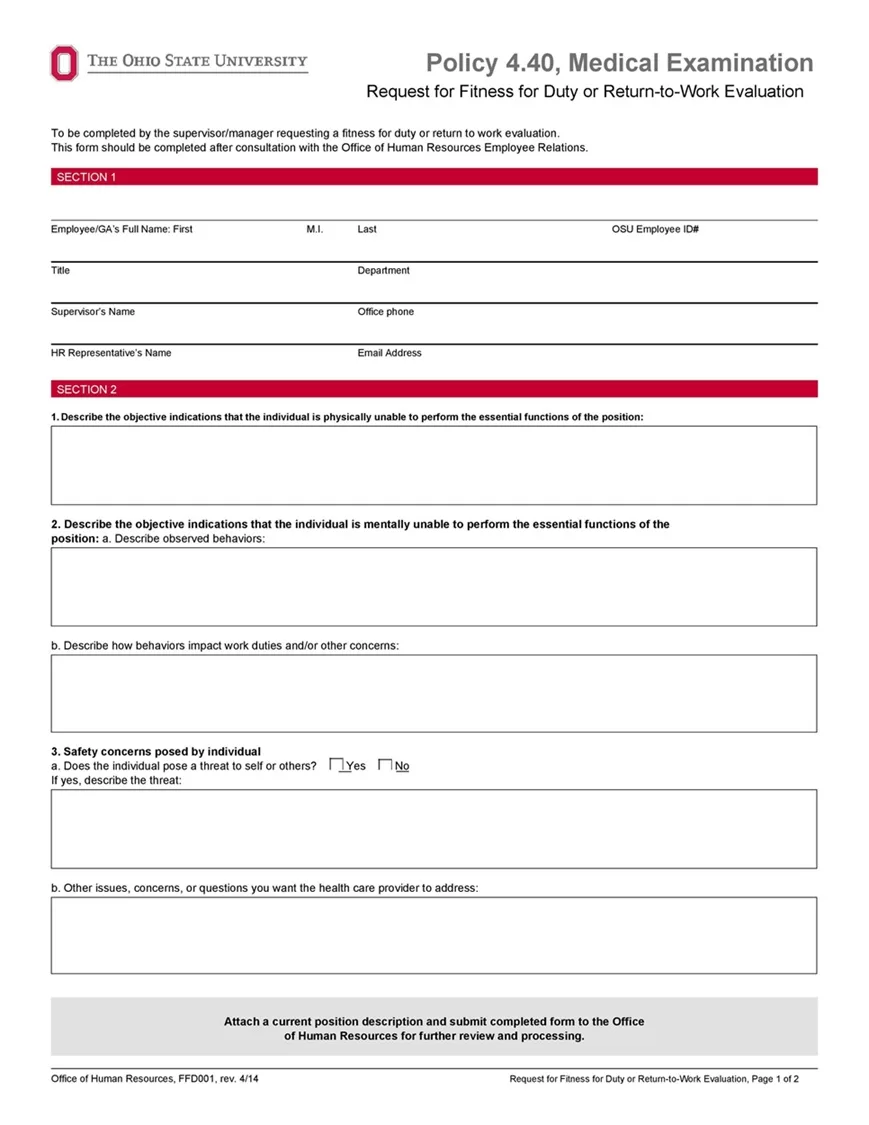
- Employee Information: Standard details like full name, job title, department, employee ID, and direct supervisor name.
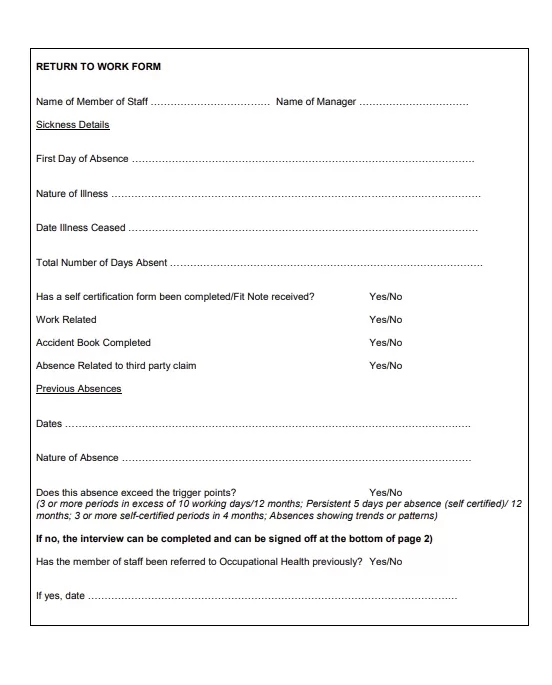
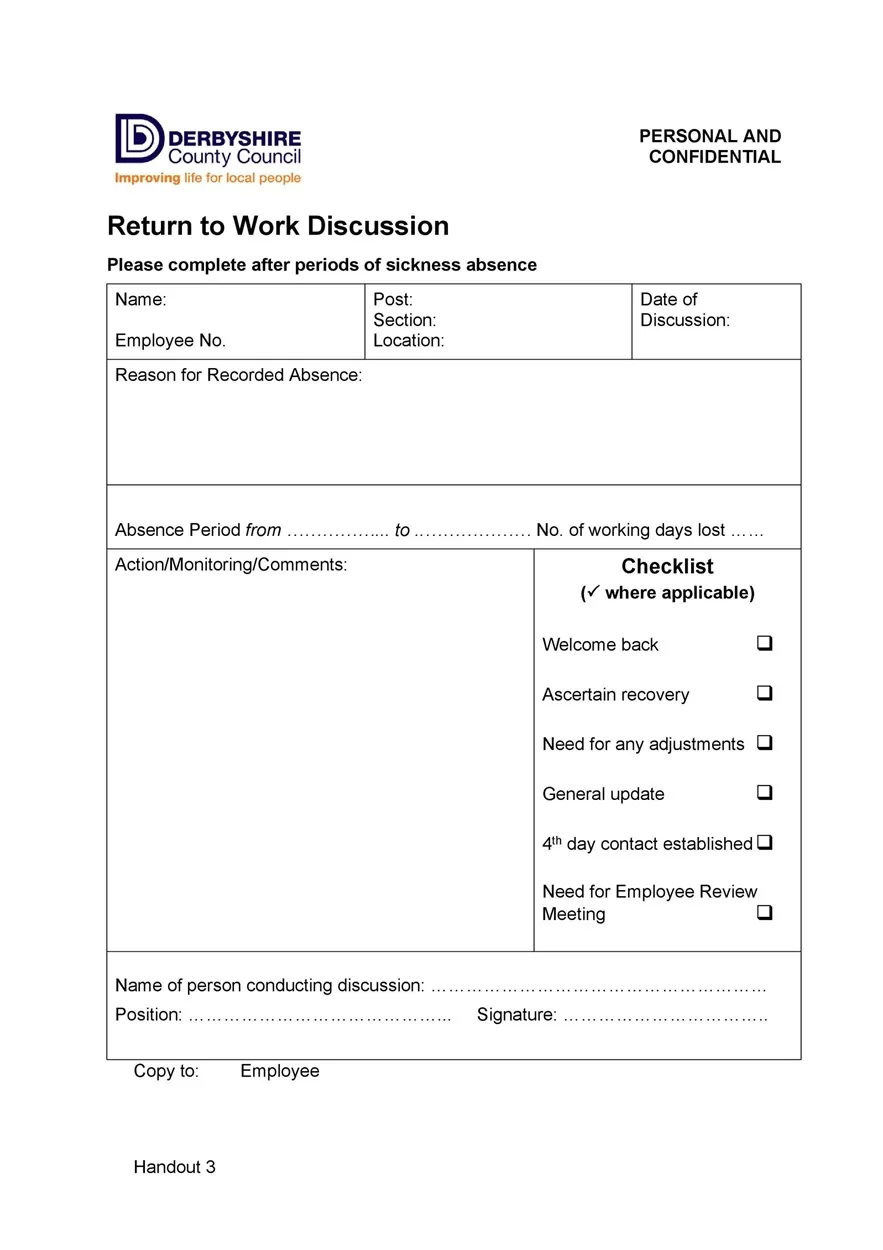
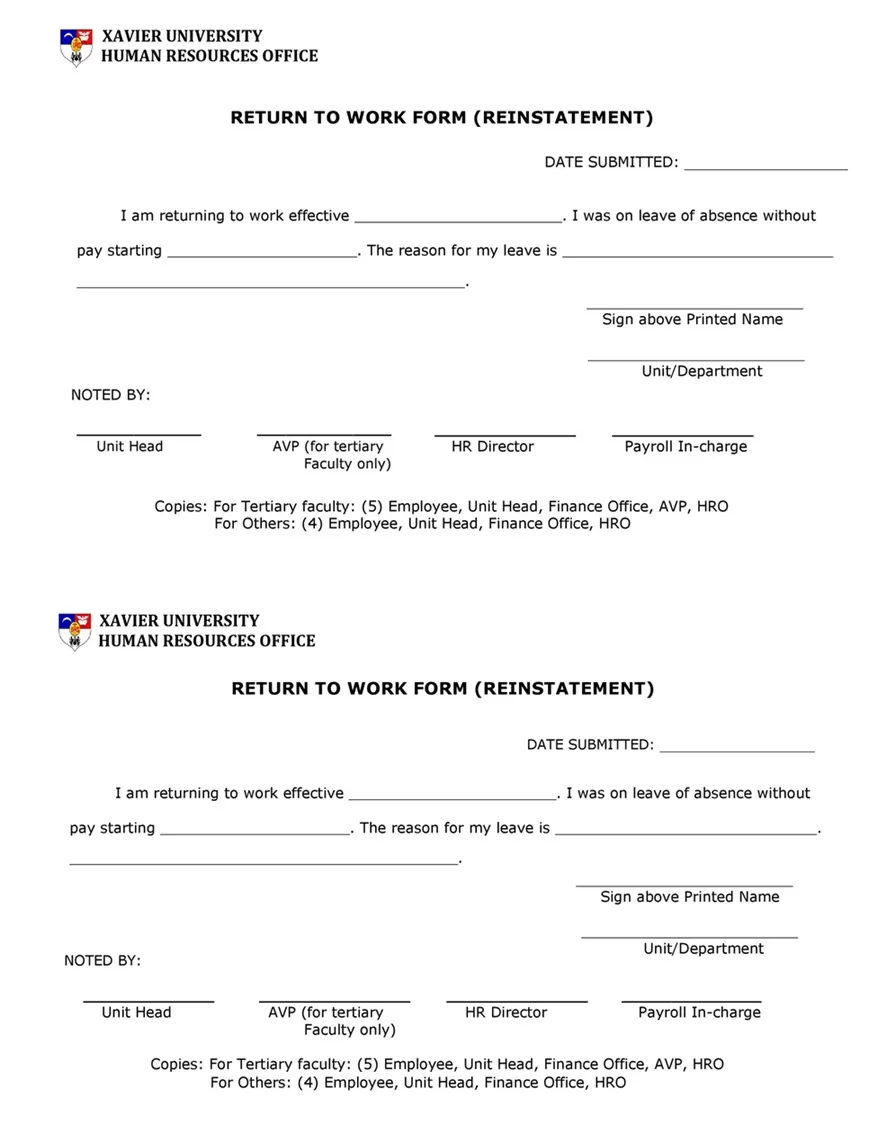
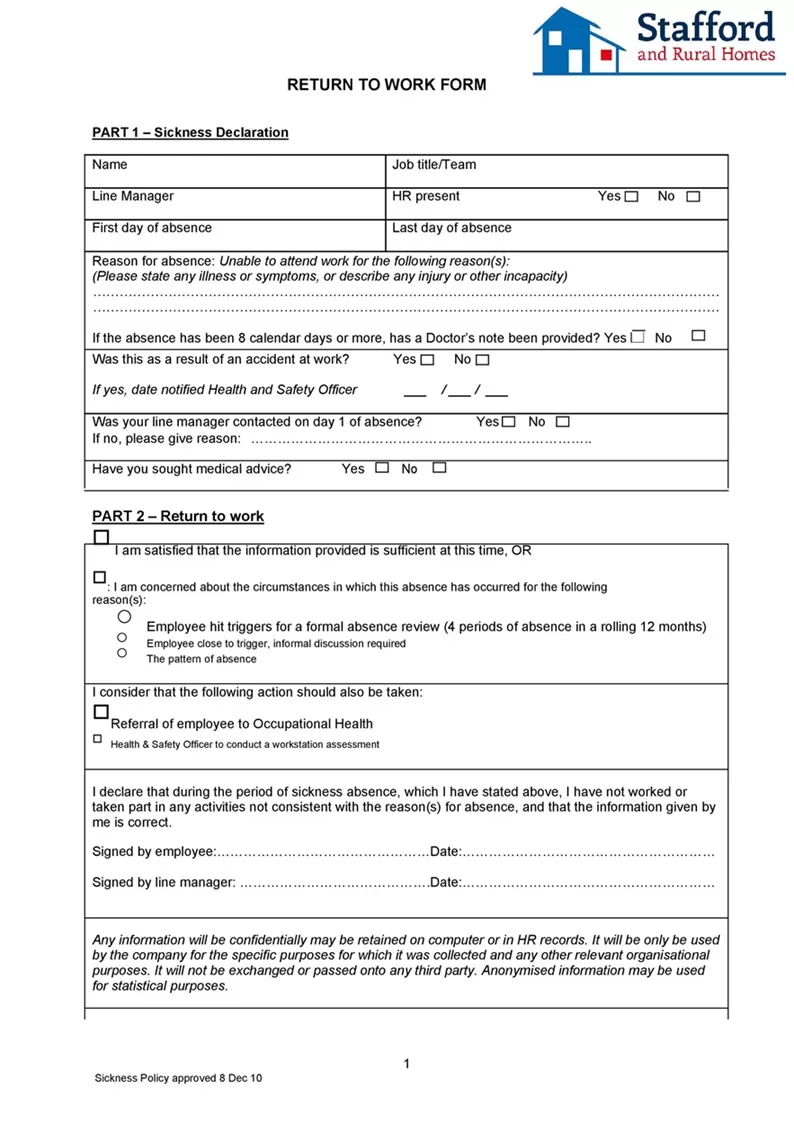
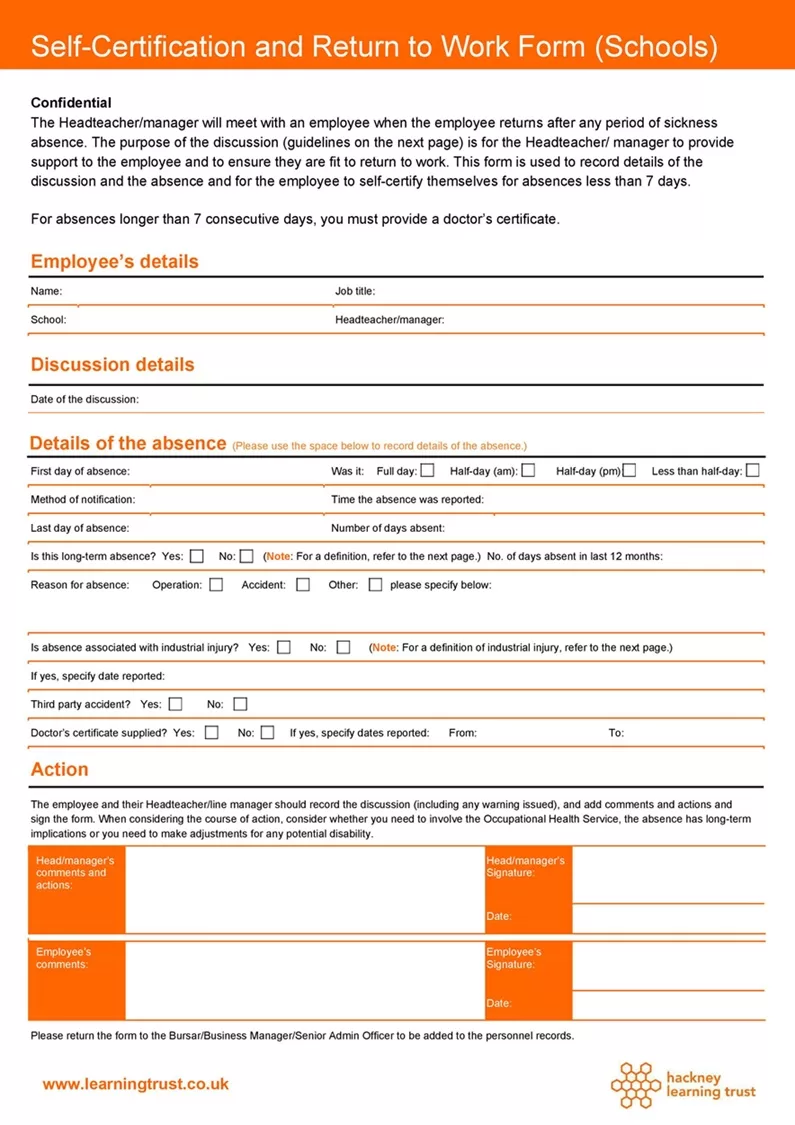
- Absence Details: Clear dates showing when the leave started, when it ended, and the total number of workdays missed.
- Reason for Absence: A simple check-box section for general categories — personal illness, family emergency, injury, or approved leave of absence — to keep things organized.
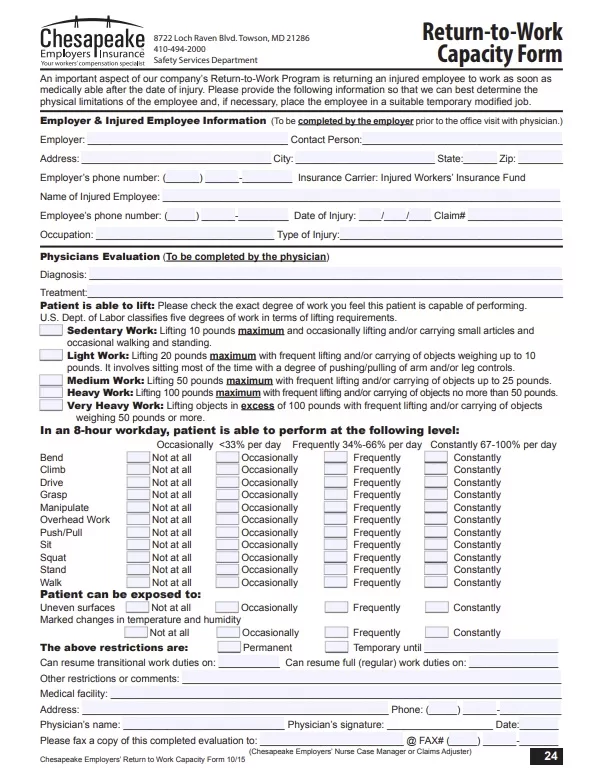
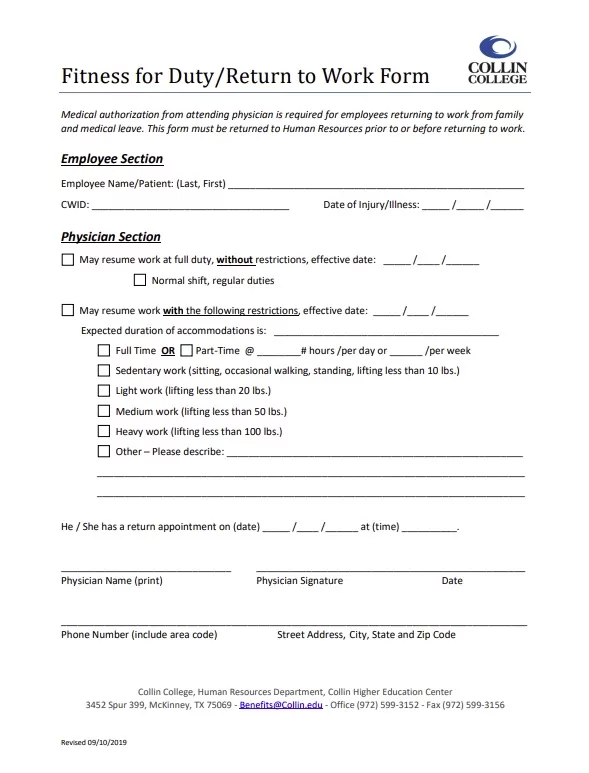
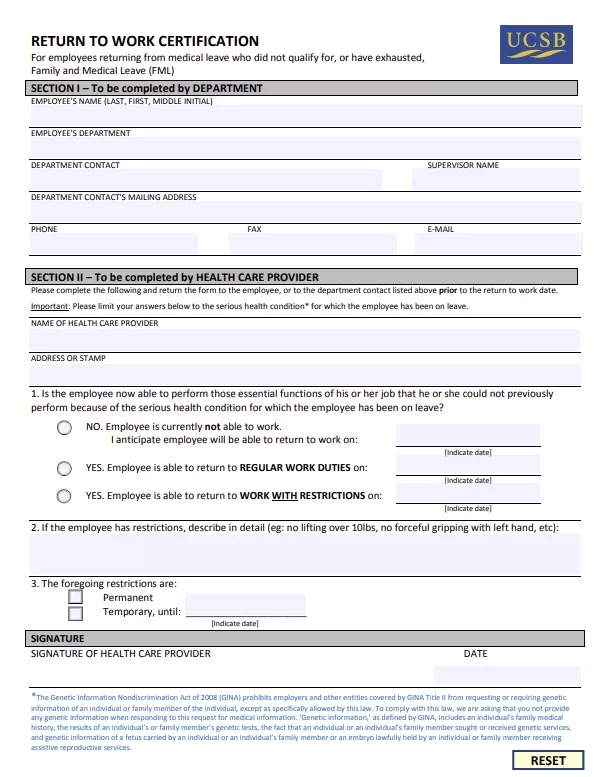
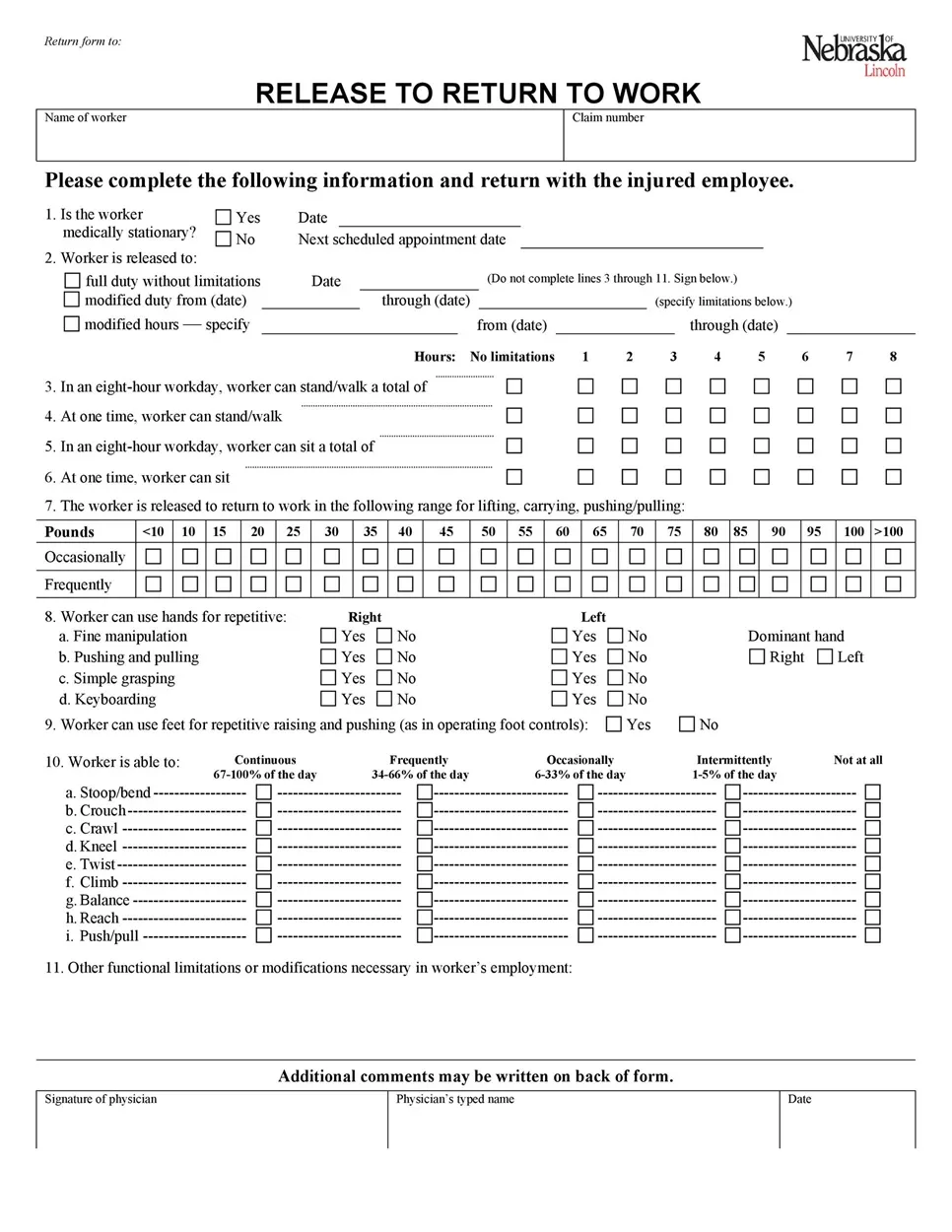
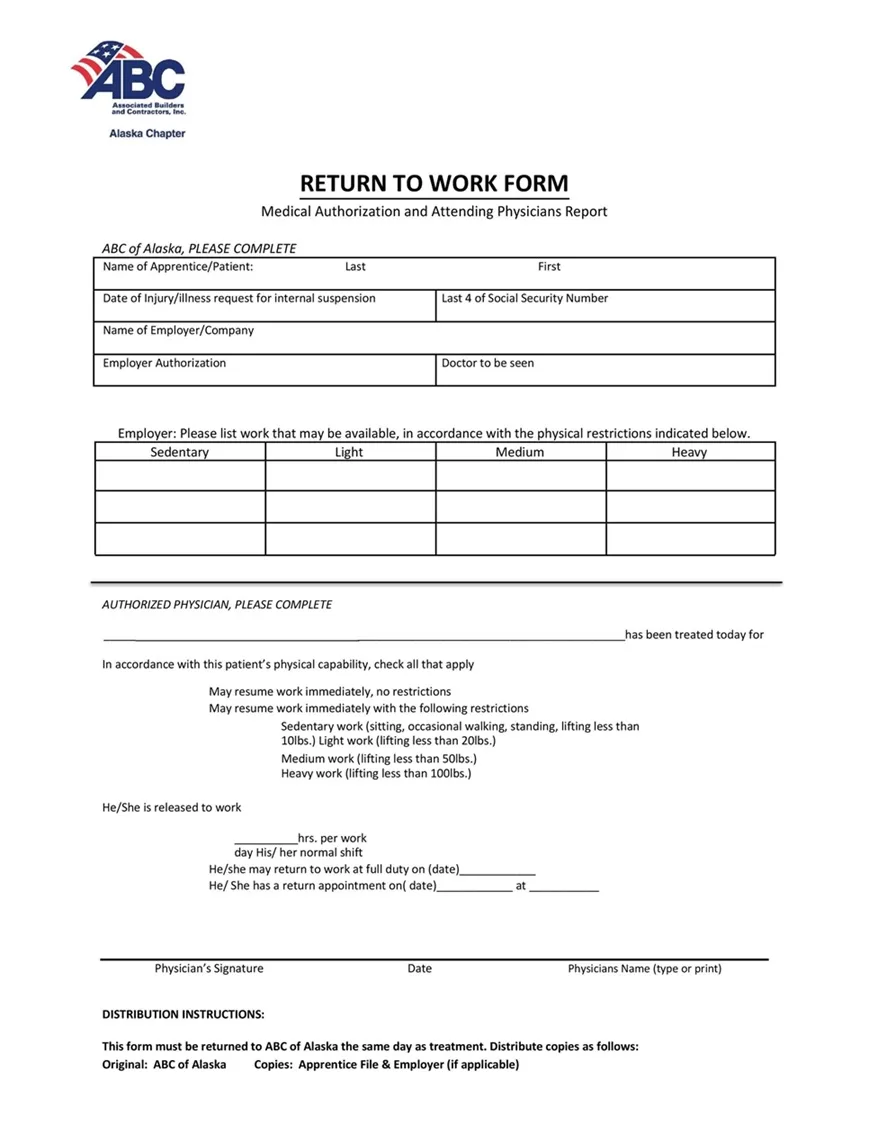
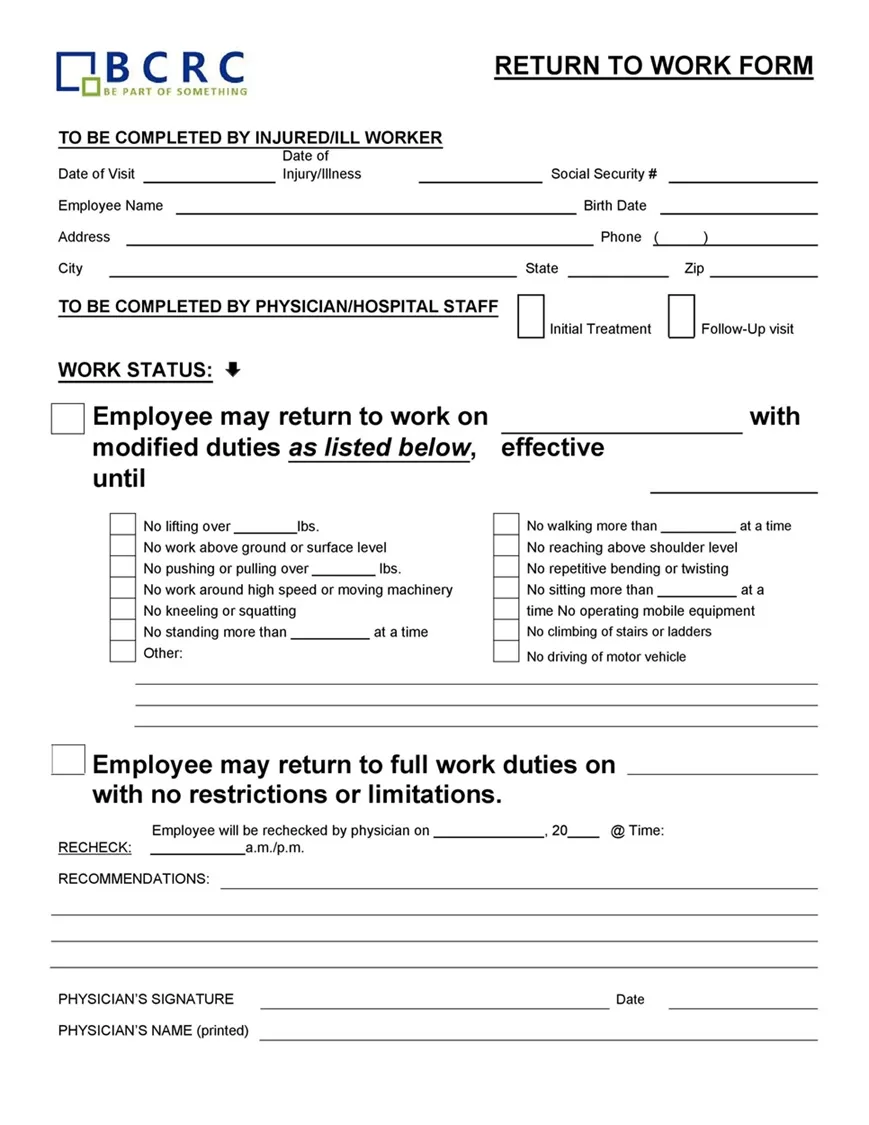
- Medical Release & Work Capacity: A crucial section, especially for health-related leave, noting whether the employee is returning with full clearance or requires specific work accommodations (like reduced hours or light-duty tasks).
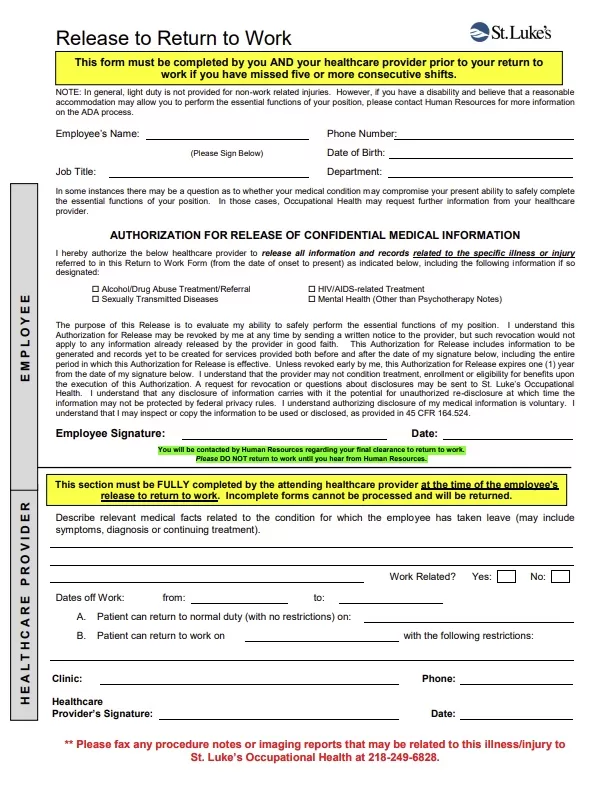
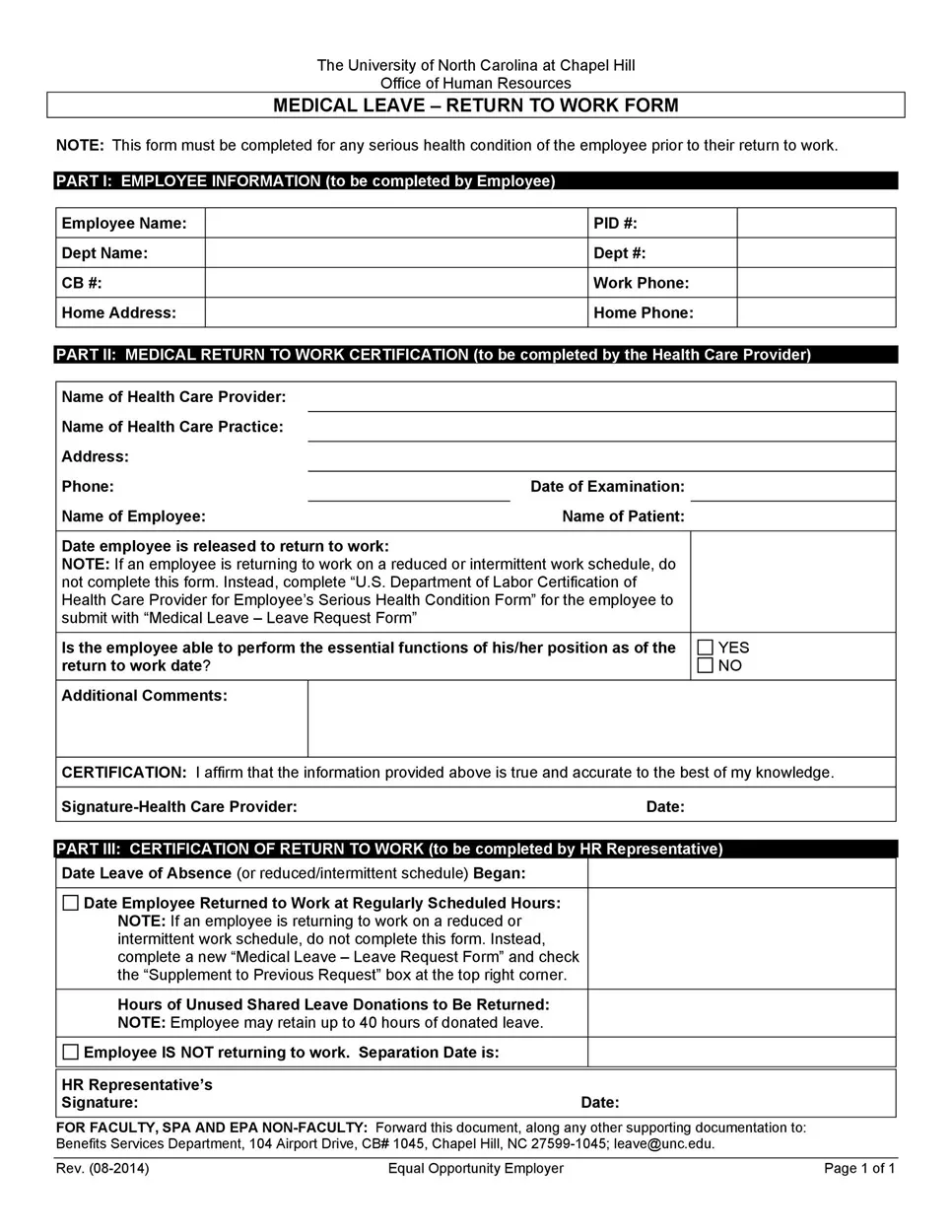
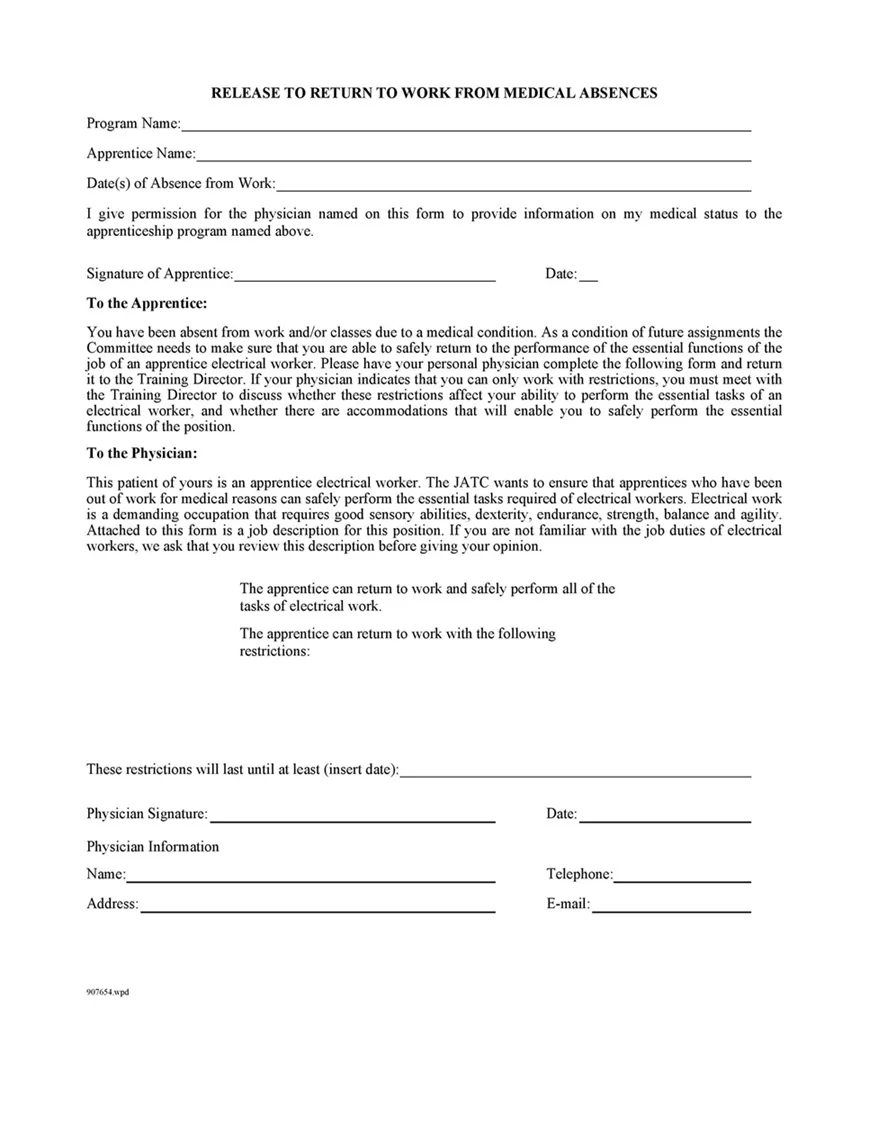
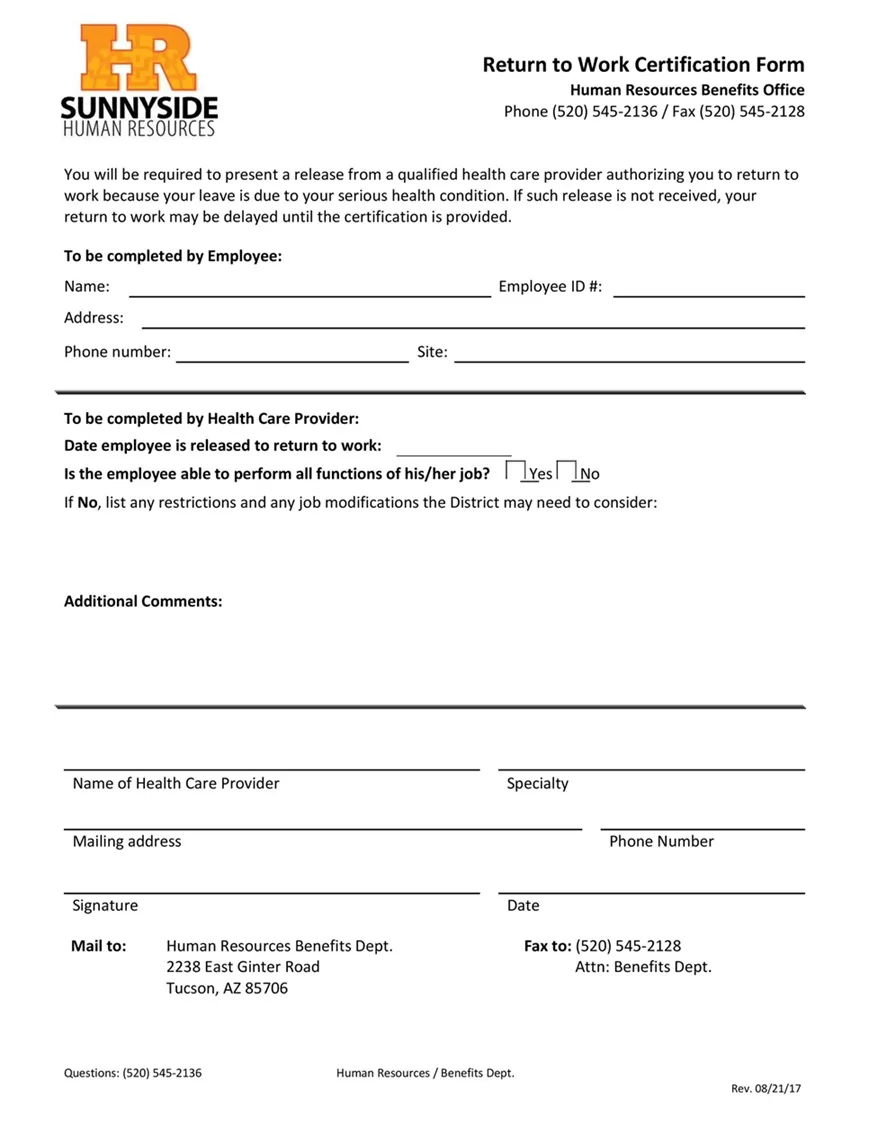
- Physician Authorization (If Applicable): Dedicated lines for the healthcare provider’s signature, clinic stamp, and any medical restrictions.
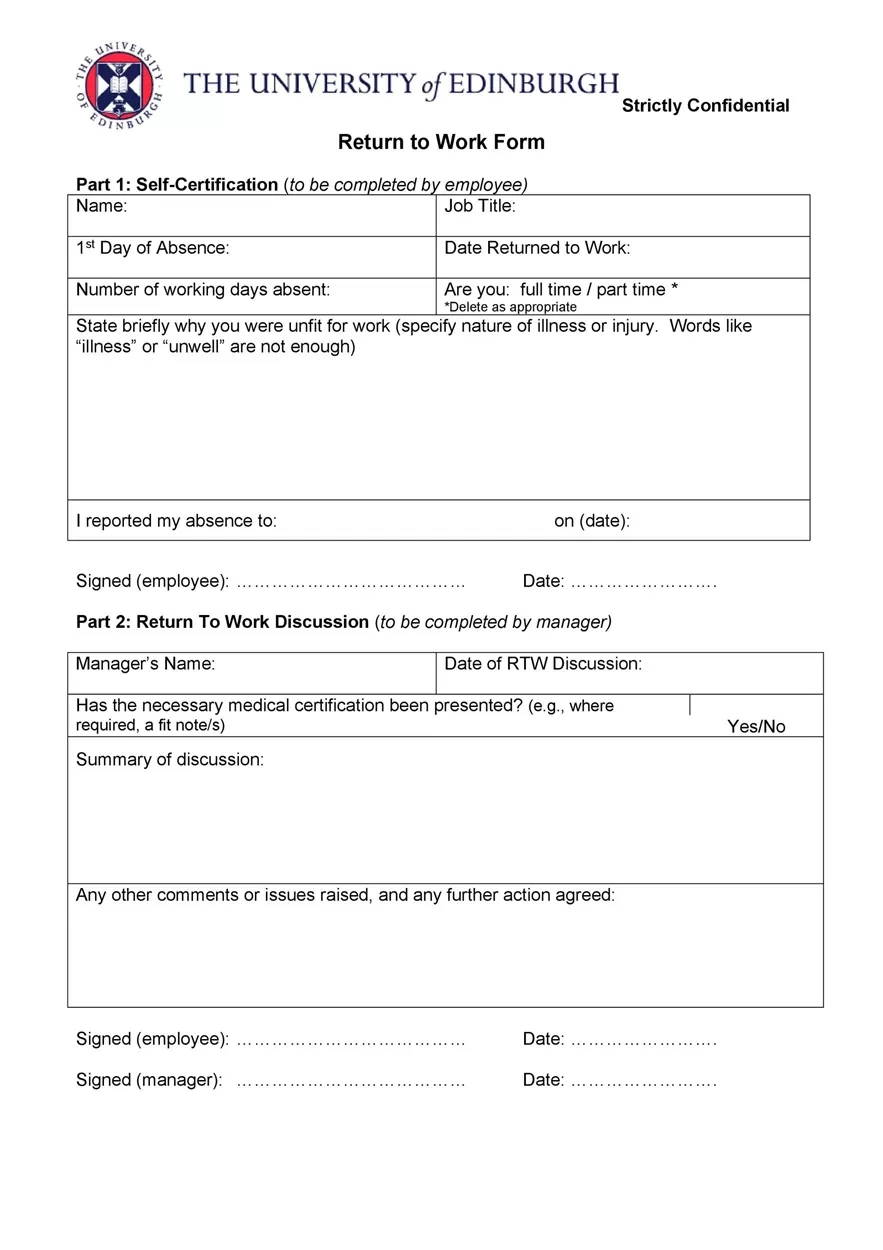
- Signatures & Dates: A final verification area for both the employee and the manager or HR representative to sign off on.
I will be honest — setting up aligned signature blocks and checkbox tables in Word can be a real pain if you’re building a form from scratch.
That is why I went ahead and pre-formatted all of these sections across the templates below. The spacing is already locked in, so whether you fill it out digitally on your screen or print out a stack for the office clipboards, everything stays right where it belongs.
Free Return-to-Work Forms {Fillable PDF Format}
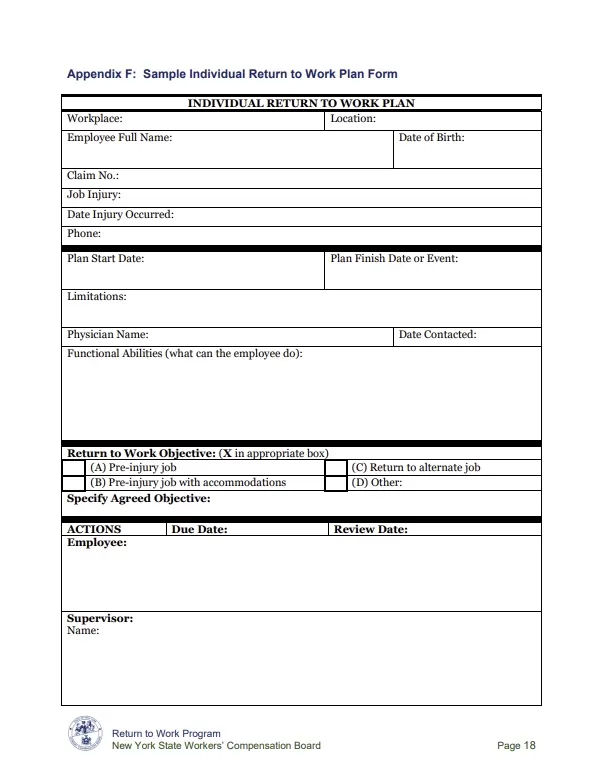
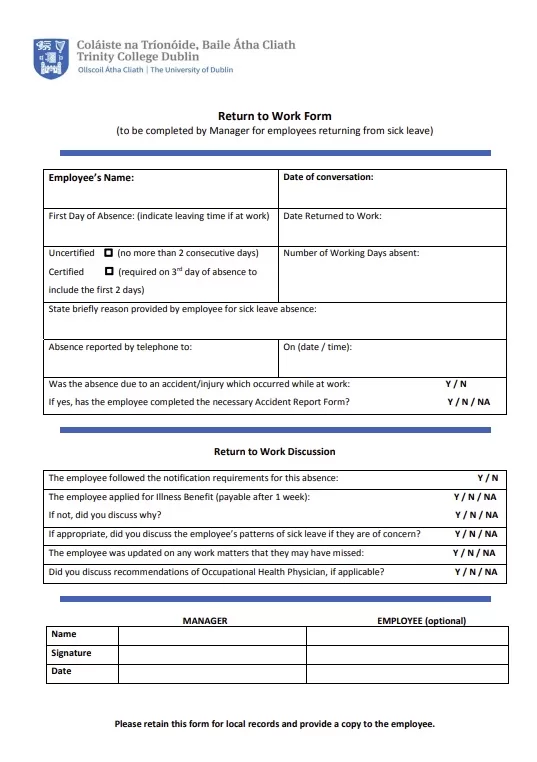
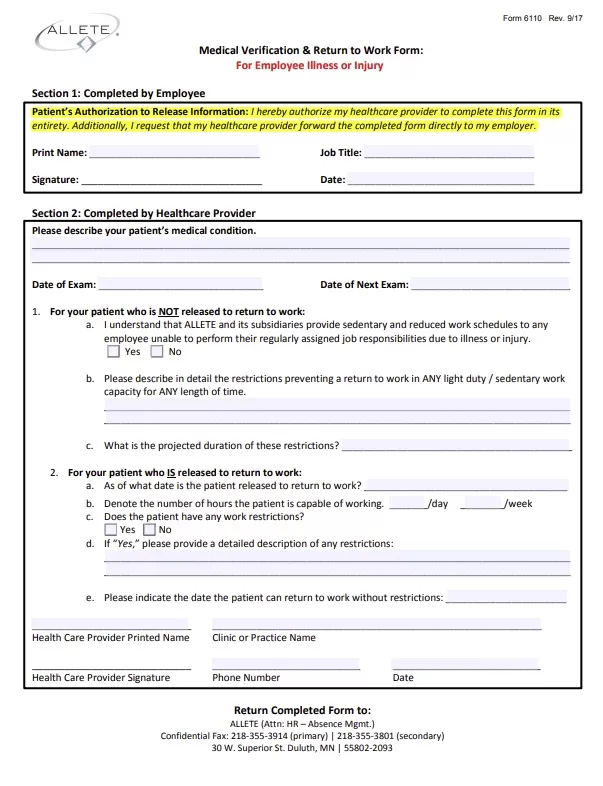
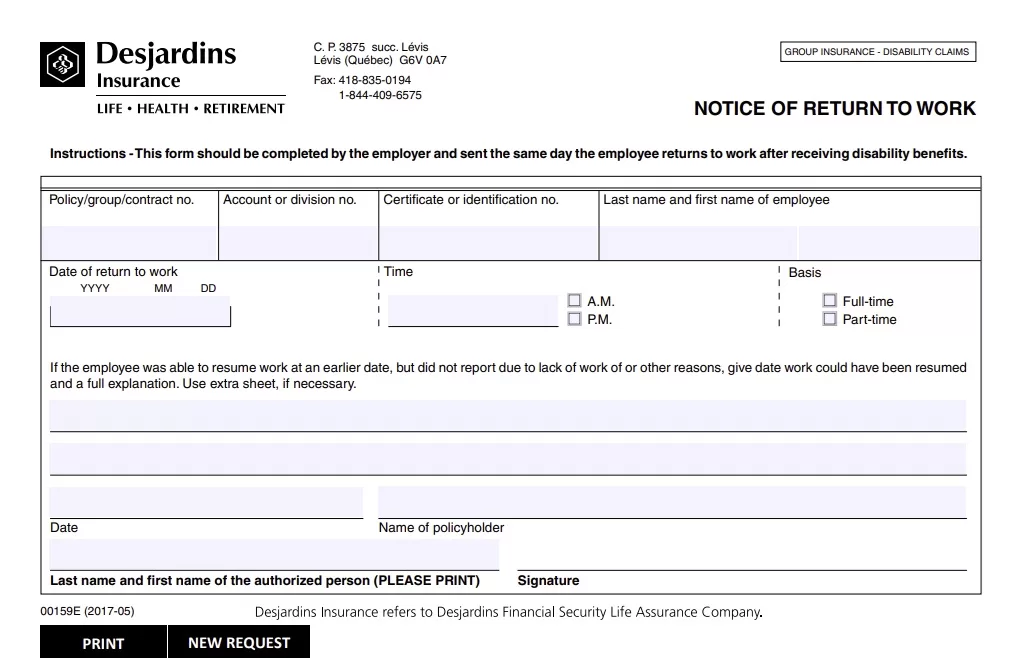
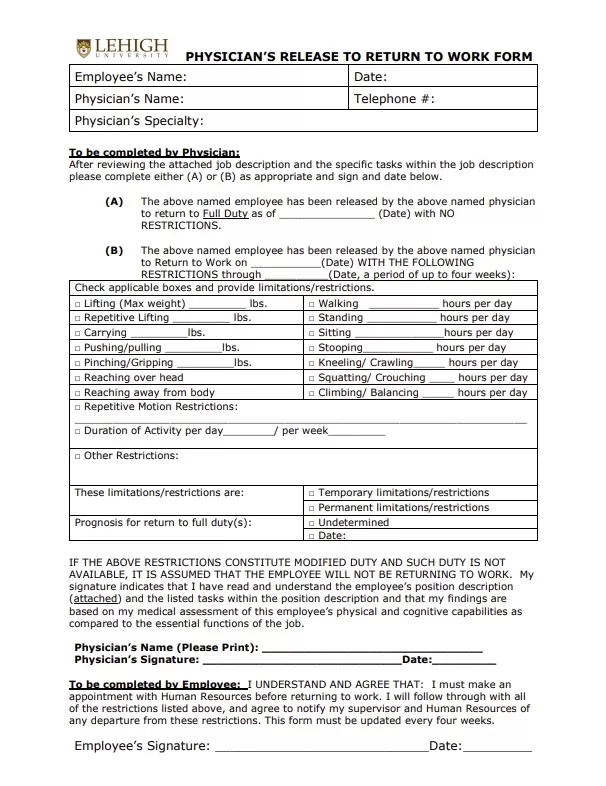
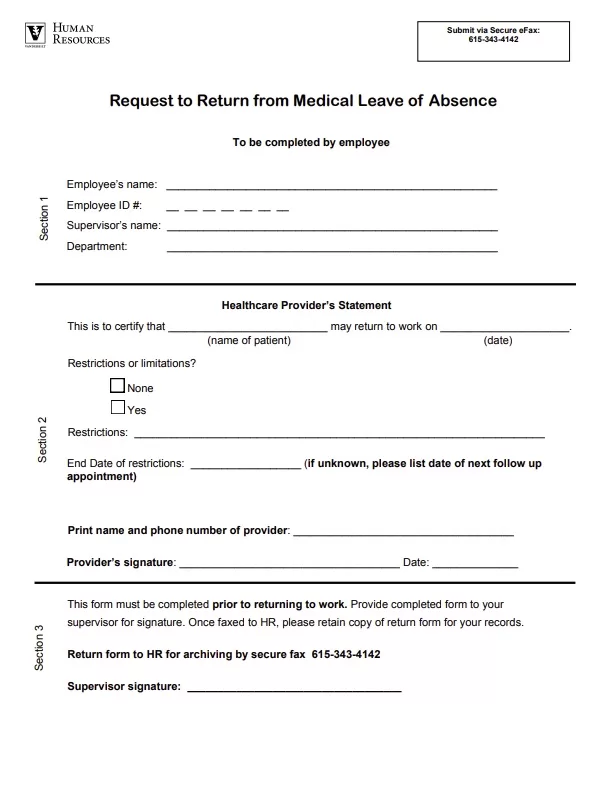
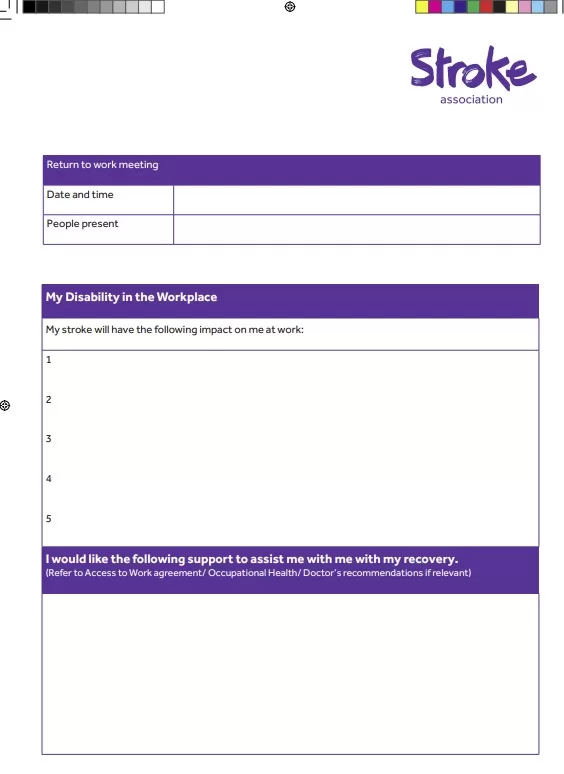
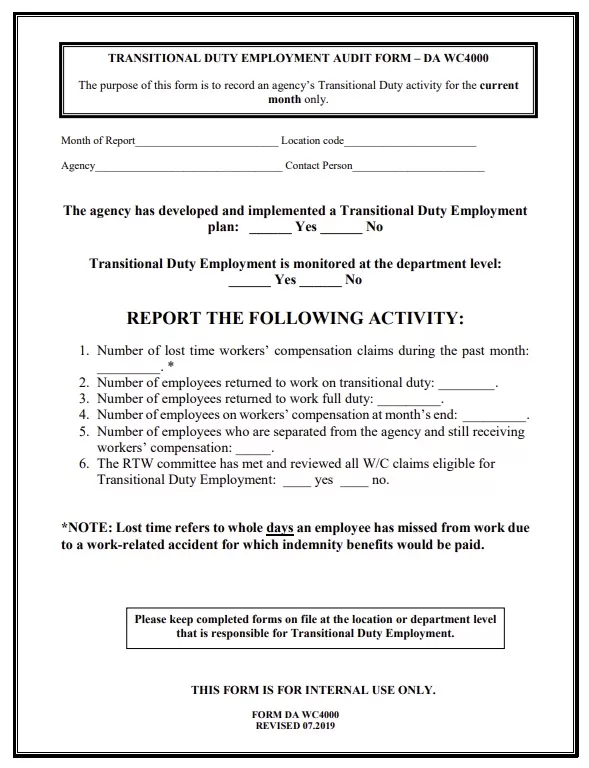
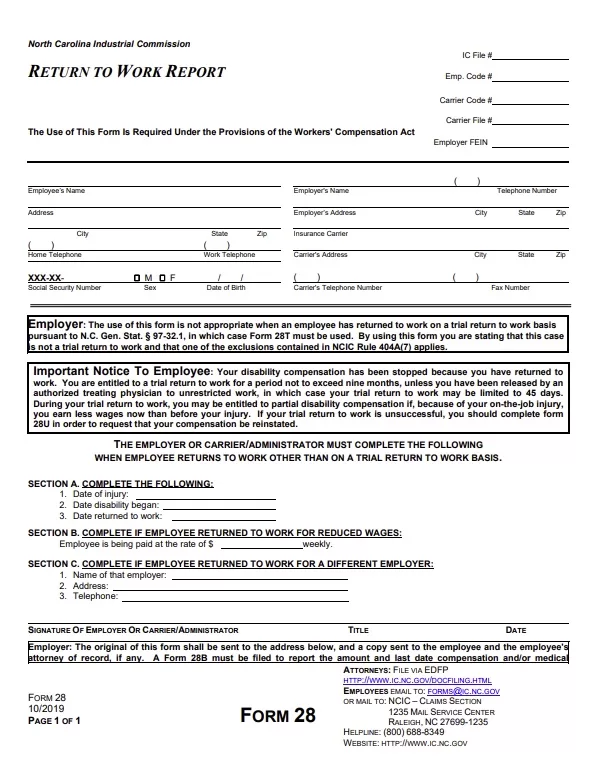
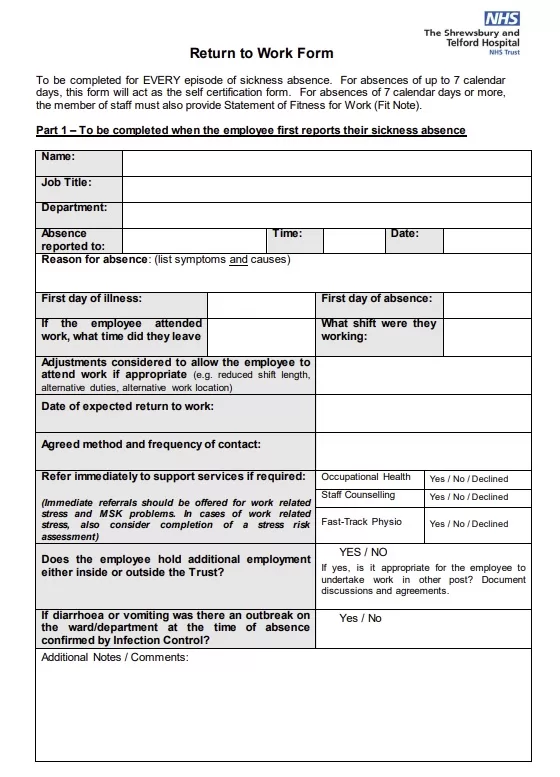
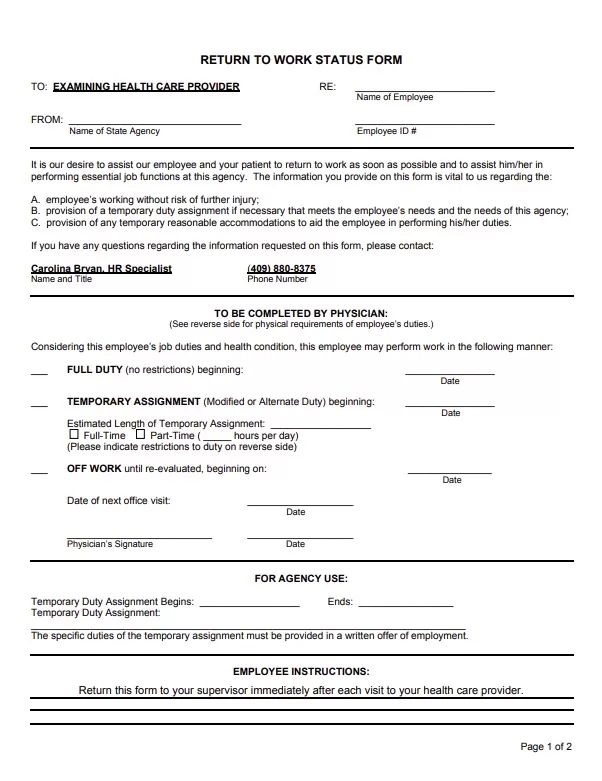
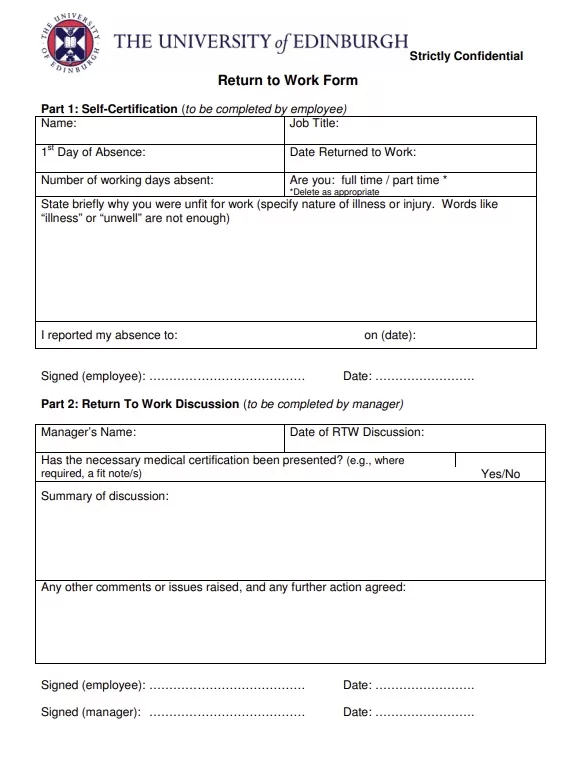
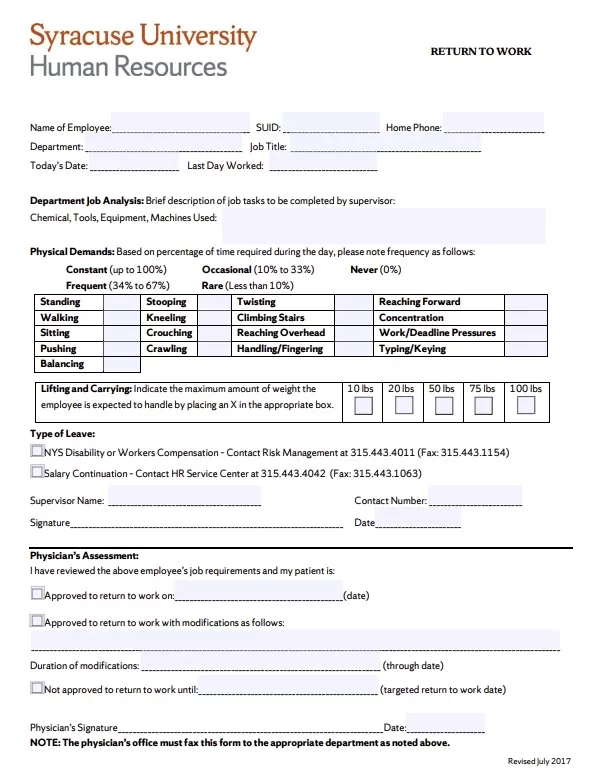
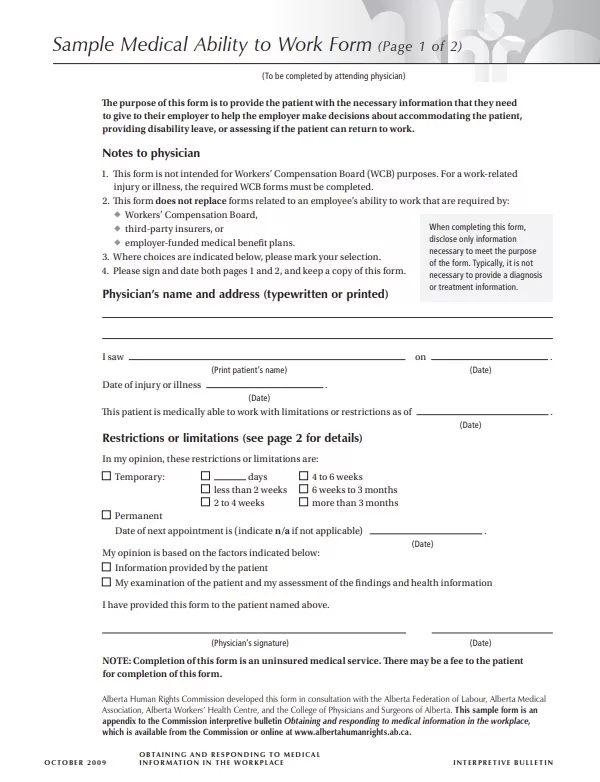
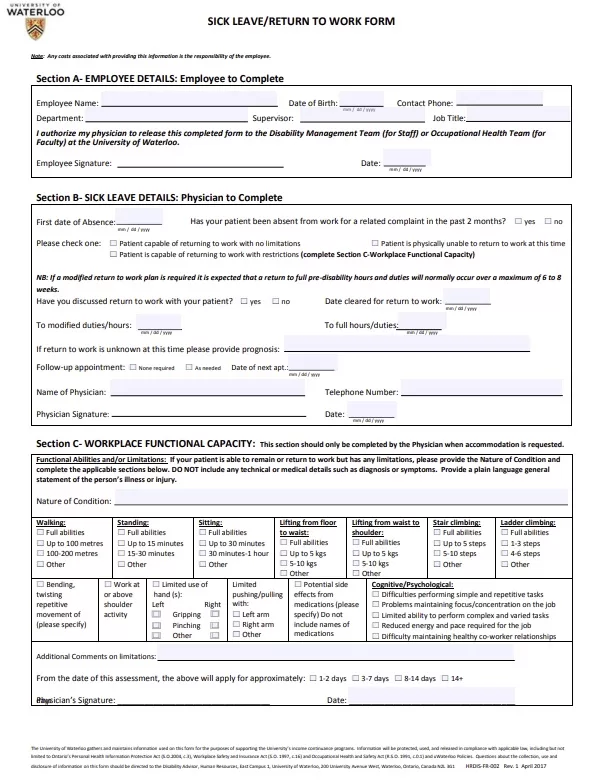
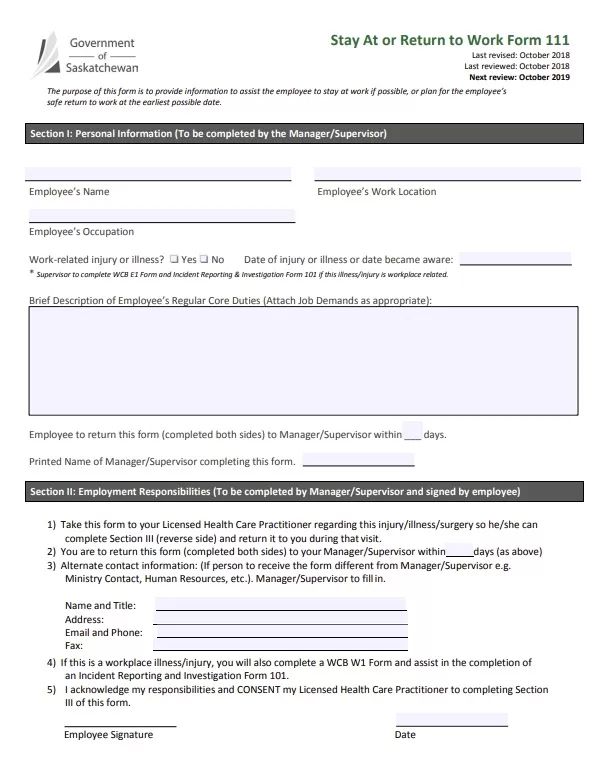
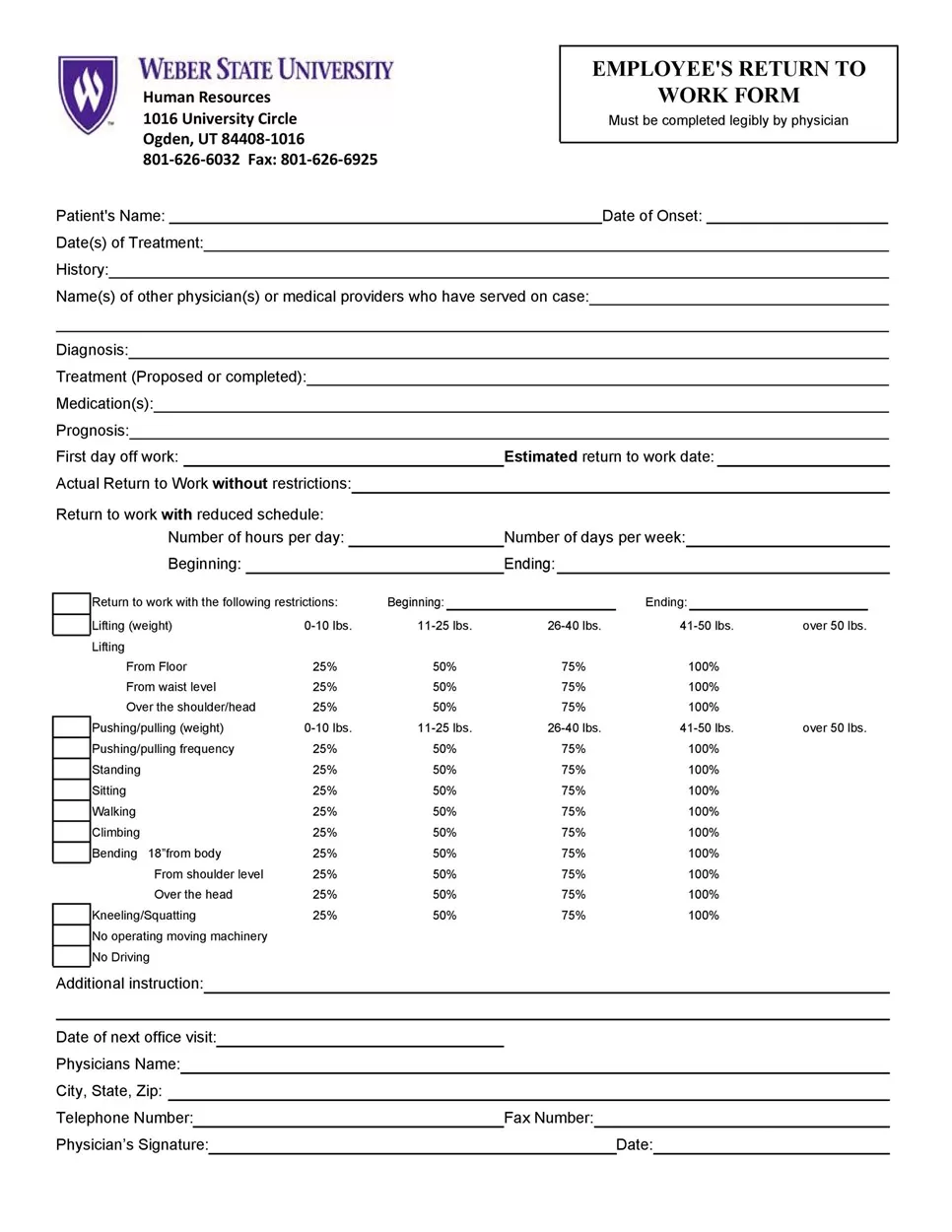
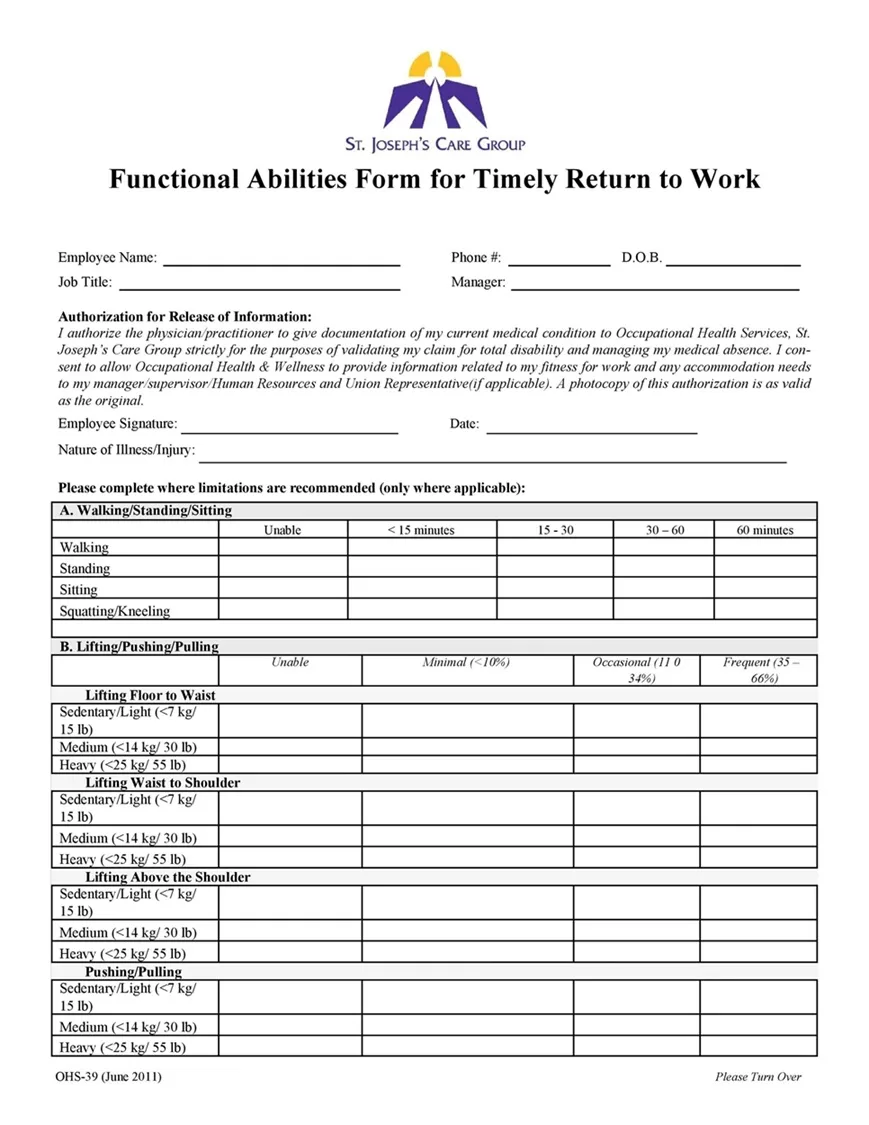
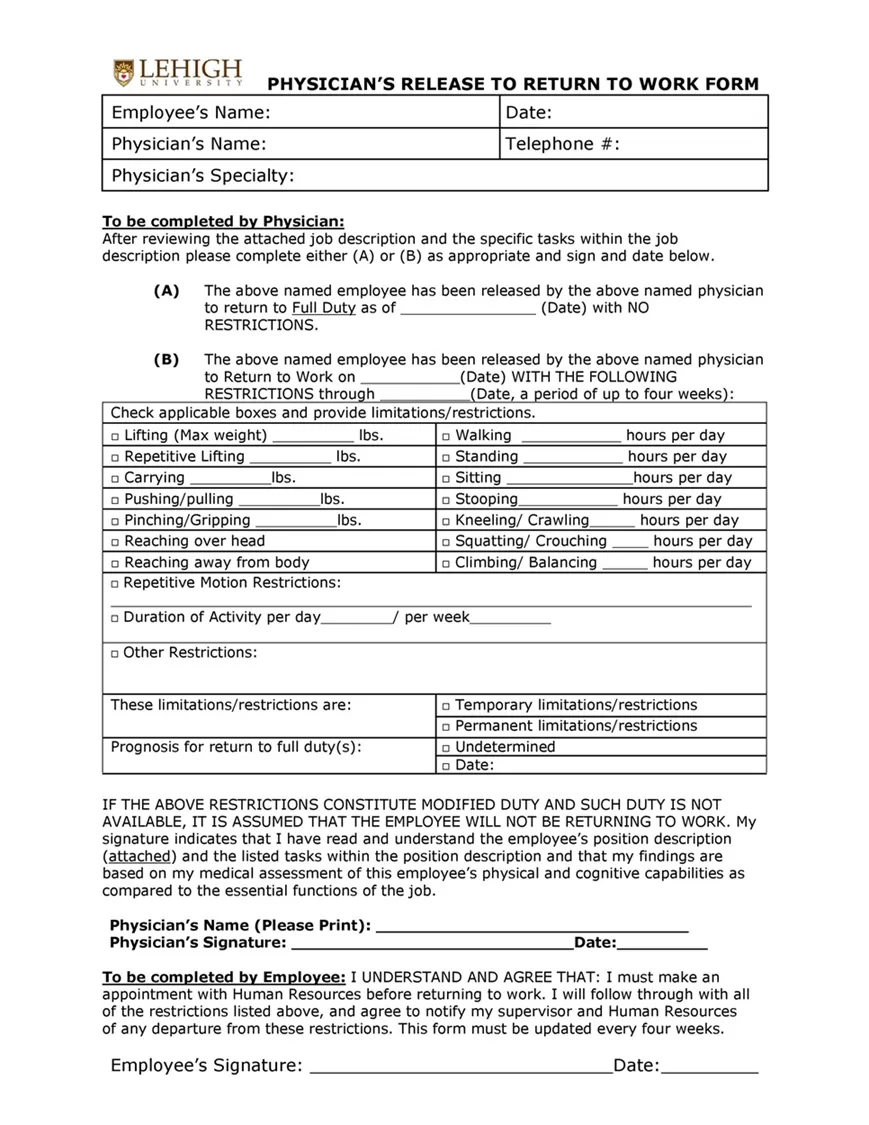
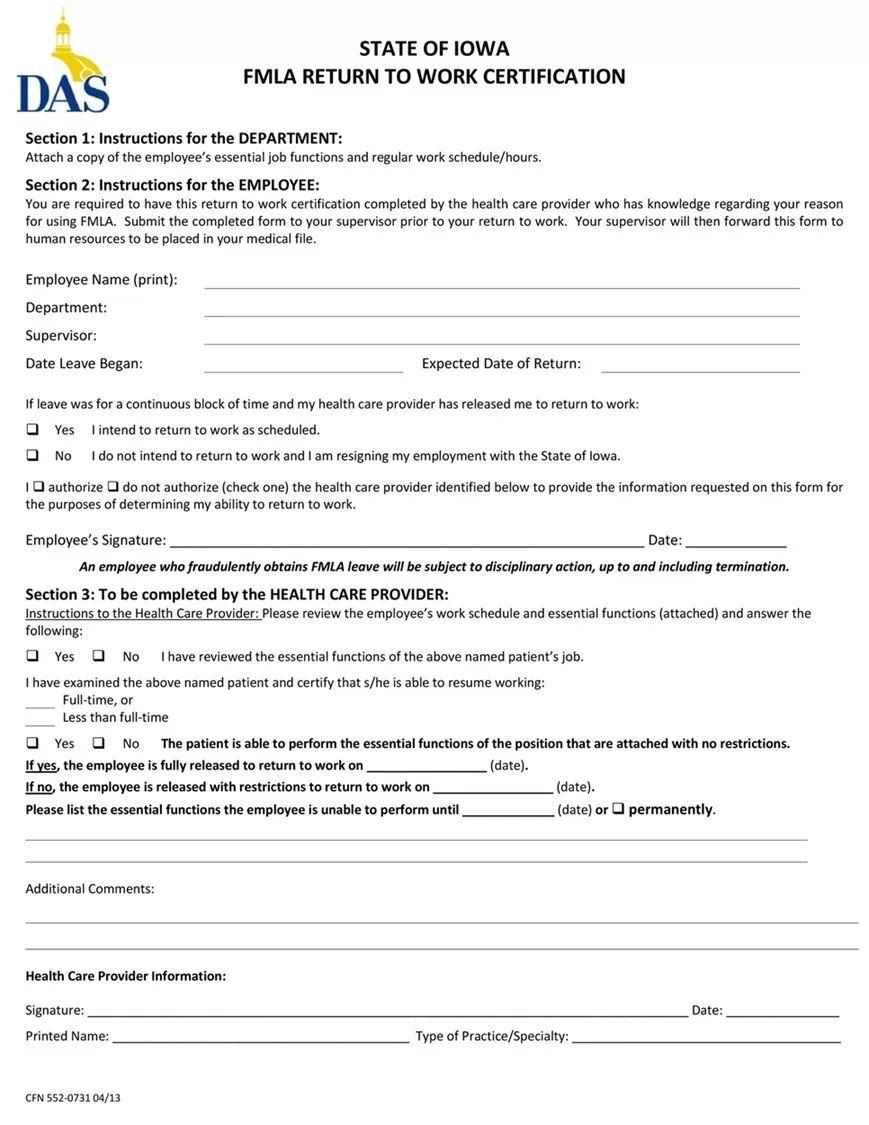
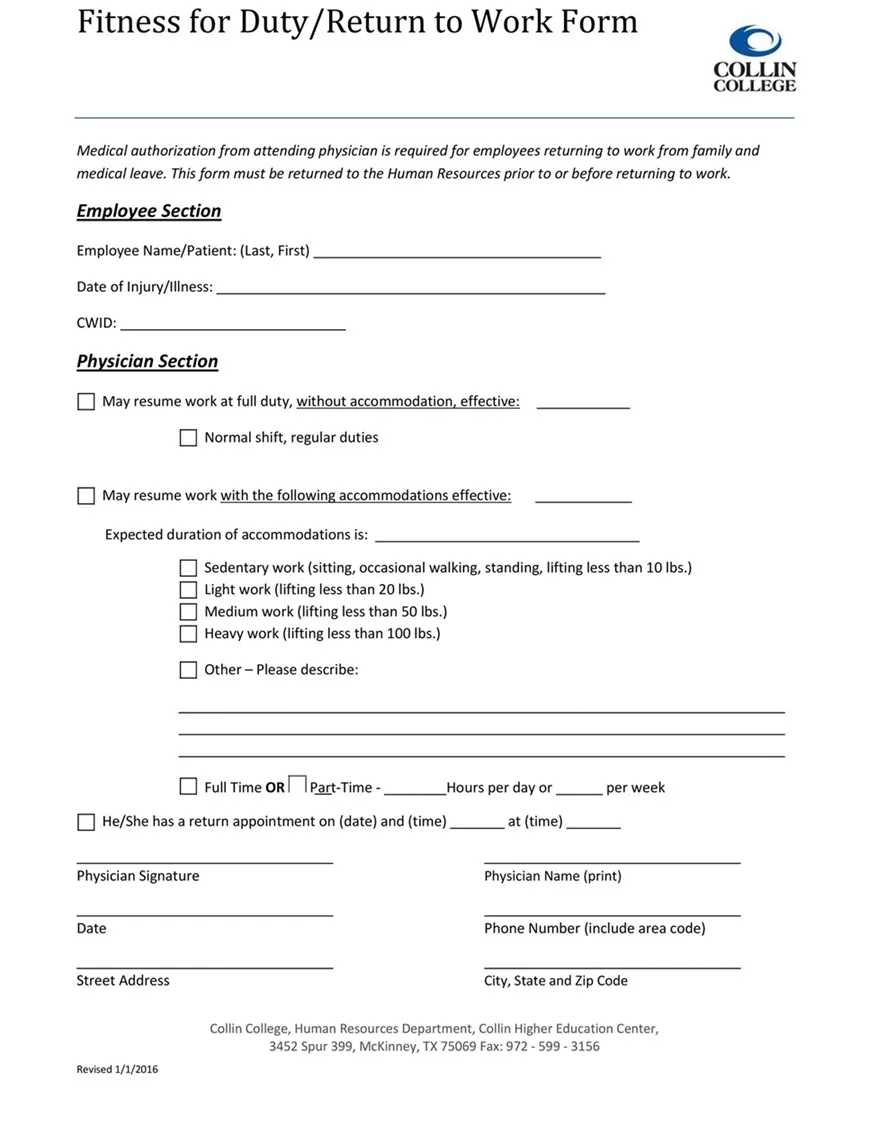
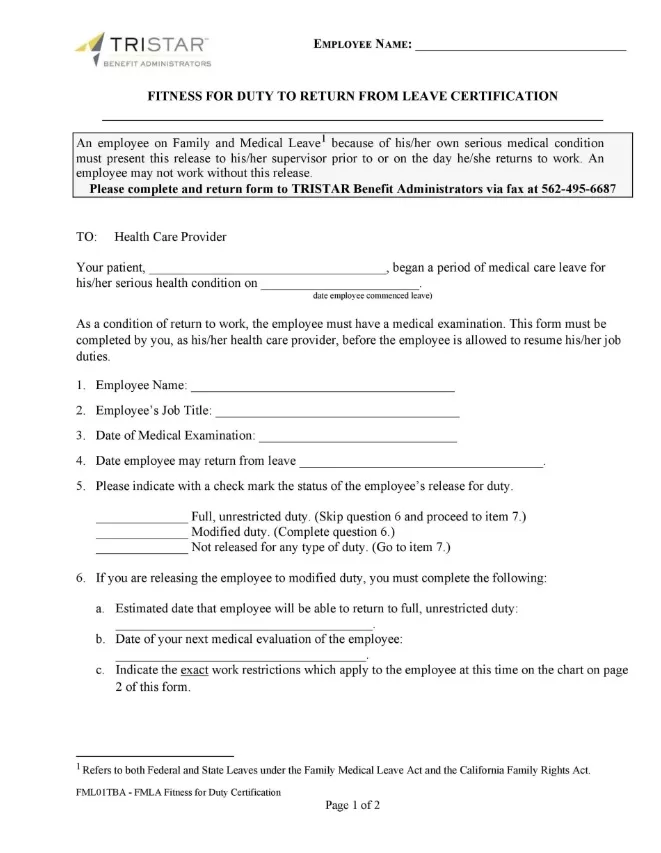
I’ve designed several variations below — ranging from a simple employee return to work form for routine sick leave to a more detailed medical leave return-to-work clearance form that includes sections for physician authorization and doctor’s notes.
All of these layouts are available as free fillable PDF return to work forms and editable MS Word return to work templates. They print cleanly on both standard US Letter and A4 sizes, with lined fields that don’t shift around when you start typing or filling them out by hand.
Take a look through the options below, grab the file format that fits your office setup best, and save yourself some setup time today!






Types of Return-to-Work Forms
Not every absence is the same, which means a single generic template won’t always cover what you need.
Based on my experience designing these over the years, a quick one-page note works great for a bad cold, but a worker coming back from an injury needs something much more specific. That is why I built a few different versions of these forms — so you can grab the right tool for the actual situation.
Here are the main types of return-to-work forms I’ve made available on this page:
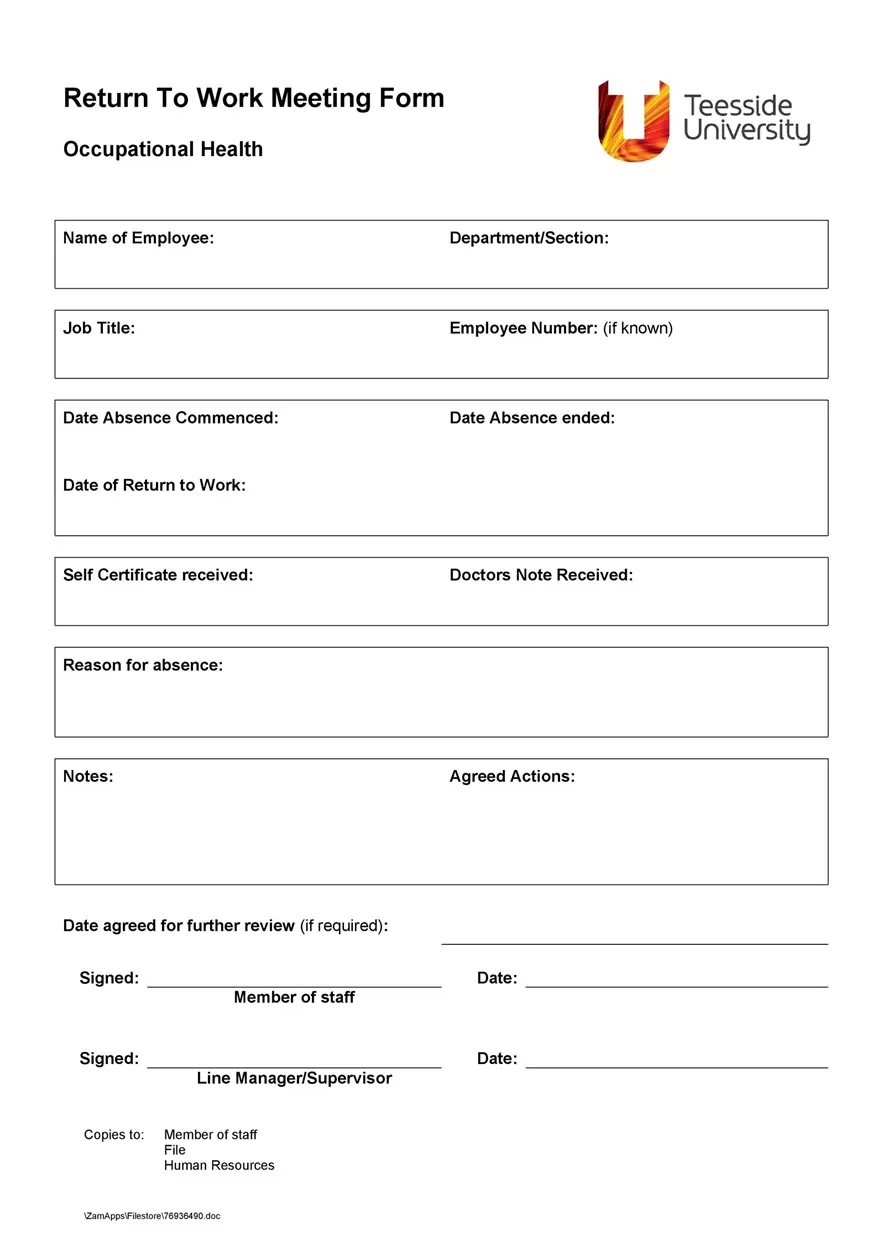
- General Employee Return-to-Work Form: This is your everyday, versatile option. It works exceptionally well for short-term absences like routine sick days, personal leave, or brief time off. It covers the basic dates, reason for absence, and supervisor sign-off without any unnecessary medical jargon.
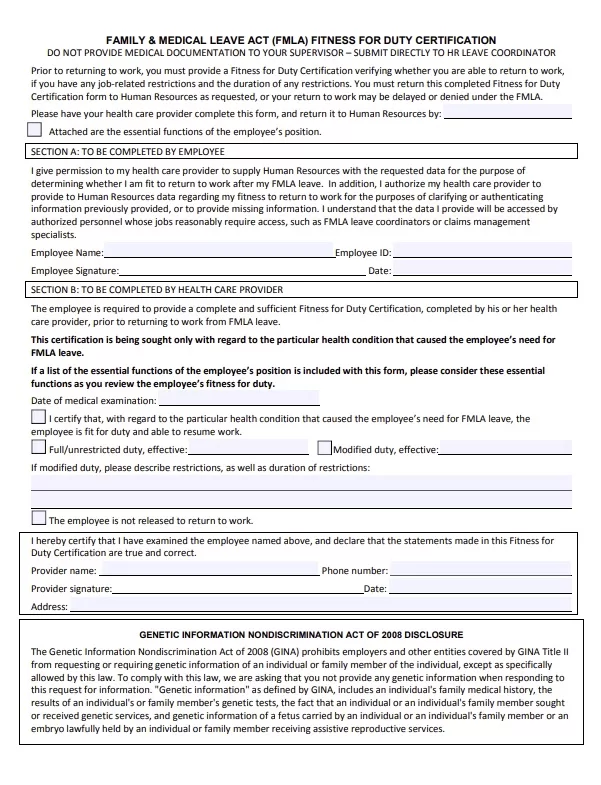
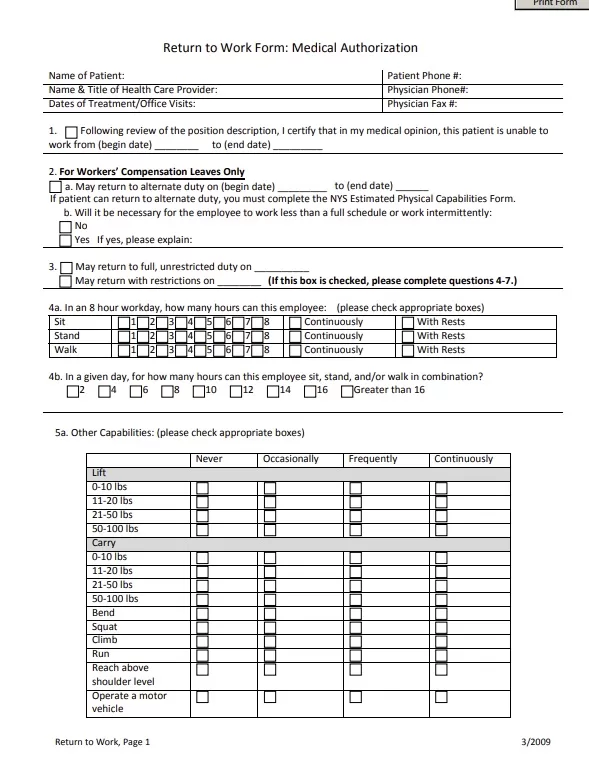
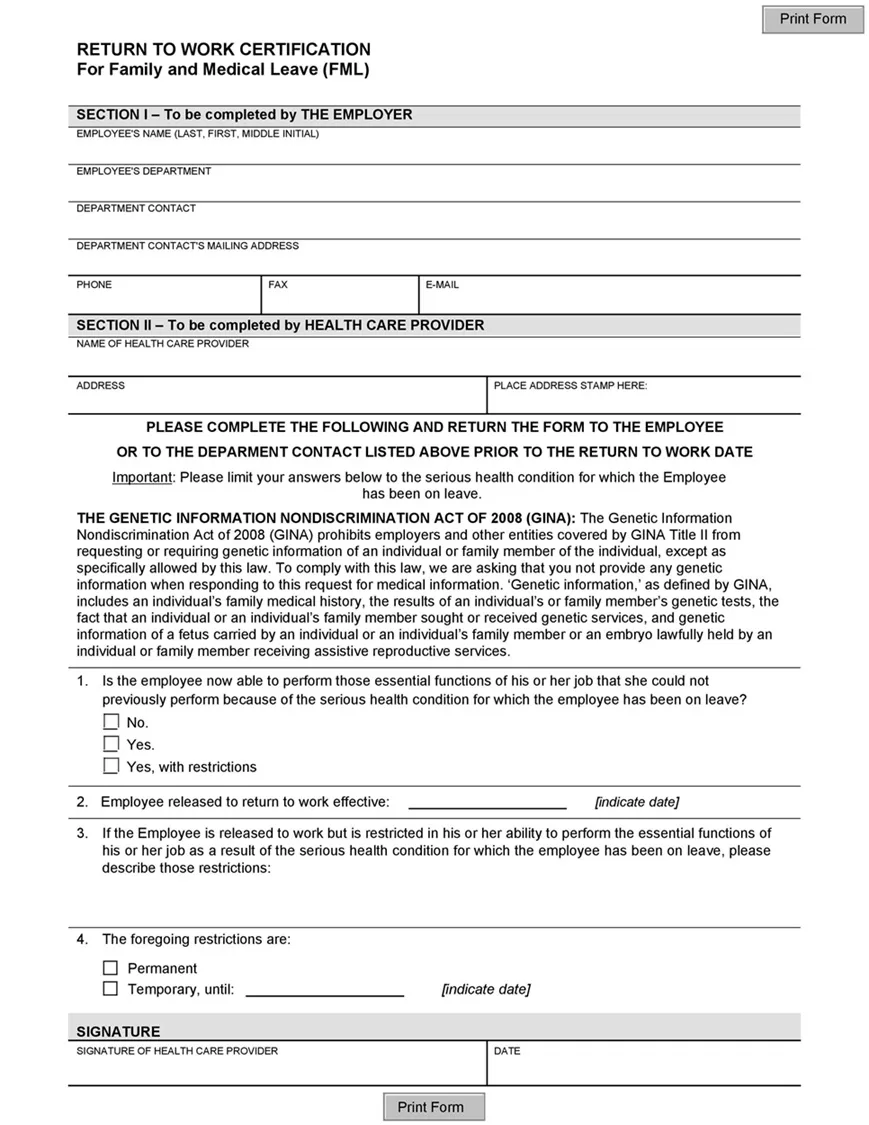
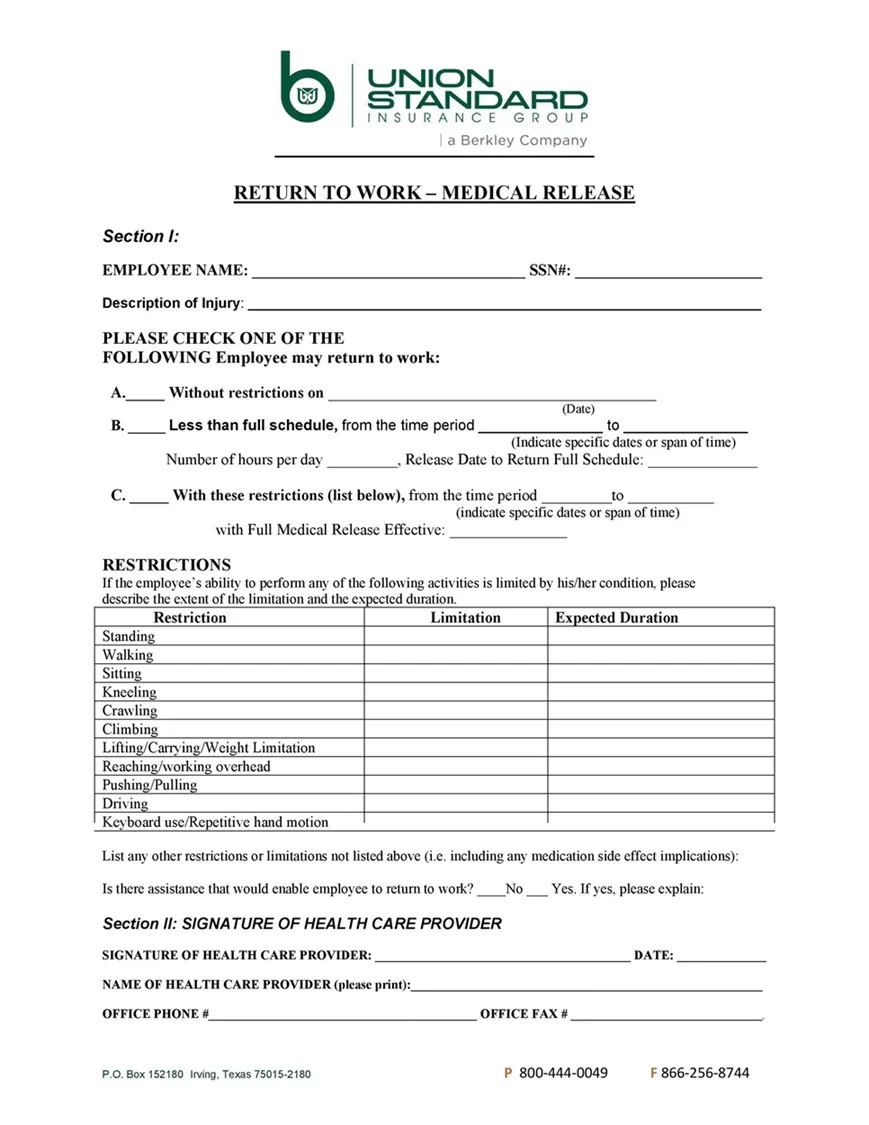
- Medical Clearance Return-to-Work Form: I designed this one specifically for situations involving extended illness, hospital stays, or surgery. It features a dedicated section for a licensed physician or doctor to sign off on fitness for duty, confirming that the worker is healthy enough to handle their normal responsibilities.
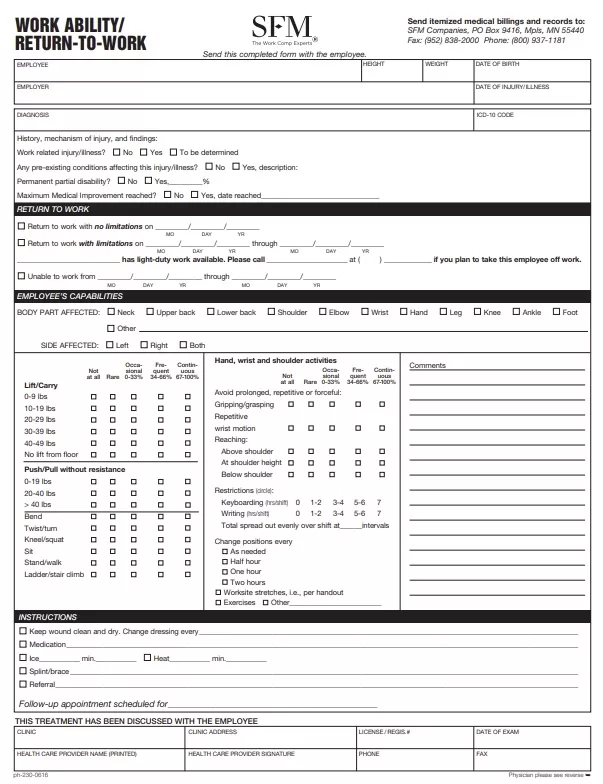
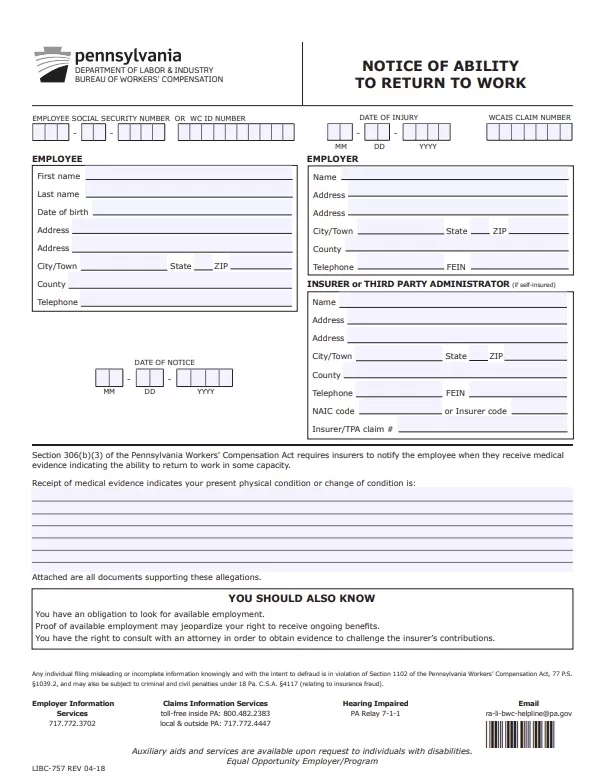
- Workplace Injury / Workers’ Comp Return Form: If an employee was off due to an on-the-job incident, you need a strong paper trail. This layout includes extra fields for safety coordinator sign-offs, incident reference numbers, and precise clearance details to keep your compliance records straight.
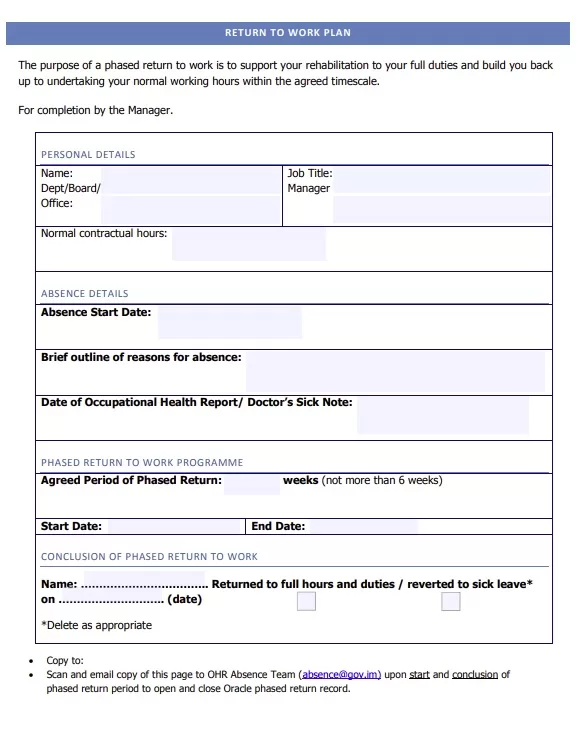
- Modified Duty / Light-Duty Accommodation Form: Sometimes a doctor clears someone to work, but with strict limits — like “no lifting over 15 lbs” or “must sit for 50 minutes of every hour.” This template breaks down physical restrictions and modified schedules so both the manager and employee are on the exact same page.
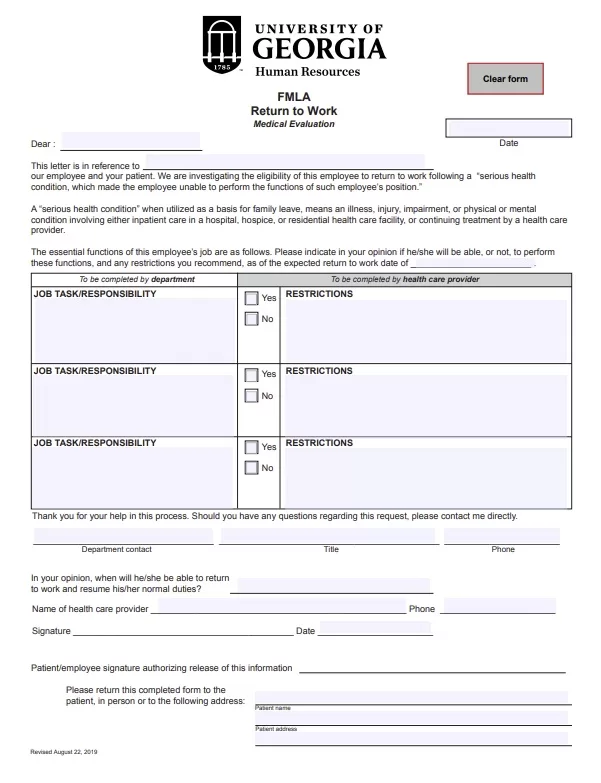
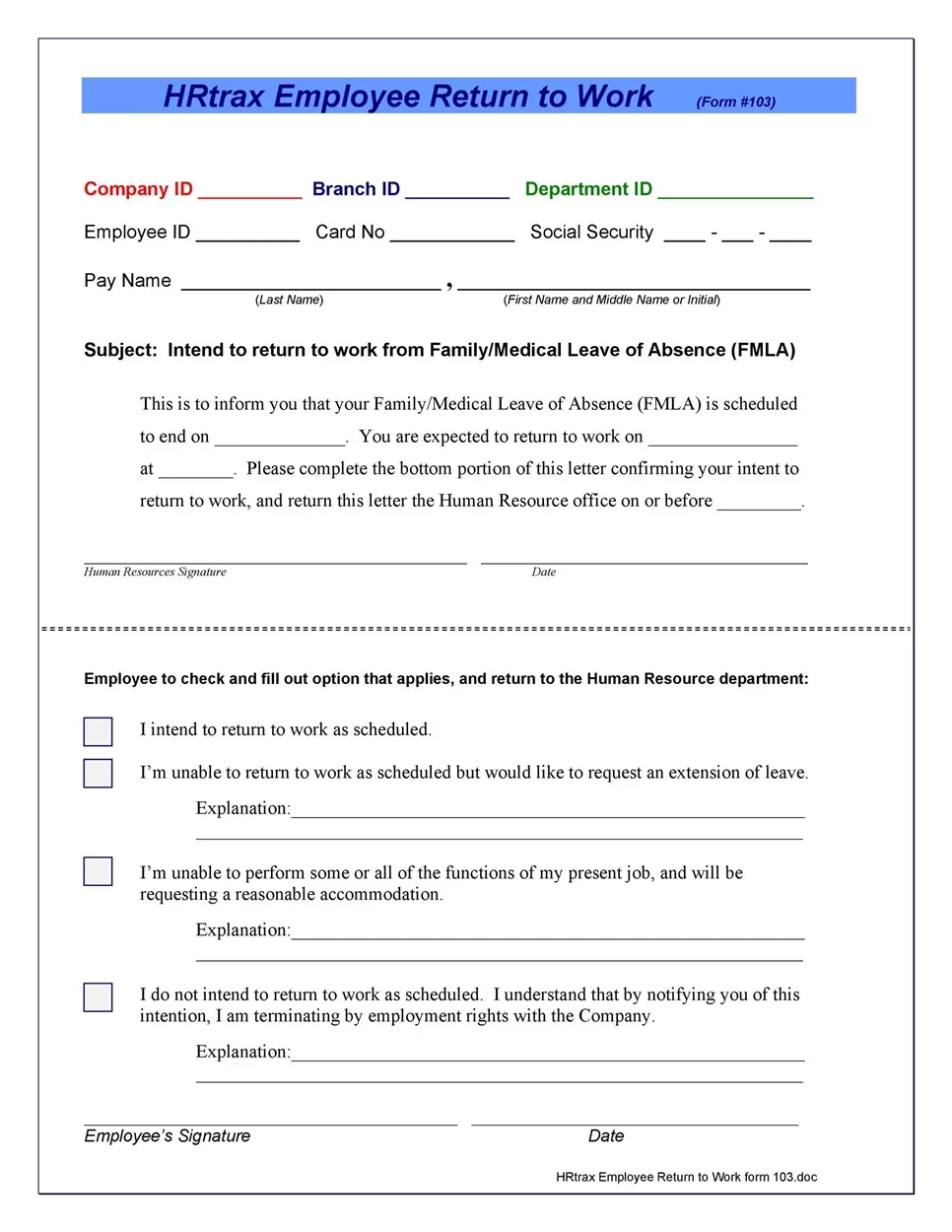
- FMLA / Extended Leave Return Form: Built to handle longer, formal leaves of absence like parental leave or severe medical conditions. It helps track official restoration of duties and benefits restart dates.
Now, what I personally like about having these separated out is that you don’t end up giving a 3-page complex medical release form to someone who just had a 2-day stomach flu. Simple, relevant, and right to the point.
Pick the layout from the options below that matches your specific scenario, fill in the blanks, and you’re set.






Implementing a Return to Work Process
Having a clean, printable form ready on your computer is a great first step, but how you actually run the process matters just as much.
Speaking from experience — and I have designed quite a lot of these HR documents — having a clear, repeatable process prevents misunderstandings and makes returning to the office much less stressful for everyone involved.
Here is a straightforward way to handle it:
1. Communicate Early Before the Return Date
Don’t wait until the employee shows up at their desk on Monday morning to hand them a stack of paperwork. Send over the form a few days before their expected start date. That gives them plenty of time to look it over, get a physician’s signature if needed, and ask any questions without feeling rushed.
2. Review the Documentation Together
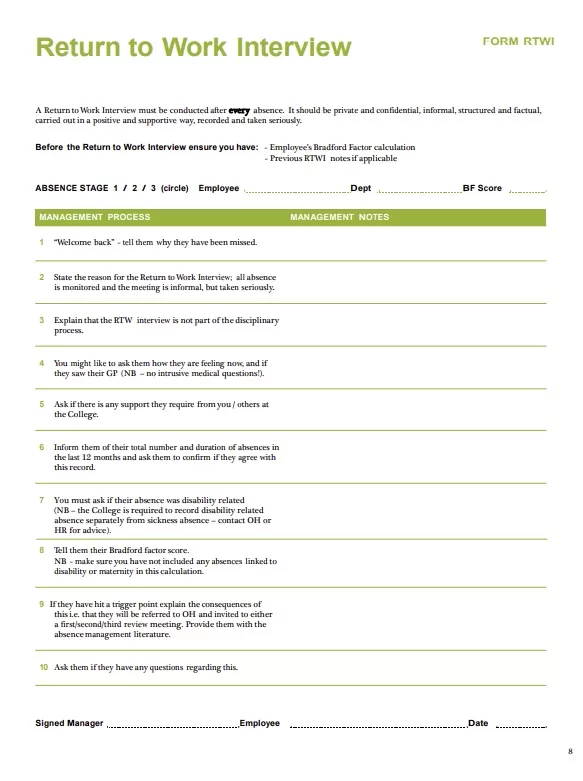
When the employee returns, sit down for a quick 5 or 10-minute chat. Go over the form together, check that all fields are filled out, and review any work restrictions or temporary accommodations. This might sound obvious, but taking a few minutes to talk face-to-face makes a huge difference in helping someone feel supported.
3. Obtain Both Signatures
Make sure both the employee and their direct manager (or HR representative) sign and date the completed form. This locks in the agreement on work expectations and ensures your records are complete for payroll and attendance tracking.
4. File the Document Securely
Once signed, save a digital copy in the employee’s secure personnel folder or file the physical copy in a locked cabinet. Medical details should always be kept confidential and separated from general personnel files to maintain privacy compliance.
A quick practical tip: Keep a few pre-printed blank copies of the general return-to-work form in a folder near your HR desk. That way, if someone pops in unannounced after a brief illness, you have a print-ready copy ready to go immediately.
And honestly, that is all there is to it. Download one of the templates above, follow these simple steps, and you will have a clean, organized system in place for your team!





















Frequently Asked Questions
I know managing employee paperwork can bring up a few specific questions, especially when medical notes and legal compliance get involved. Here are simple answers to the questions people ask me most often about these forms.
Are these return-to-work forms free to use for my business?
Yes, absolutely. Everything on PrintableSample.com is 100% free for both personal and commercial use. You can download these forms, edit them to fit your business, and print as many copies as you need without paying a dime or creating an account.
Can I add my company logo and details to these forms?
You definitely can. I specifically designed the MS Word (.docx) versions so that every single element is editable. You can easily insert your company logo at the top, adjust the business address, or tweak the wording to match your internal HR policies.
Are these return-to-work templates HIPAA compliant?
The templates themselves are designed to collect basic, necessary information to confirm an employee’s fitness for duty. However, HIPAA and privacy compliance mostly depend on how you handle and store the completed documents. As a rule of thumb, always keep medical clearance notes in a confidential, locked file separate from general employee personnel files.
Do employees need a doctor’s signature for short absences?
That depends on your specific company policy, or local labor laws. For routine 1 or 2-day sick leaves, most employers just use my General Employee Return-to-Work Form which requires only the worker and supervisor sign-off. For longer absences or workplace injuries, taking advantage of the Medical Clearance Form with a physician’s sign-off is usually the safer route.
What is the difference between a return-to-work form and a doctor’s note?
A doctor’s note is simply a letter from a healthcare provider stating that an employee was under their care or is cleared to work. A return-to-work form is a broader HR document created by the employer that combines the attendance record, official return dates, work restriction details, and signatures from both the manager and employee in one organized place.
Will these forms open properly in Google Docs?
Yes, they will! You can download the MS Word file directly to your computer, upload it to your Google Drive, and open it right in Google Docs. The spacing and margins are set up to stay neat and lined up without messing up the page breaks.
Keep in touch for future updates on this topic to grab more free templates.
